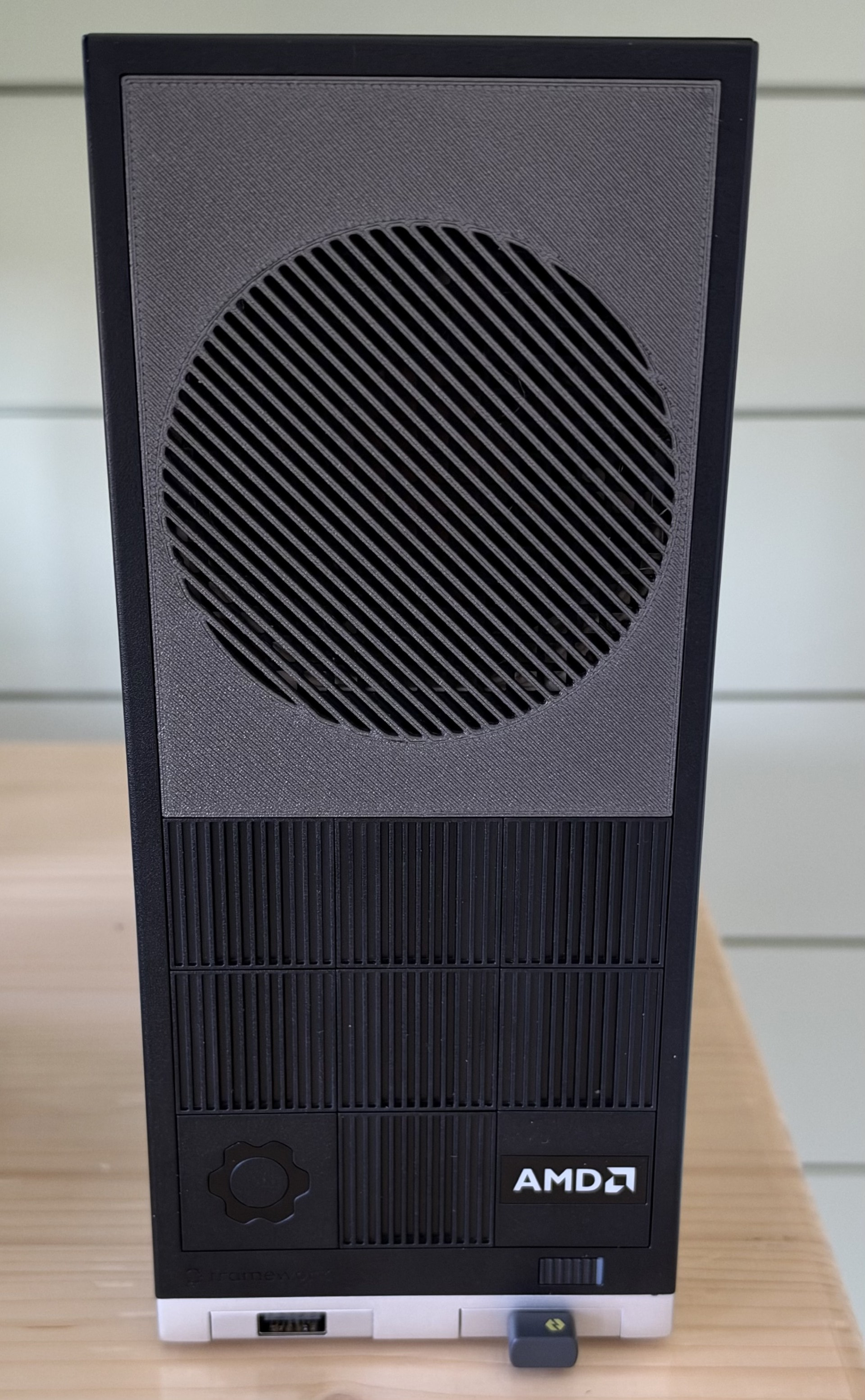
So I really couldn’t find much about the if the front fan is worth it so I decided to test this for myself and post results to hopefully help someone else out.
System is the Framework Desktop with Ryzen AI Max+ 395, 8060s, and 64GB RAM.
Fans that were used is the Noctua NF-A12x25 G2 PWM set to intake for main system fan, Noctua NF-A8 PWM for front fan.
Thank you for doing the experiment! I guess that this finally settles the “front fan as an intake or exhaust” debate? It looks like both help, but intake is better.
I’m using a front fan (intake) for about 4 months now. I also put two back fans (outtake), 80 mm and 40 mm. Drilled a couple of holes in the back plate for that. Replaced the original Noctua with a much higher CPM fan (Phanteks, loud at high RPM, but quiet at low).
The configuration works wonderful: almost inaudible during normal operation, CPU temperature hovers around 35C. Noisy during high load, but that’s expected.
Saw opinions floating around about turbulence or better having high pressure than high CPM. Ignored them and can’t be happier.
I didn’t take pictures of the current config, but you can get an idea from here.
That was a temporary configuration, with a 60 mm fan at the back, changed later to an 80 mm Noctua NF-R8 redux-1800. To the right there’s now a NF-A4x20.
And the Noctua CPU fan is gone and replaced by a Phanteks T30-120.
There’s another picture here showing the Phanteks, but that’s still not the final setup.
I hear lots of people complaining about the noisy PSU fan. Mine doesn’t make any noise, not even at very high CPU load. Probably because the other four fans do a good job keeping the whole case cool enough to avoid the PSU fan kicking in.
So early versions of Bazzite ignored the BIOS fan settings I noticed, and at 200 RPM being the base resting speed for the fan I’ll say the PSU fan was insufferable, I could barely have the computer on for two hours before the PSU fan would start to kick on half the time… In a cold room, on a perforated metal rack that should make it easier for that base to cool off… Under no load. SOMETIMES EVEN WHEN I TURNED OFF THE MONITOR FOR A WHILE IT WOULD STILL KEEP GOING. I was pretty furious overall.
Once my bios settings began applying properly (This week… A most of a year later.) The fan Idles at 400-550 RPM, and I’ve not heard the PSU fan again, and even in heavy loading screens for various applications where beefy memory transfers are being made and CPU use is spiking extremely high, I still haven’t heard the PSU fan kicking off.
All hail the new embedded controller drivers actually respecting the BIOS settings… Finally, the RC car motor sound has stopped.