They also decided to make a FW16 instead of fixing the 13 XD.
But yeah the desktop did feel kinda weird given they can already not really keep their current product stack supported.
In this case though they at least told you the fix is supposed to come with a further update, I have hear absolutely nothing about the 5v charging or the overly agressive ocp or the mini discharge cycles (which we have pretty much figured out what they are caused by and how to eliminate them) or just the overall buggy pd controller on the 13 (and 16 too).
Will this 3.07 stable release at least improve upon some thermals compared to 3.06? Because right now, my FW16 is blowing as if it’s going to take off soon. I have running:
Zen browser (admittedly, not the most memory/energy efficient, but I’m just writing this post on it)
You have at least one core running in the 80s while the rest are around 30-40.
That chip needs a repaste, not something any BIOS changes can fix. If you don’t have a PTM pad yet, you can probably just substitute standard thermal paste for a while until you get the pad.
Skipped the 3.07 beta, yesterday morning installed the 3.07 stable (from 3.06 stable). Yesterday afternoon noticed a few issues with the dGPU turning off, which looks like it may be a known issue. But this afternoon the whole system shut down on me while it was in use.
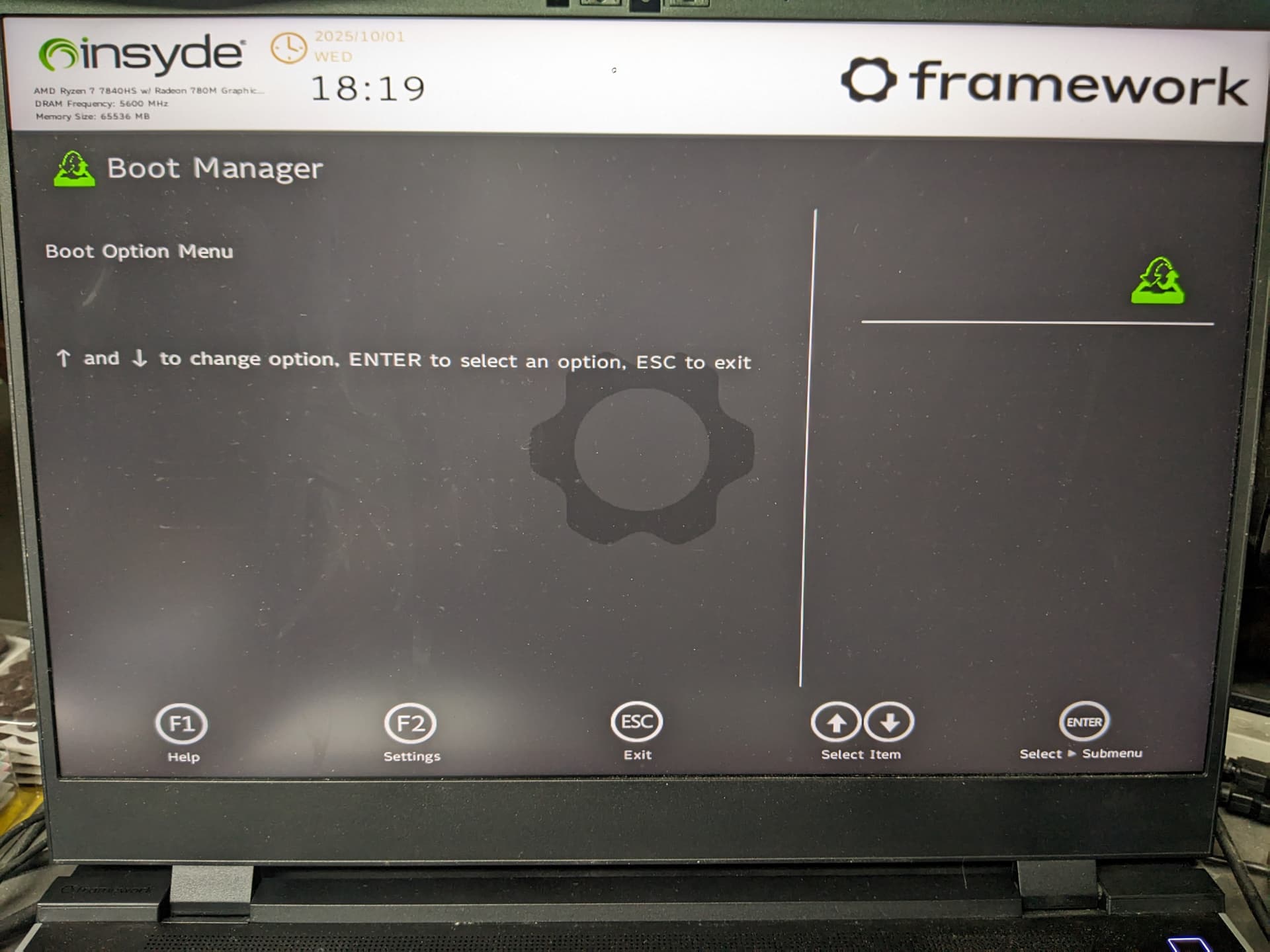
Below is the message I received while trying to reboot. I removed and reseated the SSD, but it appears there is still nothing detected by the BIOS.
My suspicion is that this is another fault of the BIOS update. Would love to know how to confirm this.
Check your Secure Boot settings. They changed Secure Boot certificates (or something, don’t quote me on that) so if you messed with Secure Boot during you first installation it may have caused the problems now.
I have Bazzite Linux installed signed with custom Secure Boot key I had to enroll during initial installation and my unit updated completely fine, all setting retained.
Well, my SSD is on that list - SK Hynix Platinum P41. But I do not remember what version of Windows I have installed - nor do I know how to tell if the drive isn’t readable.
I did turn it off and remove power. Powering it back on gives me the same result.
I do not have another m.2 drive to test. But I did pick up an m.2 to USB adapter today and connected it to a different Windows box, and the Disk Manager says that it can’t detect the partition table. It shows up as 2 TB of “unallocated.” So… maybe not an issue with the BIOS update, and just unfortunate timing?
Thanks! Also to @Qyygle. I had no idea support could assist with that. I’ll get into that next week. I kinda figured it was going to need some tinkering. Ah, well.
I just updated to the new BIOS yesterday, and noticed an issue that I haven’t seen before. My dGPU started behaving erratically in-game (bouncing up and down in clock speed and power draw) and it was quite uncomfortable to watch. I think the cpu may have been doing something similar, as my audio also became quite crackled, but idk if that’s also processed on the GPU or not. I was able to “fix” this by unplugging the power cable and plugging it back in.
System: Fedora 42, Framework 16
Ryzen 7 7840HS w/ RX 7700s
I’ll note that my cpu/gpu were under heavy demand at the time, both nearing 100% usage.
I don’t know if my issue is a result of the BIOS update, but I figured I’d ask if anyone else has seen this.
I was just running updates like normal via discover, and this time happened to include a bios update. I could’ve opted out, but it was pushed to stable channel so I trusted it would be good.
Can confirm - 3.03 was the best dGPU experience for me. 3.05 added battery drain, and it’s been nothing but issues since. I’ve stopped using the dGPU entirely because it makes the machine too unstable on both Fedora and Windows.
dGPU/windows here. 3.07 alpha was treating me pretty kindly but I started having issues plugging in my external monitor over the past few days. Both the iGPU and dGPU were showing up in device manager as disabled and would throw me a driver error when I tried to enable them. I had to play whack-a-mole with the different ports (HDMI expansion card, adapter into dGPU port, adapter into other usb c port) until one would finally register the monitor, and it seemed like a different one would work every day.
Installing the stable 3.07 has surprisingly seemed to fix the issue, but we’ll see if any other problems arise.