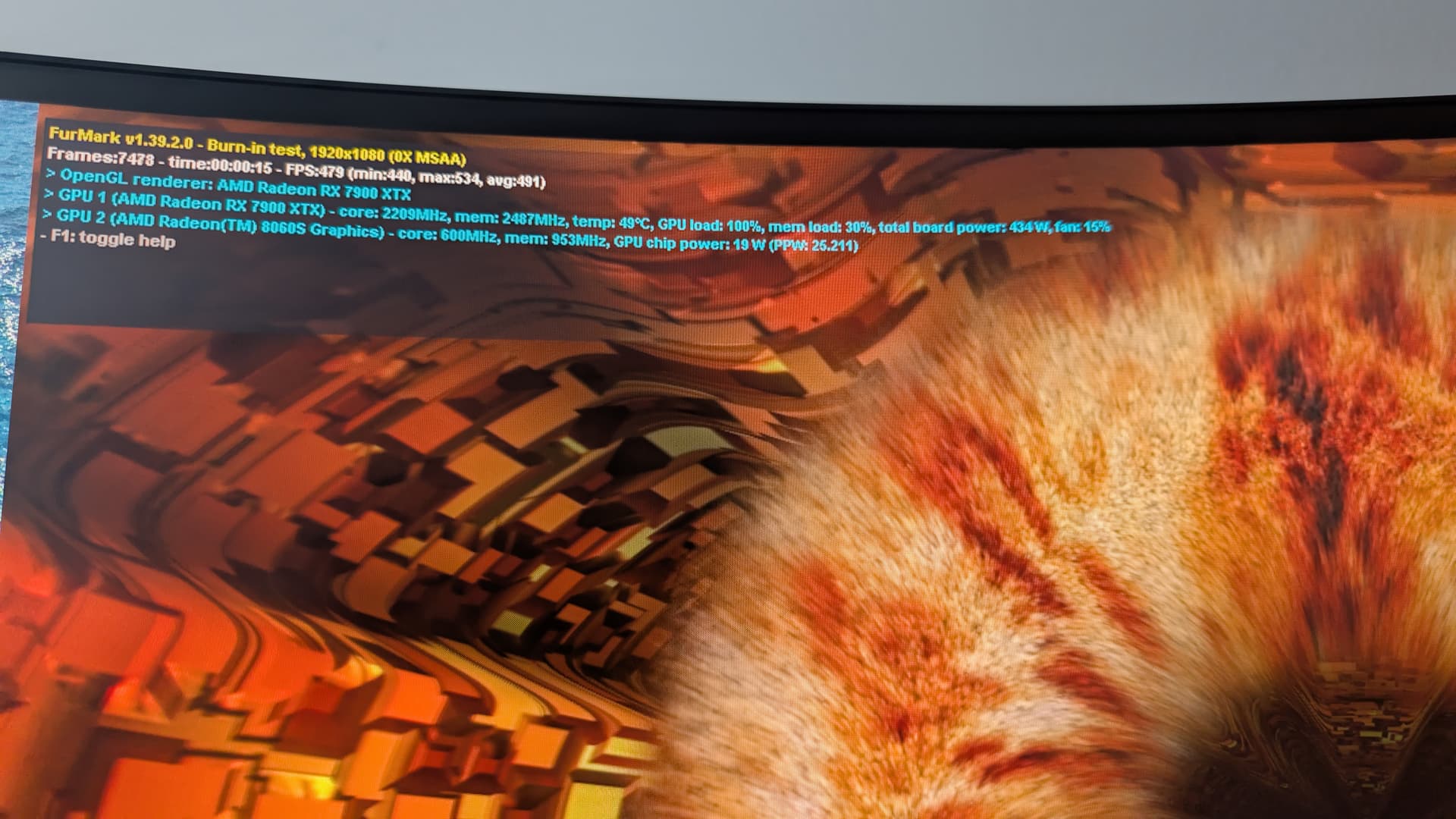
I had just aquired a few months ago a 24 GiB radeon 7900 xtx, before the Framework desktop was announced. Now that one couldn’t play with the big models so I had to deal with the quirks when using for code generation, and I don’t like using online models due to “you have used all your tokens for today, please move along and come back tomorrow”.
With the new Framework motherboard I just got in, I’m having fun with the larger models and MOE models. But I figured I could get more speed if I offload a draft model to a dGPU (more than running the draft model along side the larger one on the iGPU). So since I already have the card, if it doesn’t take much to hook it up and try it (and if this becomes a popular enough use case that the various engines will natively support it), I call it a win.
Otherwise I will have to maintain my old system, use it for the smaller models when I have quick work that fits that use case.
I just took a look at the schematic. RK35 is set to 130k, this should be enough for 4.6A on the 12V rail according to the datasheet of UK3. So unless I am missing something this should be sufficient to drive a 16x card (requires 4.4A).
Do you think you can get your hands on the Minisforum one and test ? It has a standard PCIe connector with x4 lanes. I suspect using an OCuLink you will have exactly the same BIOS problems you have with Framework, I think the problems are from AGESA. But this model has also 2 x TB5 ports would be interesting to see if this solution will work with a dGPU (Nvidia and maybe AMD). I see that they start shipping units to reviewers.
On the other reply from @Hardware_Fox, I still don’t think it’s enough as without a board that supplies all required voltages, I’ll get boots without the card showing up at all or display drop outs indicating some issue with the PCI-e 12v rail. If you have some other ideas, that’d be great but I don’t know that you’ll be able to do anything reliably without an external adapter. Lemme know if you have something to test and I can run my system through its paces.
As it stands, the issue right now is squarely on the BIOS so official support can only come from framework.
Lastly, if you want a graphics adapter connected to your framework in a supported manner, you should be buying a Thunderbolt or usb4 dock to hold your GPU and those should work without issue.
This actually makes a lot of sense. Peripherals running over PCIe do a power negotiation with the motherboard via the BIOS. In order to ensure compatibility vendors usually use the standard 10, 25 and 75W maximum power values. My assumption is that since Framework cannot hit the 75W mark they only enable 25W capabilities. It is theoretically possible that they could safely enable a 50W power mode even though it’s not standard. This is based off of the 4.6A current limit I observed from the schematic (unless I missed something). If this mode were enabled GPUs might be able to use slot power without issue. The GPU should likely still try to initialize even if a lower power capability is reported from the host (otherwise solutions like OCuLink wouldn’t work). From what you have observed, it seems that the cards you tested electrically need more than 25W from the board. This does not necessarily mean that the full 75W is required for the GPU to be stable.
Anyway, you are still correct that external power is required in its current state, however, from what I have learned it might be possible to do in the future. I seriously doubt this will ever happen as it’s definitely not standard. When I get my Framework board I might try to manually write to the register and force it into a higher power state to confirm my theory. It would be neat if I could get a dGPU working without external PCIe power (at my own risk, this could possibly break something).
TL;DR: In its current state you NEED EXTERNAL PCIE POWER, as correctly stated by @Lukew4lker, to even have a chance at running a dGPU. It MIGHT be possible to run a dGPU without external power on the PCIe interface IF it’s enabled it in the BIOS with a non standard power configuration.
This is a set of fantastic investigation. I’m assuming there is a lack of Rebar support and thus Intel GPUs are out of the question?
Shame because the b60 pro is looking like it will support sr-iov. Thus the Ryzen AI Max+ along with GPU accelerated VMs would make this the perfect workstation all around for me.
What would be the advantage of a dGPU in the x4 slot relative to an M.2 Oculink attached eGPU? I am under the impression the latter (Oculink) provided higher throughput?
There is not any advantage bandwidth-wise going OCuLink over PCIe. OCuLink is basically a connector and cable that allows you to externalize PCIe, so they run at the same speeds.
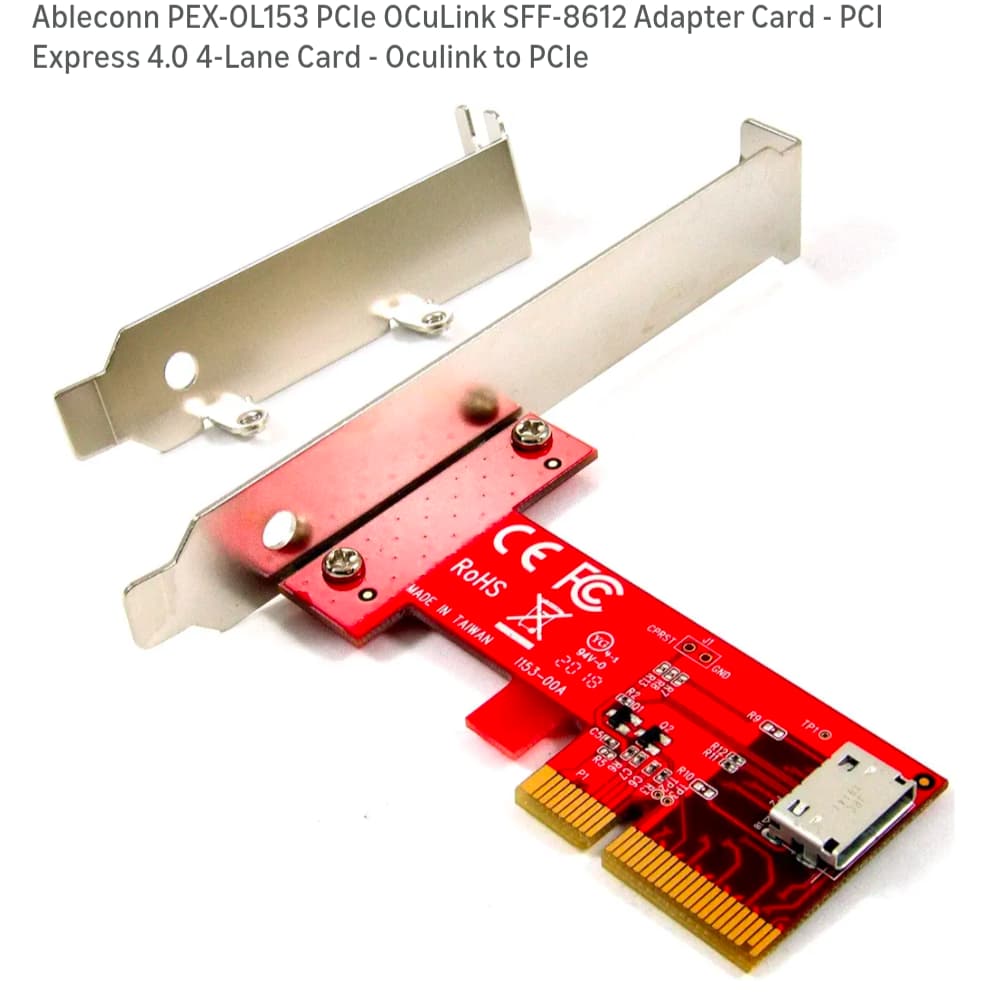
For most, it probably makes more sense to go with OCuLink. For me, I am trying to avoid running a second power supply and potentially get a dGPU running. I ordered just the motherboard, which I am going to put in a custom ITX build. I think I can do it with OCuLink; my problem is that most of the adapters require the 24-pin motherboard connector, which will be occupied on my build. I could possibly use the SATA power connector, but it’s currently limited too. There aren’t a ton of options for getting 3.3V off a standard power supply.
Thanks. I had thought Oculink provided tunneling for some reason. I have to check the use by date of my Corn Flakes as something has obviously casued confusion
So I tried this particular adapter with my 3090 but had to daisy chain it with a PCIE3.0 adapter due to space / length limits in my current case – it boots but there’s a lot of visual glitches. Not sure if that’s due to the power issue or due to the PCIE3.0 connection. I’ve got a few different connectors coming in the mail, so I guess we’ll see.
Anyone had any luck with watercooled GPUs? The Framework EC doesn’t seem to want to play nice with Fan Control.
My setup involves the following components. I’m not linking cuz I don’t know policy here on this forum but you should be able to find them relatively easily on Amazon. The dock-oc4 allows for external power, has debug LEDs and let’s you do delays to allow you to trick the bios into booting your card. You can also see in the image a 24-pin splitter which works well enough with the jhh as it has power on circuitry to control behavior.
Side note: I can’t think of a time where I didn’t have to plug in both the graphics card and the integrated GPU at the same time to get a successful boot. So if you were having issues and make sure you have both of these plugged in.
Oooh, I was just looking at your setup just now trying to figure out the individual parts. I might give that setup a go after I’ve gotten through trying my current pile of random adapters.
I’m starting to think my plan to shoehorn my pre-existing watercooled GPU into this setup was hopelessly optimistic.
This is pretty much what I will be going for except more elegant. I’m actually going to design and manufacture my own adapter since I don’t trust many of the ones on Amazon. The reason I got looking into the schematics in the first place was to make sure that a full 3A was being supplied form the motherboard on the 3.3V rail of the PCIe connector. I did confirm this and it significanlty simplifies my design since I only have to worry about supplemental 12V power. The plan is to plug into a 6 pin peripheral port on the PSU for additional 12V power.
Be warned you will probably need to use a refclk delay in order to get the card to boot correcly. I have done some special incantations in order to have my setup work the way it does.
Note:
AMD cards require special incantations if you’re using pcie and not a TB dock. Use a TB dock or be warned.
Nvidia cards should boot with external power and if needed, a refclk delay.
Disclaimer:
Anything you see in these post are temperamental meaning you may void your warranty, burn your house down, kill your cat or worse. These post are just archival for people desperately trying to get graphics cards to work on desktop via pcie. If you want a reliably connected graphics card, go Thunderbolt/USB4 dock.
Probably not. I have to finish the design, and order it, then wait for it to be finished manufacturing and get it shipped. I also need to receive my framework motherboard and test if it’s even going to work.
Pity. Oh well, I wish you success on your endeavours. If you do get to the point of selling one of those I’d be grateful for the consideration.
@Lukew4lker just looking at this again, the Dock OC4 appears to have a IDE 4-pin input. Do you mind my asking if there was a particular reason you went with a 24-pin splitter rather than running a 4-pin power to it? ignore that, I read ‘to GPU’ on the PCB and thought that meant input to the board.