You can find my unboxing and setup experience here:
- https://youtube.com/live/B5GqknlFqk0 initial assembly
- https://youtube.com/live/JVtbREMSeeg post-bezel assembly, attempt upgrade bios
- https://youtube.com/live/PCQfEl81gtk post-upgrade bios, install operating systems
Photos taken during assembly at the bottom of this post.
Assembly and setup notes, feedback, and issues:
- initial plan was to try in coolermaster standalone case first, to see if the issues of AMD board solely in the coolermaster case? have been resolved - didn’t realise DIY is mostly already assembled, gave up on that idea and proceed to do laptop assembly.
- the DIY email you get post-order has 404 not found links, and recommends fedora 40 instead of more recent versions
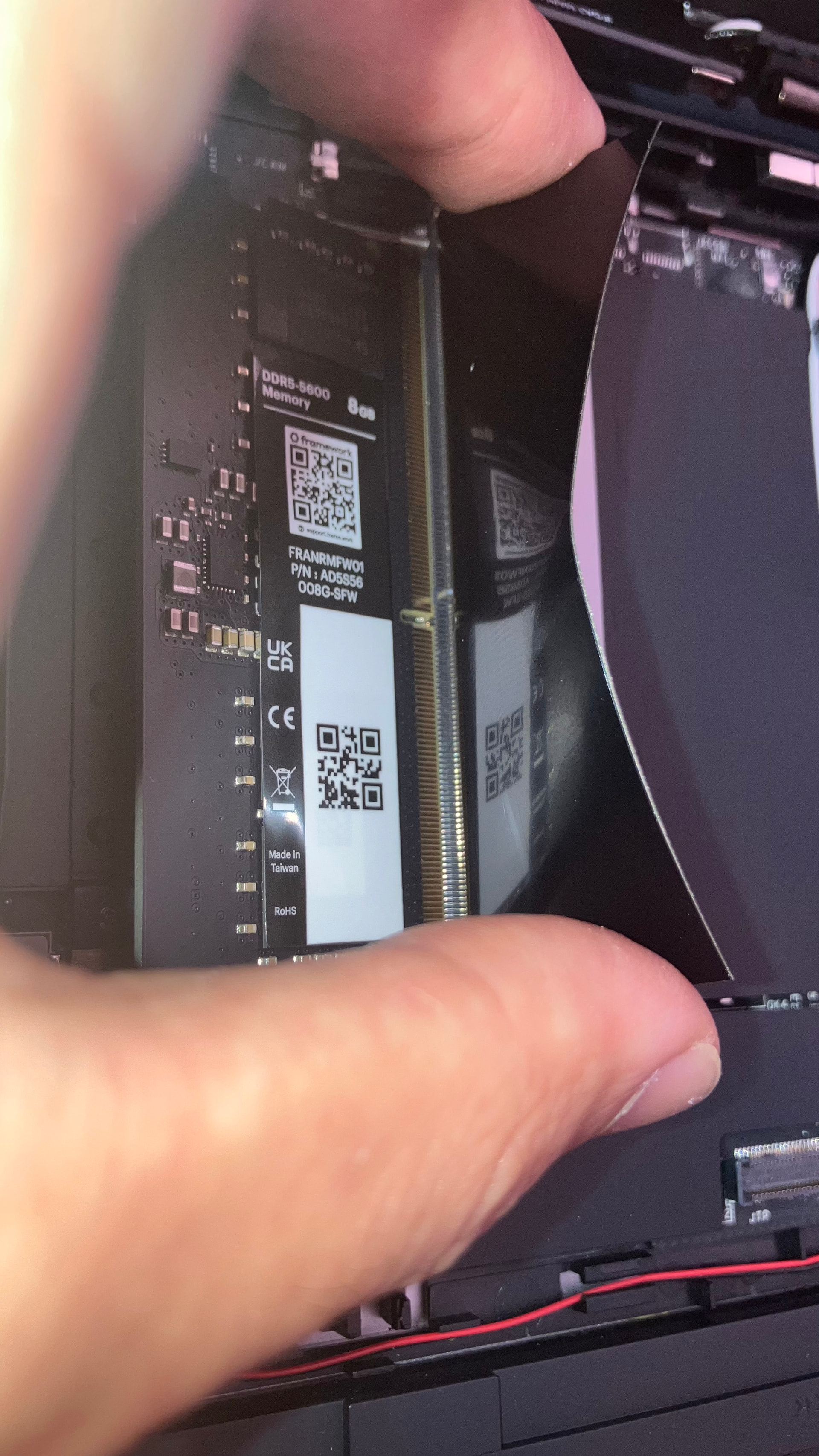
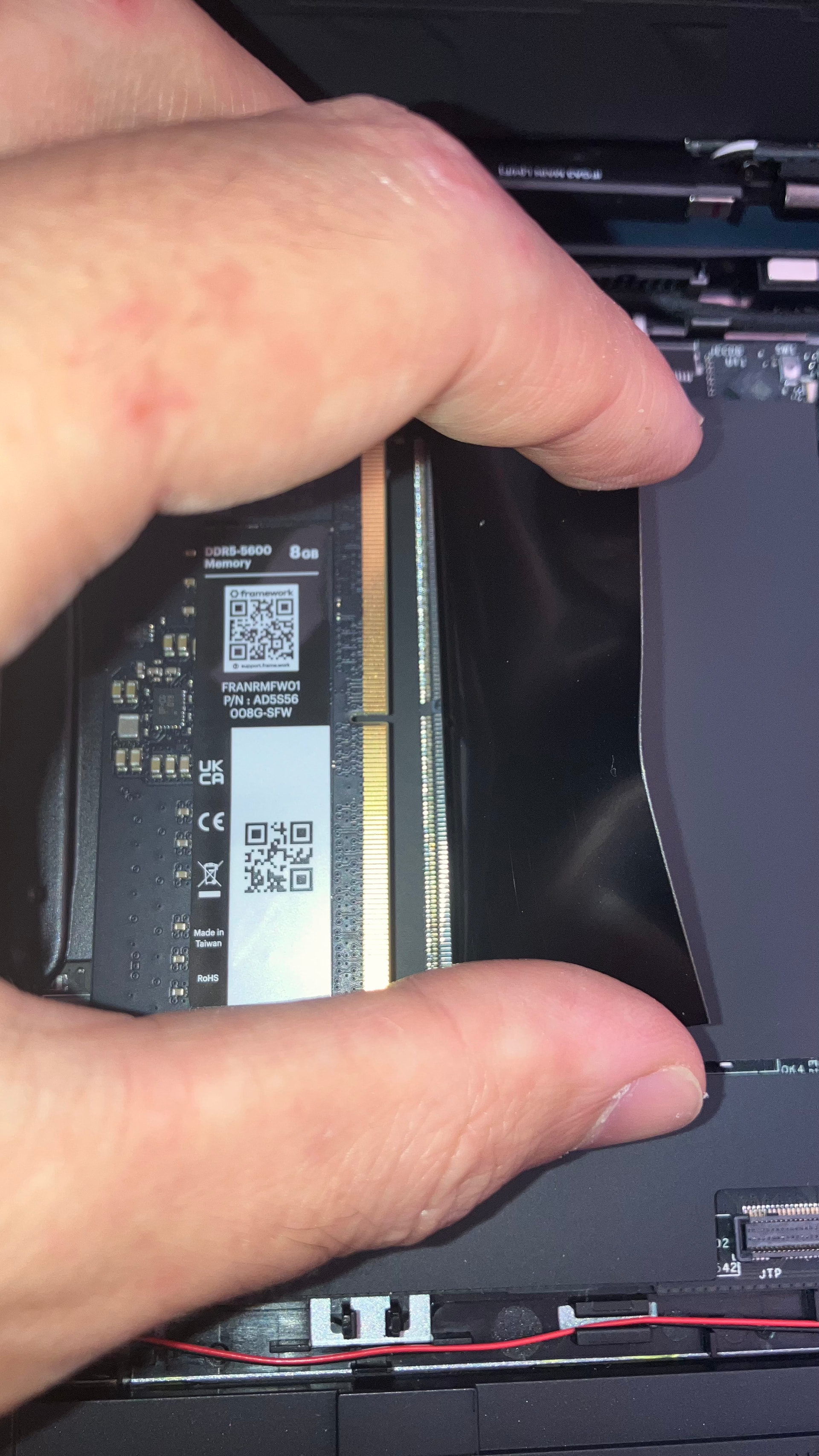
- the DIY guide and video both have incorrect information regarding the ram (the ram slots are the other way round on AMD boards) and regarding the bezel (the bezel had no adhesive)
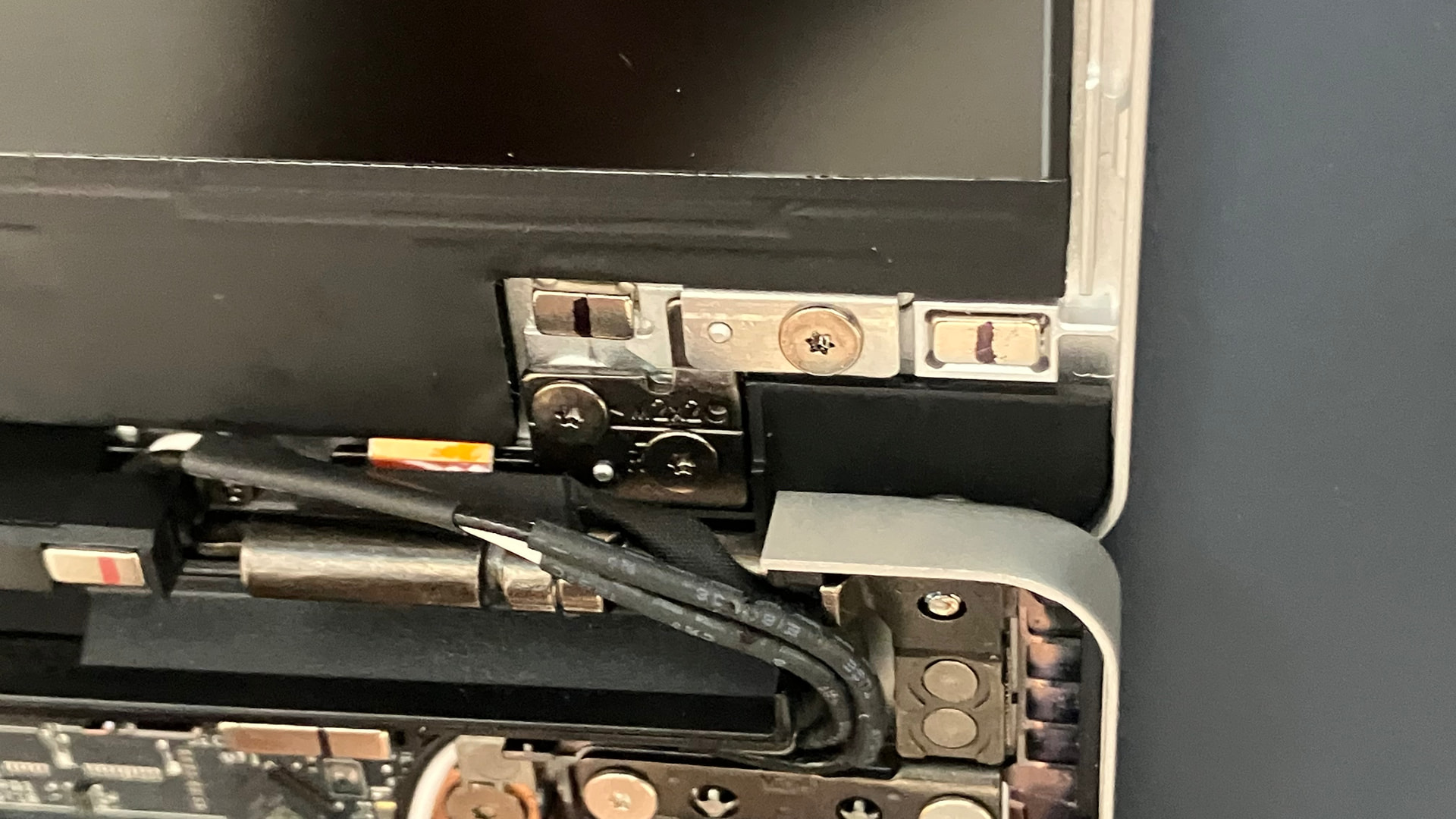
- clear transparent bezel attachment issues:
- despite guide, there is no adhesive on the bezel
- there was adhesive on one of the cables that go from the mainboard to the display, however, it still had the film on it so was not adhered to anything, and there was no guidance on this
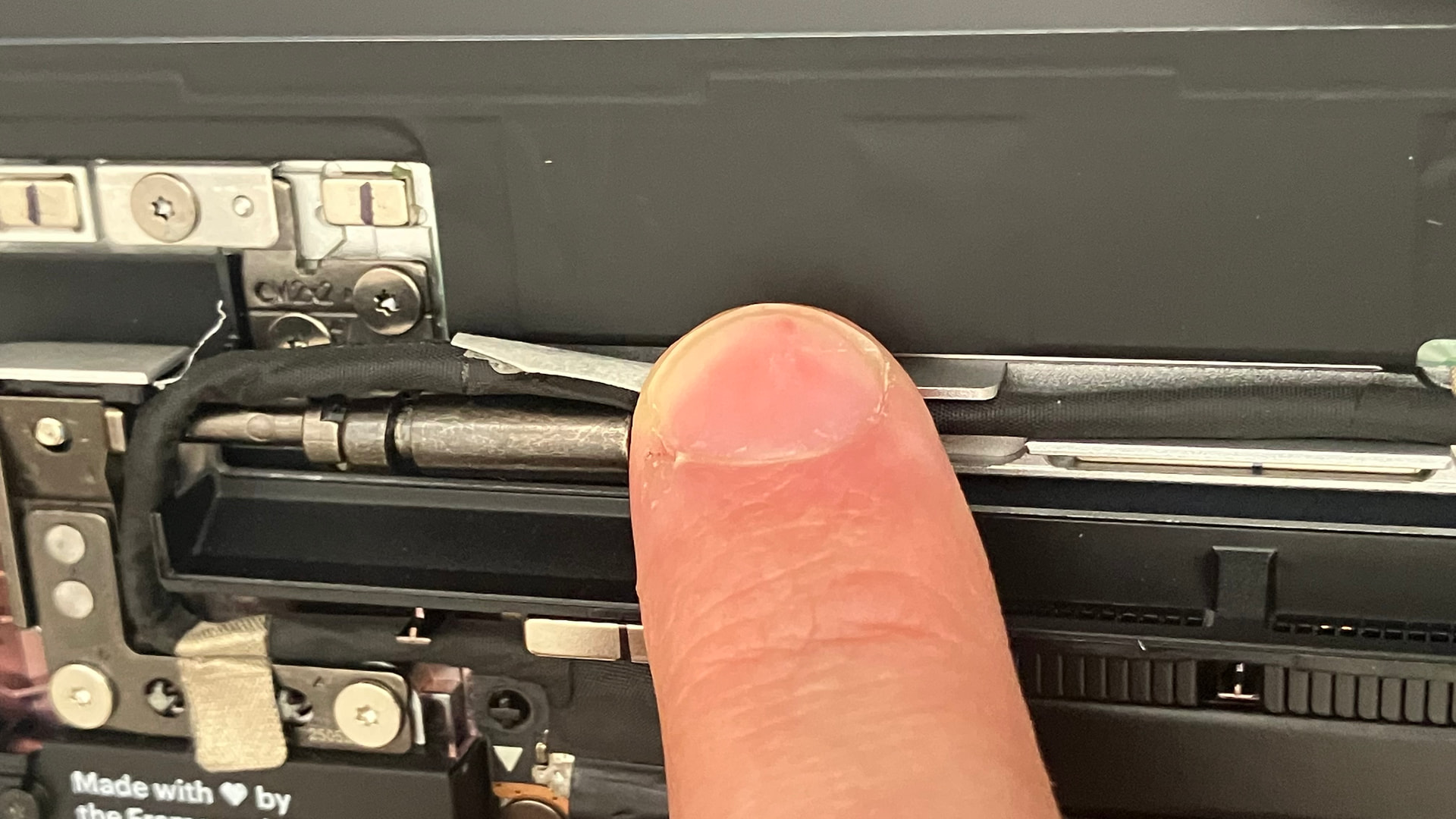
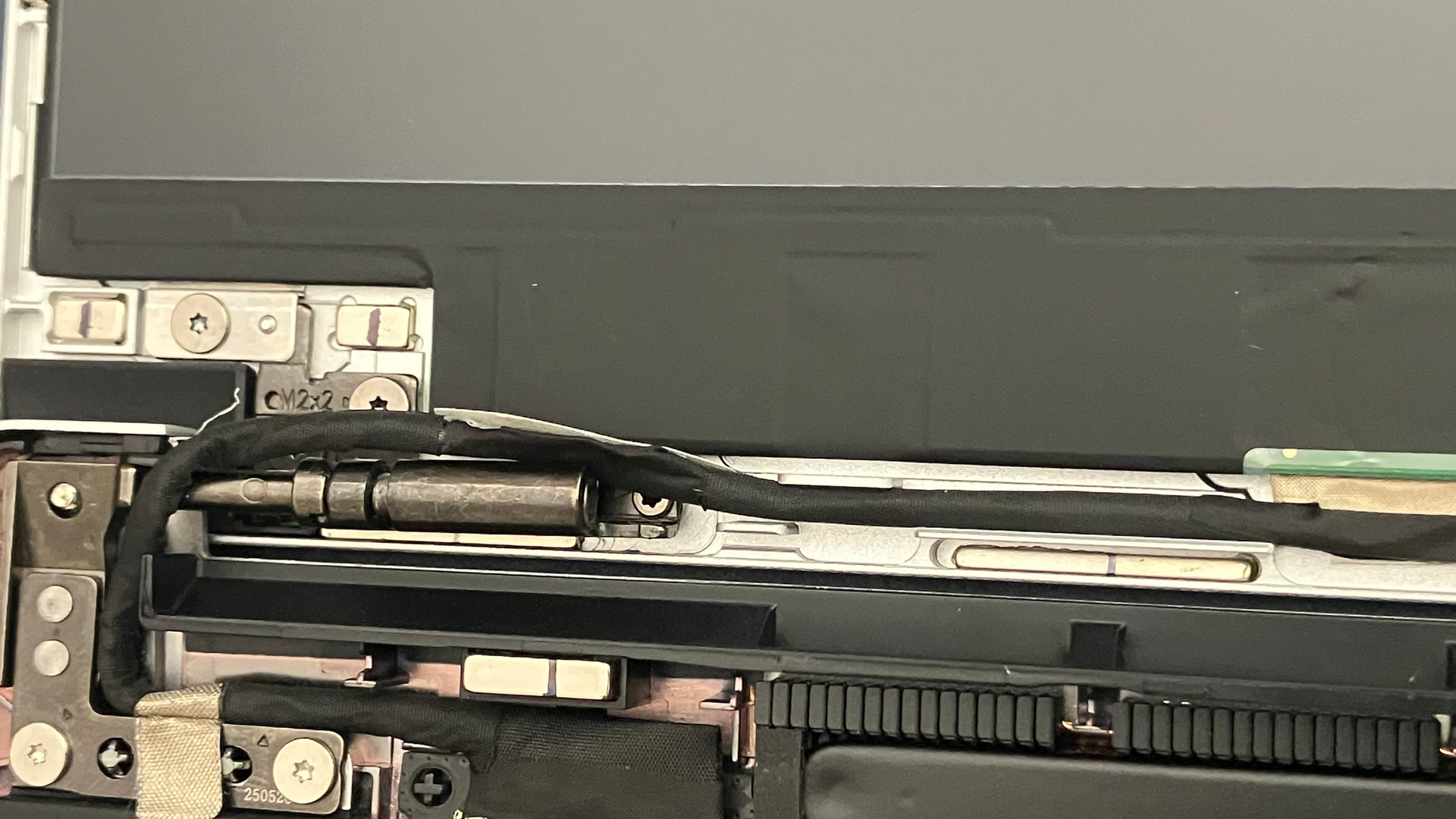
- the wifi antenna cables consistently interfered with placement of the bezel on the right bottom side
- off camera I figured out I could massage the wifi antenna cables downward and forward and that allowed the bezel to finally attach - detailed at start of this stream - the process is nowhere near as easy as the videos show, but apparently the clear transparent bezels are from a harder plastic - I am a bit concerned about how tight the wifi antenna cables are, that perhaps they will wear over time
- for some reason, the system wouldn’t boot from usb drives semiautomatically, I would have to go the boot selection option, then re-plug the usb drive for it to be detected
- bios shipped as 3.16 with standalone-only disabled but standlone-detection enabled - so good news for headless order people - unsure still if the design incompatibilities from the earlier mentioned thread still persist
- everything recommends upgrading the bios, so that’s what I tried, via fedora first, then via the efi option - both failed as the nvme drive still had no operating system, so no efi partition on it
- after installing fedora, then I could upgrade the bios via the fedora technique
- I then tried popos, and had trouble finding the secure boot disable, which is in the first bios screen not the bios settings second screen
- popos then installed fine, but cosmic is half baked, ended up reinstalling fedora later
Overall negative product feedback:
- the up button on my keyboard rubs against the input cover and causes an unpleasant sound
- the trackpad click experience is awful and the major disappointment - the depression to register clicks on the bottom is a few mm of travel and is concerning, the pressure anywhere for a click causes the laptop to wobble, the top section of the trackpad cannot register clicks - you then have to learn the non apple-magic-trackpad way of clicking by tapping, and figure out the tap combos for dragging, selecting, and whatnot which imho is error-prone for things like selecting text precisely without accidentally moving the cursor, and activates selections when moving the cursor around as I’m use to moving the cursor via many small short strokes in the same trackpad area without moving my wrist rather than long glides across the whole trackpad which requires wrist movement - an external mouse is then essential for work - this should not be necessary, there should be a trackpad equivalent of apple quality
- the framework 13" trackpad is in the center, and after a few hours of couch use, it induces RSI - the framework 16" allowing relocation of the trackpad is a better design move
- When the laptop is connected to a 96W macbook charger it draws 72-77W when charging, which is higher than the included 60W charger; once done charging it hangs around 40-50W. It would be been nice to be able to select one of Framework’s higher capacity chargers with the DIY 13" bundle configurator.
Negative fedora feedback:
- When using
sudoin the terminal, it asks for fingerprint but does not clear the fingerprint message after fingerprint is accepted, leading you to keep trying your fingerprint even though it is accepted. MacOS clears the fingerprint prompt once fingerprint is accepted. - Some system settings required tweaking to get AdGuard for Linux and 1Password working with Vivaldi, but after their tweaks, they work great.
Overall neutral feedback:
- The transparent bezel makes the machine look unpolished… perhaps if the input cover was transparent too, it would make sense. Should have gone with a more polished bezel look, however the clear one helped me in figuring out the bezel issues I faced.
Overall positive feedback:
- the 2.8k display is fantastic, it isn’t true-black (oled or whatever) like a price-equivalent macbook pros, but the matte finish is brilliant, and the entire resolution is usable unlike modern macbooks where there is a notch that is menubar only
- the speakers are okay
- the fingerprint reader is instant, but unfortunately unlocking on fedora first requires a keyboard or trackpad press - it isn’t like macos where your fingerprint automatically unlocks your appropriate account - and pressing the fingerprint reader causes the system to sleep, which is different to macos which is a press does nothing and a hold press causes force shutdown
- the keyboard is fine, however something like bios remapping or something would be cool, as I am struggling big time with moving from macos keyboard hotkeys to linux hotkeys and keyboard layouts
- The battery customisation abilities in the bios are nifty
Tips and tricks and ecosystem feedback:
- OBS and AV1: My main use case for pulling the trigger for the framework was needing something that can do streaming. OBS requried several tweaks to get to work correctly. The ffmpeg AV1 codec uses 2% CPU, which is great. This is the AMD 7040 series which has AV1 handware encoding and decoding, unlike the newer AI series.
- The specific usb attachments like hdmi and micro-sd was a waste, dongles work fine, I should have just saved my cash.
Other suggestions for Framework:
- The few issues with the DIY guide lead to a lot of confusion, the comments on sections should be actively attempted to be integrated into the guide to reduce confusion - the guide is similar to the ifixit guides, and earlier as an ifixit novice I didn’t recognise the comments were important with crucial revisions and tips and tricks and busted some repairs because of bad guides on fixit that comments addressed - same goes for the bezel and ram situation here - framework should aim to be more zero-experience consumer friendly by being more streamlined and with zero need for out of the box debugging, especially on the first-assembly, otherwise it seems still a beta product
- Some way to upgrade the bios via ethernet without an operating system installed would be nifty
Photos: