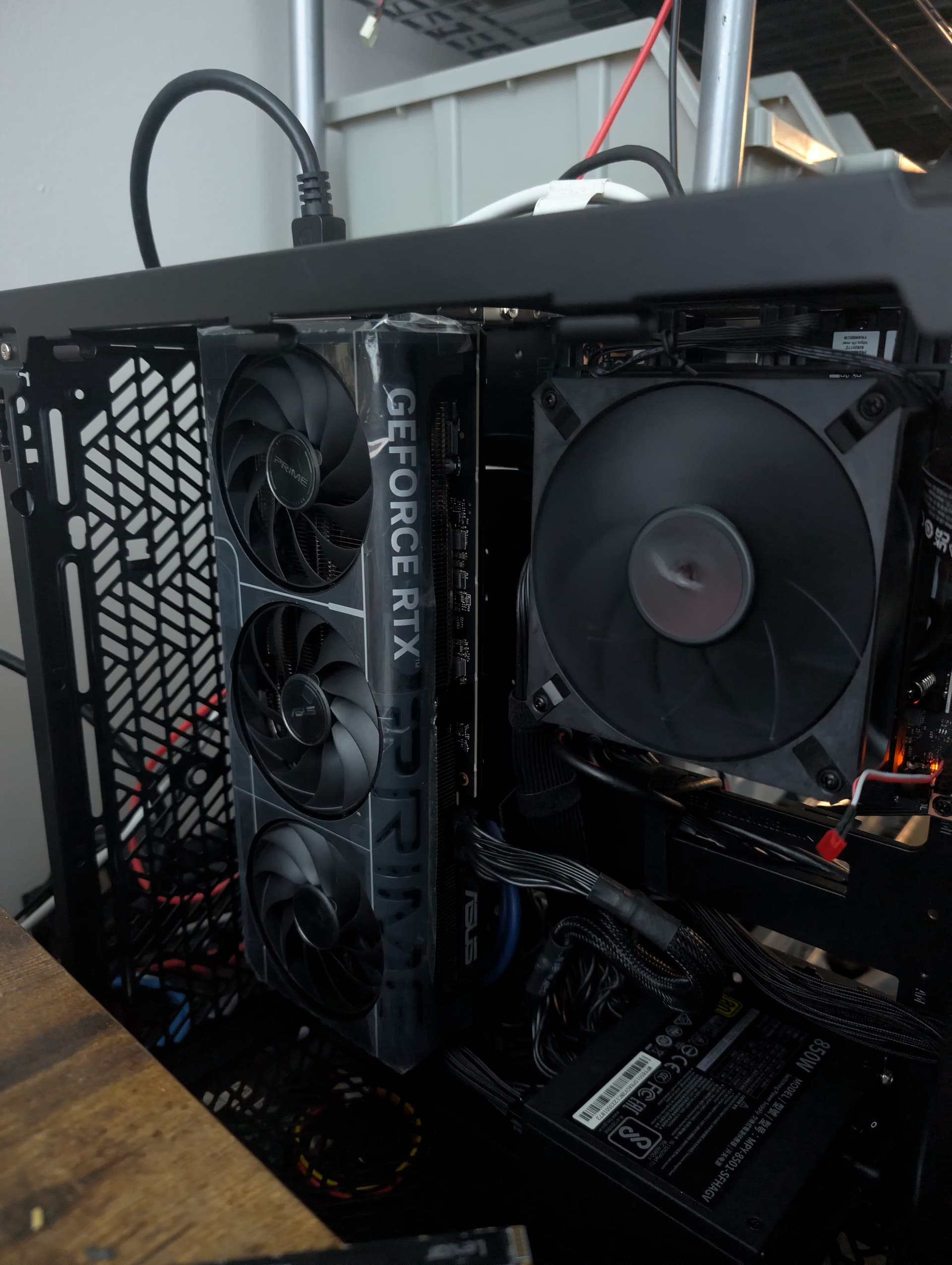
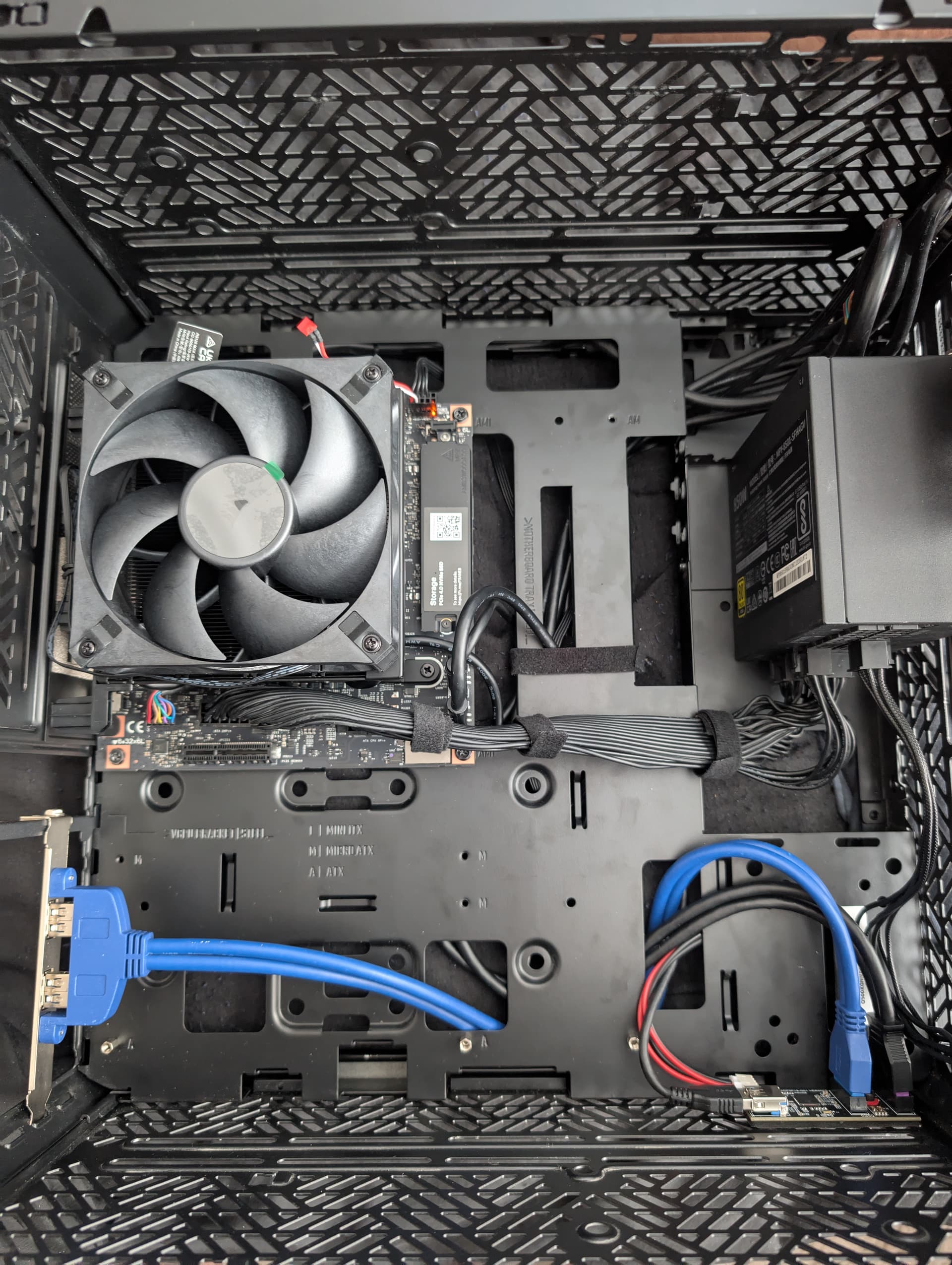
Connecting any kind of eGPU via occulink shouldn’t be a problem if you don’t mind using an M.2/occulink adapter (and spend one of the two M.2 slots for that).
The 8060s appears to support the following according to the Notebookcheck database:
”The GPU supports up to 4 monitors with a resolution of up to 8K60 in HDR.”
I would assume so, anything else would be crazy, more than a 4090 can do.
1x8K@60Hz should translate to 4x4K@60Hz bandwith wise. But don’t take my word for granted.
I just found that even a 4090 is limited to 4x4K@120Hz and that is a much more powerful GPU than the 8060s.
Just being curious, why would you need anything beyond 60 fps for normal desktop usage?
I just like the feel, extra snappy, isn’t the same reason they make cell phone screens faster than 60fps. High quality ips monitors are usually faster, i could probably slow things down to 100hz and not notice. But i had dual 19inch sony trinitrons in 2002 so just trying to make sure i don’t regress, those maxed out at 110 but even 75 was common before that with my matrox video card as a teen so i can argue i have been conditioned since those years..
basically avoided all the junk monitors since then, if i had to do 60fps it would be with good input lag.
Is there any progress/tracking on this AMD eGPU power issue on Strix Halo? I don’t have an AMD card but would like to get one if it works for this case. Sniffing around the driver code base a little, this seemed like a possible area of investigation: https://github.com/torvalds/linux/blob/068a56e56fa81e42fc5f08dff34fab149bb60a09/drivers/gpu/drm/amd/pm/swsmu/smu11/sienna_cichlid_ppt.c#L694-L702
Seems like that could be ratcheting down the power available to an eGPU at least. I am no driver/kernel guy but seems if it is something, you could add something like this maybe to line 689 after the variable definitions:
   /* Skip SmartShift power consolidation for removable GPUs (eGPU) */
    if (dev_is_removable(&smu->adev->pdev->dev)) {
            *apu_percent = 0;
            *dgpu_percent = 0;
            return;
    }
.. as that dev_is_removable() is used later in that same code for eGPU detection, so would be inclined to believe that could be safe.
I don’t have an AMD card or a kernel build setup so can’t carry it further, but maybe that’s helpful if anyone else is looking at it.
Okay, after some more stress testing, I’m pretty confident the PCI-e port will only do 27ish watts. Been using a riserthats been modified Any higher wattage and the display circuitry on my 7900xtx will go out. Will play around with oculink adapters in the morning but even with mods, it’s looking like you wanna stay away from the desktop if you’re trying to use graphics cards unless you can power the card from its slot and just pass the lanes to the motherboard.
I’m finally catching up on videos. Wendell at L1 went unhinged at about 7:56 on this video with an eGPU that cost about as much as a Desktop. We don’t see it running tho …
I’ve just watched the FW 16 videos and the excited announcement of the opportunity to add an Nvidia GPU module to a motherboard with an AMD AI 300 series chip. When @nrp started talking about the increased thermal headroom of the 16 enabling 45w sustained and 100w sustained on the GPU I had to shrug.
What about the Desktop? Surely that provides even more thermal headroom? Aren’t Desktop users also asking for more GPU and an opportunity to take advantage of Nvidia optimised software/drivers?
No Oculink port; no flexibility in the case to add a riser and cable to anything outside the case; a very limited, closed slot. If it was clear when FW launched the previous 16 and started designing this one that users were after Nvidia GPU options, why didn’t that design idea find its way into the Desktop. Why make design decisions that made community innovation more difficult?
I’ve got an 7800 XT egpu which was working flawlessly via an m.2 - oculink adapter on another amd mini-pc.
My experience with it on the FW desktop was … strange. Regardless of which m.2 slot i tried, it would show up but be enumerated first (card0 = eGPU; card1 = iGPU) and would cause weird lockups and gpu resets when used.
I also did not expect, that the system preferred the eGPU over the iGPU although the screen was hooked up on the iGPU. The kernel log suggests, that the iGPU is marked as a dGPU:
This has been very close to my experience so far. Haven’t had any gfx11 cards work reliably at all. I’ve done some pretty hacky stuff previously and I’d like to think I’m familiar with all of the pcie limitations but I’ve got a giant collection of cables I’ve used to get things working and have not had very good success. Ive used some of these cables very reliably in an emulated steamdeck on my homeserver so I think the issue lies strickly with the FW Desktop.
I’m going to try and Nvidia card next and then after that take a look at the Insyde Bios.
Yeah so AMD gpu’s on the desktop straight up do not work. I’ve tested a 7900 xtx, a 7900xt, a 7800xt.
I picked up a 5080 at Microcenter an hour or so ago and used my modified riser cable and other than it just disabling video on the igpu at boot, it works great. Inference works on both gpus.
Usage with the Nvidia GPU seems to work good. Inference on both the iGPU and GPU mean I cant really complain there. I occasionally have an issue where display goes black but I think this is due to some power issue where the motherboard cannot supply enough power, the card will reset and then take the rest of the system with it. I continue to have audio after this blackout but at some point, the system will stop responding and I need to reboot.
Waiting on some other parts for the A+E Key on the back of the board.

 Any higher wattage and the display circuitry on my 7900xtx will go out. Will play around with oculink adapters in the morning but even with mods, it’s looking like you wanna stay away from the desktop if you’re trying to use graphics cards unless you can power the card from its slot and just pass the lanes to the motherboard.