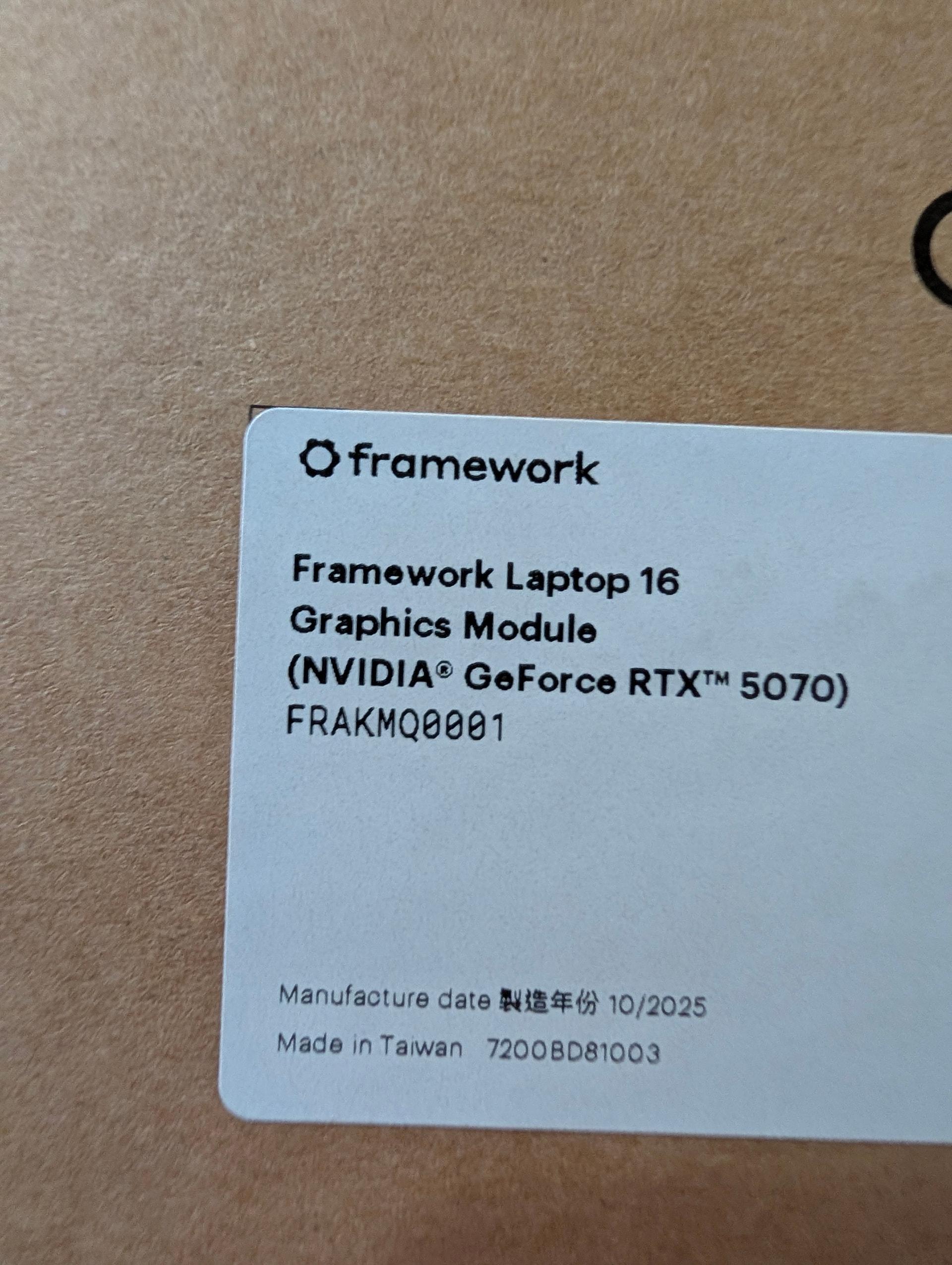
FedEx surprised me with an early delivery of the new GPU module.
Prior to installing, I updated BIOS to 4.02, installed (most of) the latest driver package, and even updated to Windows 11 25H2 for good measure. Even so, on first boot, it’s reporting a PD version mismatch (7040 16 is .21 vs GPU @ .22) and requires reinstalling the 4.02 BIOS update to update the PD firmware version.
Sorry. Shortly after posting this, life happened and I had to rush off to the hospital (for a friend).
From the little I got to use it this weekend, it seems to be a moderate increase in performance, but not a major increase. It still only has 8GB of VRAM. The biggest improvement for me is the amount of software I have that apparently has CUDA specific or optimized software. That alone has made it worth it to me.
After updating, did you observe that PD1 and PD2 are version 0x21, and PD3 is version 0x22? If the versions are displayed as 0x21 for PD1/PD2 and 0x22 for PD3, then the result is expected.
it’s reporting a PD version mismatch (7040 16 is .21 vs GPU @ .22)
Could you please capture the PD version mismatch screen?
It is expected that the mainboard PD versions are .21 and nvidia dGPU .22.
So the update screenshot you posted is correct.
Just in case it helps, my 5070 did the same. It was one increment of 0.0.0x old, so I re-ran the BIOS update, it updated PD3 (which I assume is the GPU power delivery) by one version, and now it’s good to go.