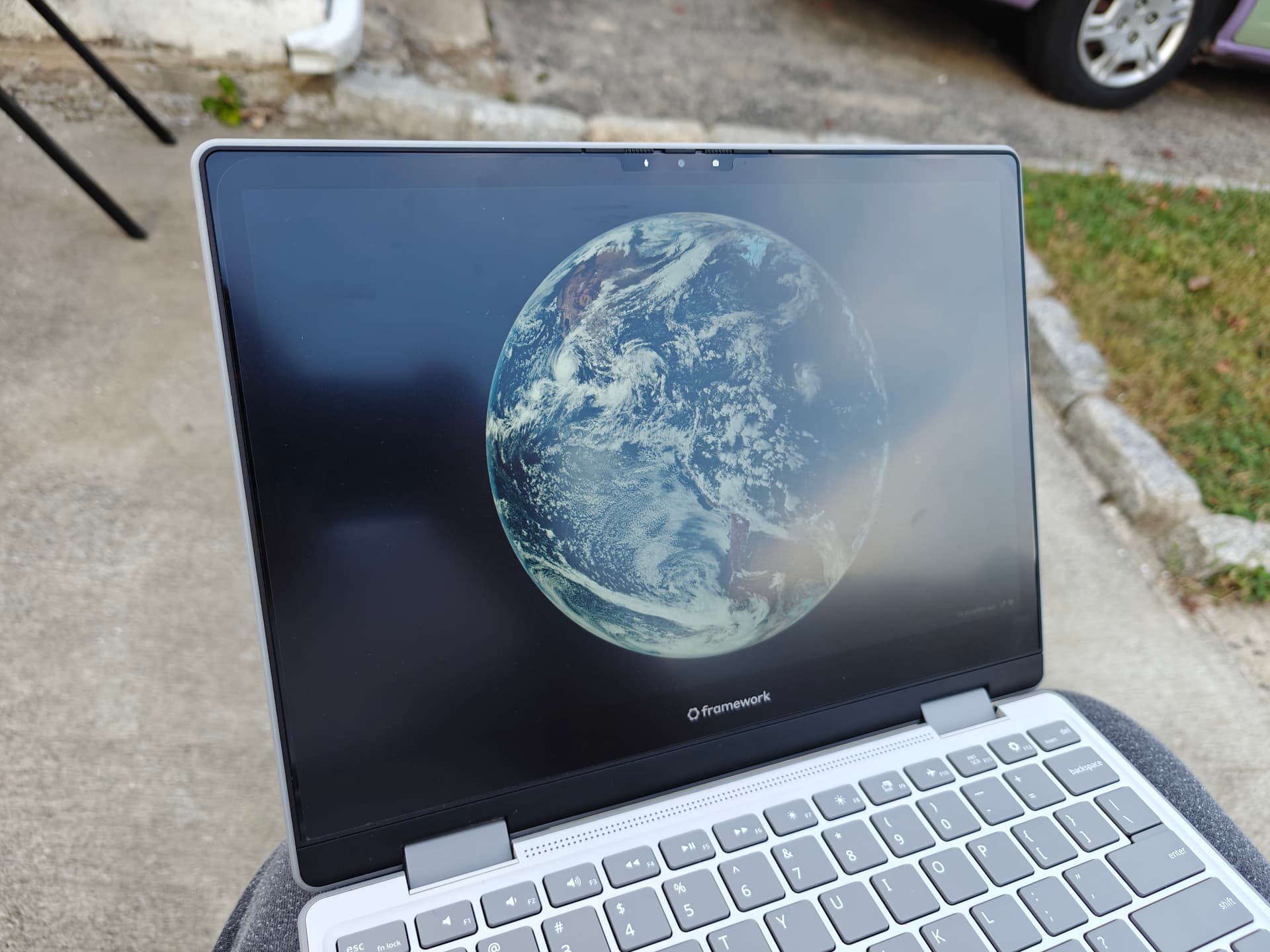
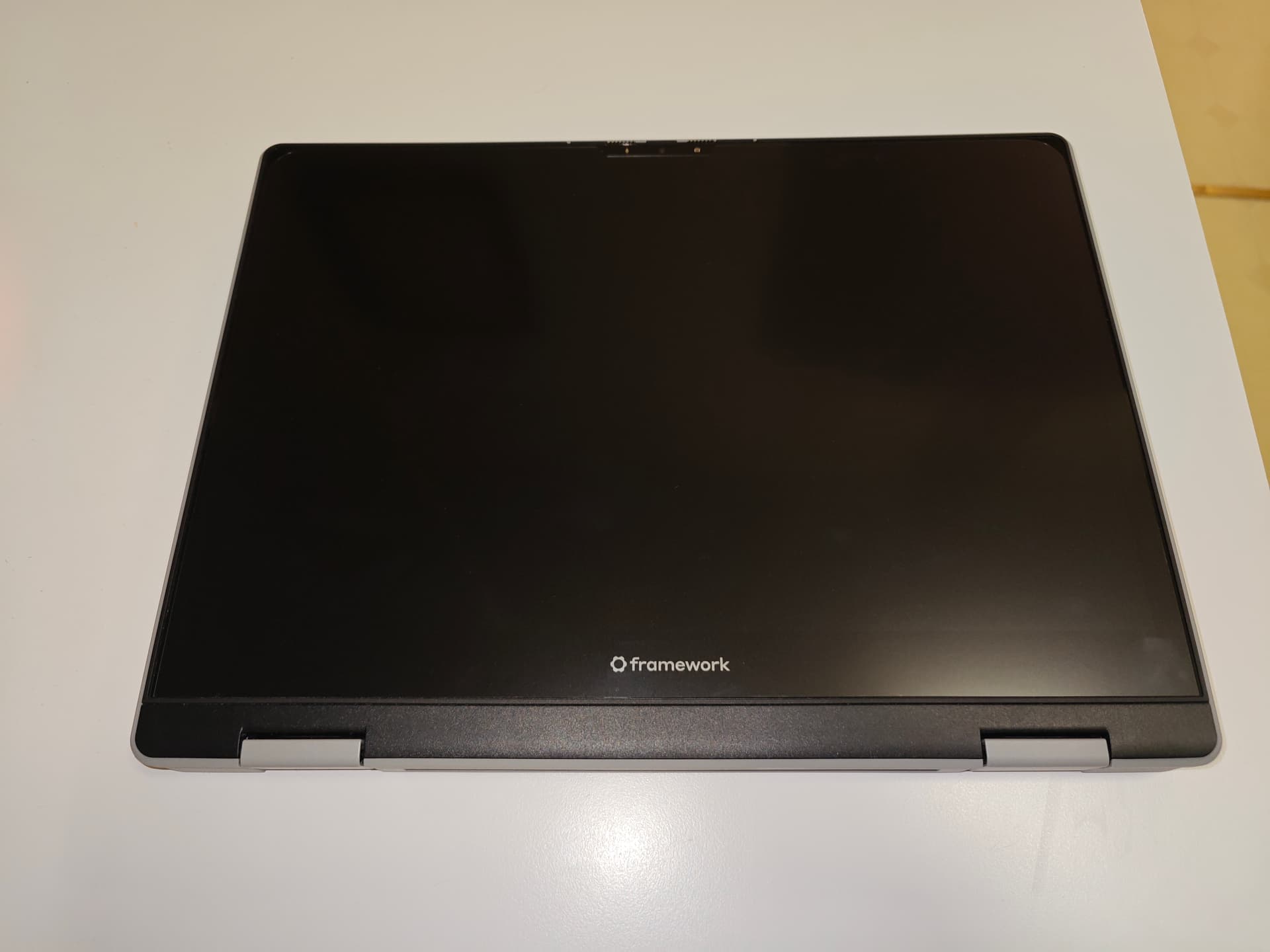
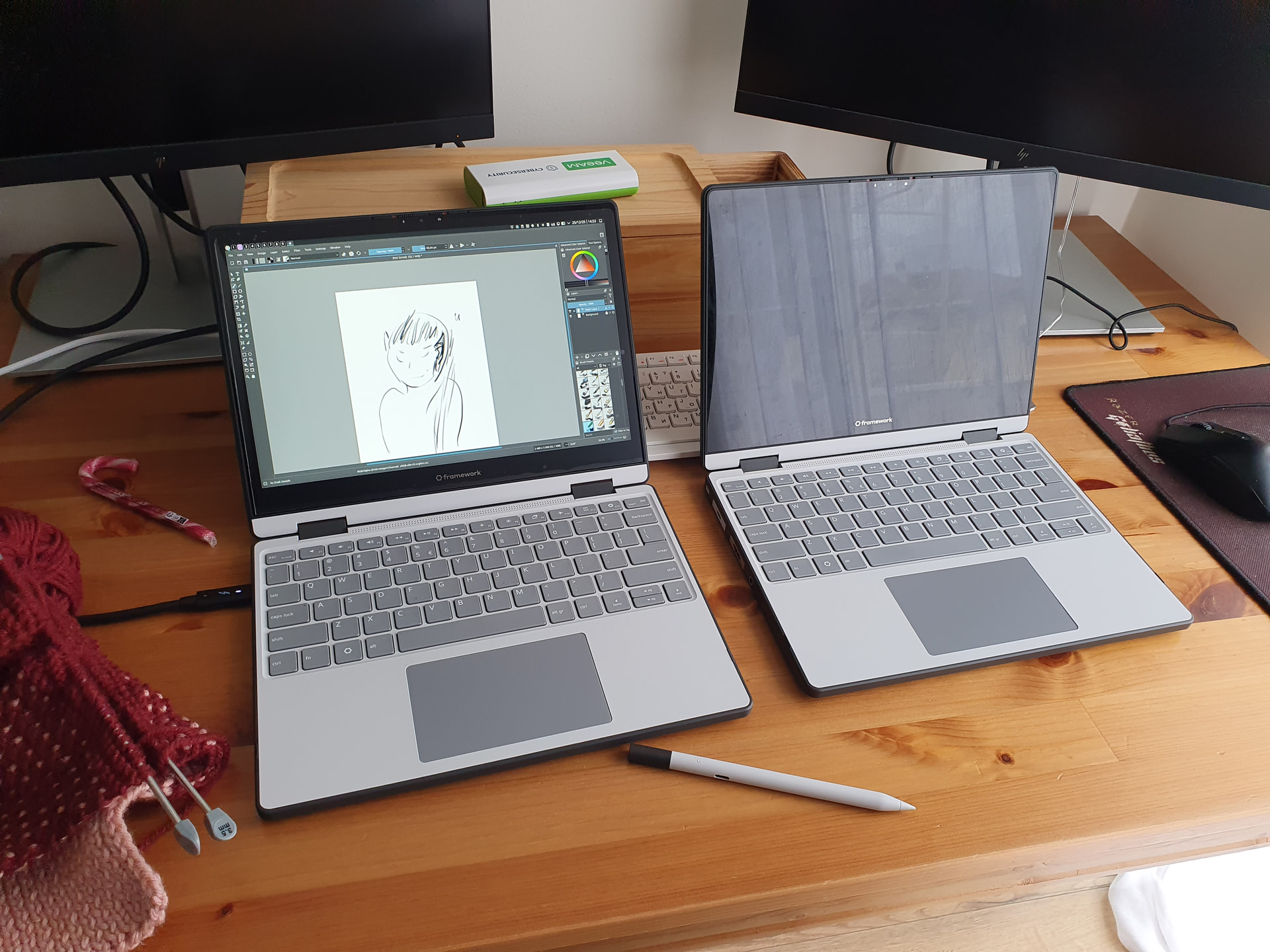
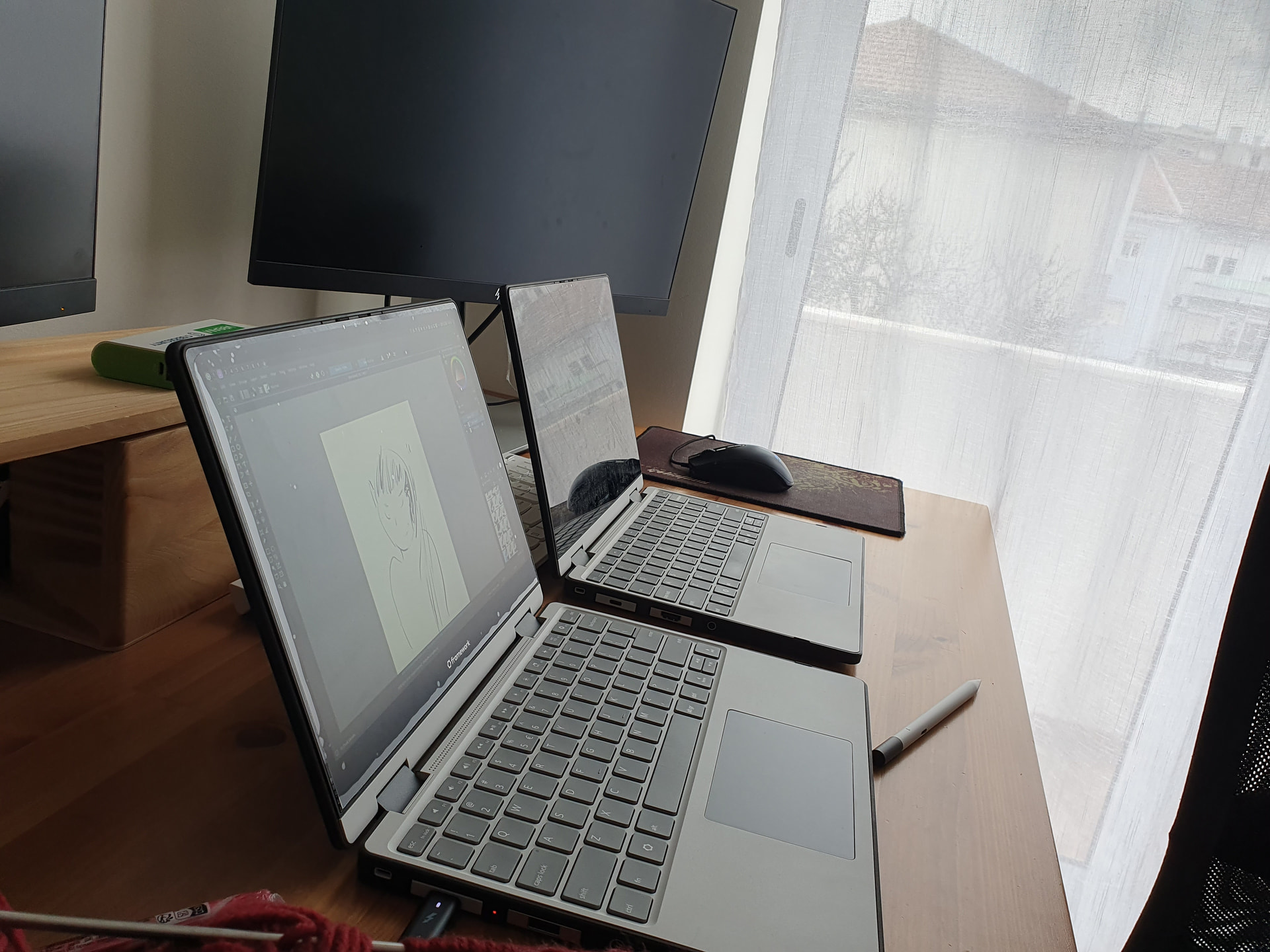
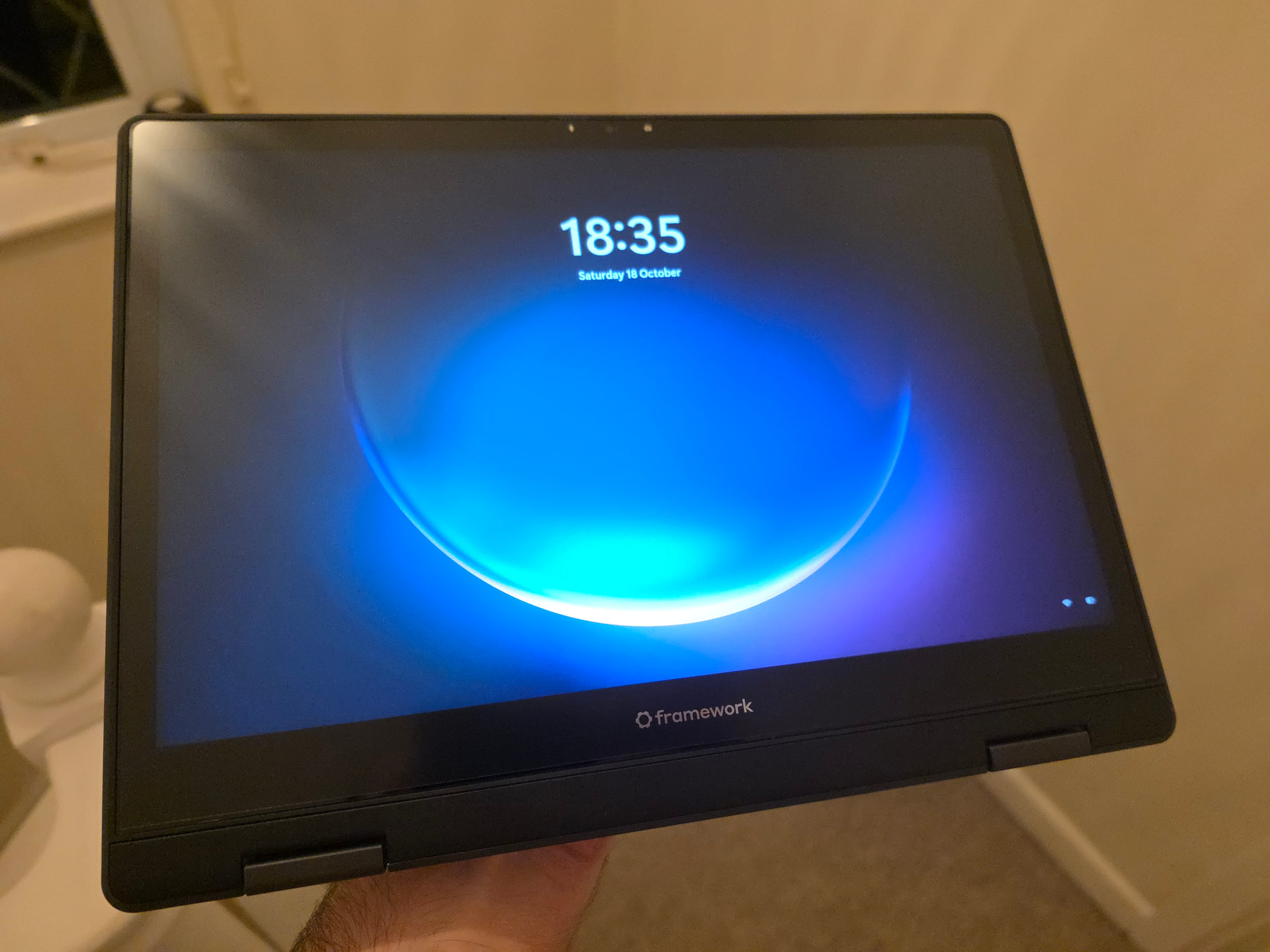
i picked up the ViaScreens matte screen protector.
it was one of the harder screen protectors i’ve had to apply (probably just due to the size) but once i got the second one on perfectly it’s been a huge improvement to the glare and feels way better when using a stylus
As said earlier I have the via screen silk-protector. What I found is that a stylus with a hard tip (Wacom bamboo 2. gen) will leave scratches on the protector.
the “matte” screen, at least from what does not seem to actually scratch.
i tried pressing harder than i normally would with a pen outside of the display area to see if it would mark up the protector, and none of these pens appeared to scratched it:
The privacy one is glossy so unfortunately it will not do anything to reduce the glare or fingerprint. I’m happy with it though. I believe viascreen has a matte privacy option but it is quite a bit more expensive than the brotect ones.
Was looking for a paperlike screen protector that ideally wouldn’t cost me like 30 dollars & found that ones for the iPad Air 13 are almost the perfect width for the FW12.
Picked up a 2 pack (“MOBDIK“ brand) off amazon for $10, trimmed ~1.5cm off the bottom (can’t remember the exact measurement) and using the hot shower steam room trick it applied perfectly. There’s around a millimeter or so gap between the protector and where the top/left/right sides of the bezel ends, and the corner radius is different so there’s a bit uncovered there, but as it’s all on the bezel it hasn’t bothered me at all. The camera cutout aligns pretty much perfectly too which is super nice.
Writing with a Metapen M2 feels a lot more like paper, if anything probably slightly too much friction, but still more comfortable for me to write on than it was before. Colors & contrast don’t look different to me at all (but I am pretty undiscerning when it comes to that stuff) and the glare is noticeably reduced.
Definitely would get a more perfect fit with a viascreens/similar one, but for someone who doesn’t care about that and wants to save a few bucks this works quite well I think!
for the Optic+ Anti-Glare Screen Protector from ScreenShield:
We had a hard time putting it on, and it shows. Not sure how much of it is our fault. As long as it’s powered on, it doesn’t look awful. The installation instructions were a bit confusing, had images with 2 pieces, 3 pieces - and which was the actual screen protector wasn’t that obvious to us. Pretty sure we got the right one on, but I’ll probably replace it soon. The matte finish is nice, though - I don’t have to stare at my reflection - so it stays on while I search for a replacement.