Hey all! I have been using Linux Mint for the past year with minimal software issues until now. I was using linux mint 22.2 before I upgraded to 22.3, but Timeshift deleted all of my 22.2s because I didn’t notice it until recently. My Framework laptop has stopped updating the ammount of battery drop/rise when plugged in or not plugged in. When I check the Upower utility the power is going down as it should but the Power manager applet does not show that at all. In fact, I have to reset the applet for anything to happen, so I tried with a USB drive and ended up with the same issue. I’m currently flashing Ubuntu to a stick and booting it up to see if it’s a hardware issue, but I doubt it if Upower is working, right? I have had issues with the battery, but never like this.
BIOS 4.02
7040 series
I don’t know why, but when I took a picture on my phone, it didn’t show up on my camera reel, but I’ll still try to replicate the issue on Ubuntu 24.04
1 Like
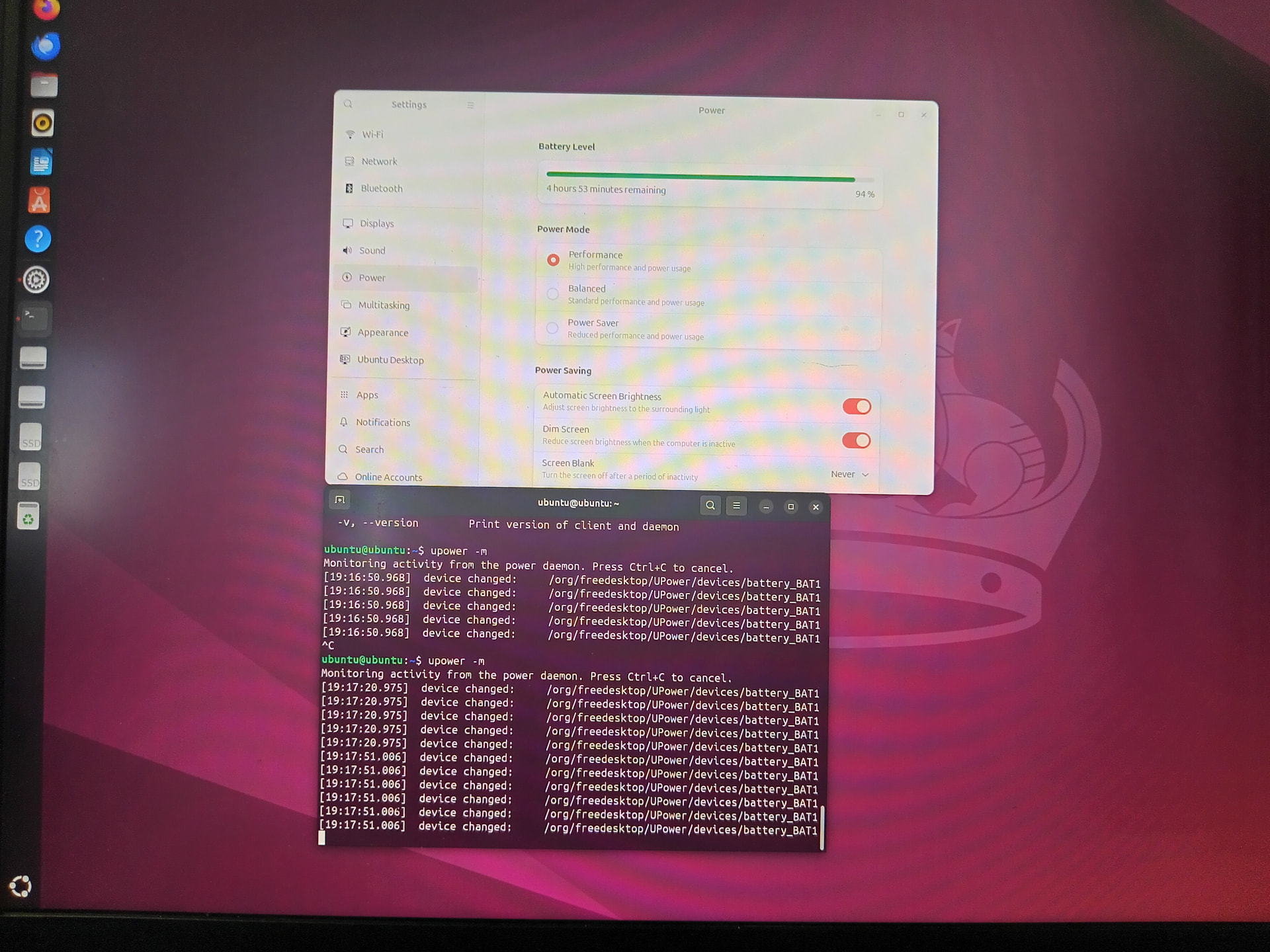
So, with Ubuntu it seems that it is working as intended, but when I do upower -m to monitor it it constantly said that the power device was changing even though I didn’t plug in the laptop.
Despite that, the power is going down as intended
I am pretty sure there is something funky happening with Linux mint 22.3, but I can’t tell for sure. I’m going to reinstall with LM 22.2 and let everyone know if there’s any issues
Also, with my installation, I couldn’t upgrade to the 6.14 kernel for some reason like it just didn’t let me, but I can install it with a fresh version of 22.2, so I’ll just go with that for now
I mean I’m going to try with a USB Linux Mint 22.2 and then install it if there’s no issues
After using the USB LM 22.2, it turns out that it is working just fine and upower now matches the battery applet just fine, so it IS a Linux Mint 22.3 Issue, but I have no idea where to start to try to find it. I backed up the data so I’m just gonna do a fresh install and backup. I don’t know if I should mark it as “fixed“ but I’ll just have to see to that later
So, after some research I was lead to this article which showed that this is a known issue that has snuck its way into LM 22.3 and there’s nothing that is an “Official“ way to fix it. I decided to do a full backup and then reinstalled Linux Mint 22.2 and everything was good and I also solved the kernel issue as well. I’ll mark this as fixed now
There seems to be a fix for it now on Manjaro Linux, but I can’t confirm if it is fixed for Linux Mint 22.3
Does anyone know if this issue was resolved for specifically Linux Mint 22.3? Like as an official update that has already come out?
I updated again to 22.3 and the battery percentage is working now! I think that the Mint team fixed it!
1 Like
Curious bug though, the time remaining no longer shows up without restarting the applet (or waiting for a few minutes), something is still not working 100%, but it is better.
1 Like