Alas, my “basic” driver only seemed to work because I couldn’t change the brightness.
I was not happy with that as a “fix”, so I have reverted to the current AMD drivers and left the screen on full brightness.
Nothing has helped: not changing the refresh rate, graphics memory settings, other “AMD settings”
Support have asked me the check the cable connection (didn’t help).
Full brightness is fine during the day, but this is not acceptable in the long term.
I have requested a replacement (but I’m not confident, as you seem to have the same issue). If it’s a hardware issue, or a driver clash, then I would need confirmation and a fix soon, or I’ll need a refund.
I seem to have the same issue where the screen is flickering (by that I mean random zones on the screen or even the whole screen are turning grey) when running various programs like Firefox or KMail. Here are my configuration details:
OS: Fedora Linux 42 (KDE Plasma Desktop Edition) x86_64
Kernel: Linux 6.14.11-300.fc42.x86_64
CPU: AMD Ryzen AI 5 340 (12) @ 4.90 GHz
GPU: AMD Radeon 840M / 860M Graphics [Integrated]
It really seems to me that it is a software issue more than hardware, maybe the GPU doesn’t have enough resources at some point. Also, the flickering is very unstable and goes away after some time and then comes back randomly. I didn’t try to connect to other displays yet and I haven’t tried to change the GPU settings in the BIOS as suggested by @redxef.
Have you tried booting with kernel parameter amdgpu.dcdebugmask=0x410 or amdgpu.dcdebugmask=0x10. The issue you are describing seems different from the full-screen flashing, and therefore might be caused by PSR (Panel self refresh).
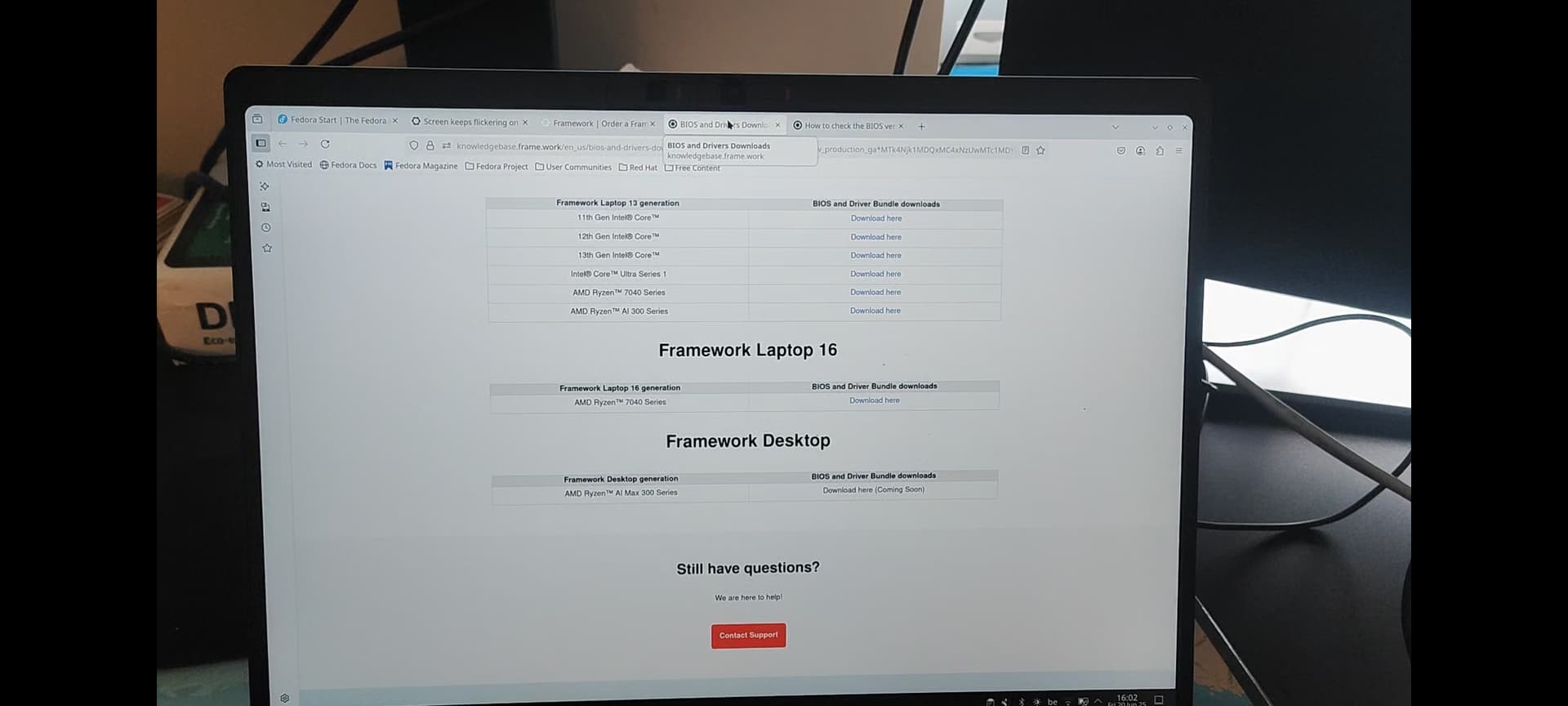
Hmm maybe you’re right, but the suggested change didn’t solve my problem. I tried recording the problem but obviously when I take a screen recording the problem does not appear in the video. So here is a recording taken on my phone instead, the flickering appears only when my mouse is in the upper section of my screen…
(I can only post pictures, no videos)
Update, I tried to disable AMD’s Dynamical Power Management (‘amdgpu.dpm=0’) and now it seems to be working much better. I don’t know how much this affects performances and/or power consumption but for now it seems to do the job.
Congratulations. I’ve been in contact with Framework support about this issue since the beginning of the month. I contacted them after @Stanislav_Katkov wrote that his issue was resolved by replacing the mainboard. So far, the only outcome is that I’ll need a new bottom cover or replacement screws (I’m not sure if the captive screws are replaceable) because they are now completely stripped.