Which Linux distro are you using? KDE Neon
Which Framework Laptop 16 model are you using? AMD Ryzen™ AI 300 Series
mk@mk-comp:~$ uname -a
Linux mk-comp 6.18.0-061800-generic #202511302339 SMP PREEMPT_DYNAMIC Mon Dec  1 00:08:21 UTC 2025 x86_64 x86_64 x86_64 GNU/Linux
mk@mk-comp:~$ lspci
00:00.0 Host bridge: Advanced Micro Devices, Inc. [AMD] Device 1507
00:00.2 IOMMU: Advanced Micro Devices, Inc. [AMD] Device 1508
00:01.0 Host bridge: Advanced Micro Devices, Inc. [AMD] Device 1509
00:01.1 PCI bridge: Advanced Micro Devices, Inc. [AMD] Device 150a
00:01.2 PCI bridge: Advanced Micro Devices, Inc. [AMD] Device 150a
00:02.0 Host bridge: Advanced Micro Devices, Inc. [AMD] Device 1509
00:02.3 PCI bridge: Advanced Micro Devices, Inc. [AMD] Device 150b
00:02.5 PCI bridge: Advanced Micro Devices, Inc. [AMD] Device 150b
00:03.0 Host bridge: Advanced Micro Devices, Inc. [AMD] Device 1509
00:03.1 PCI bridge: Advanced Micro Devices, Inc. [AMD] Device 150b
00:08.0 Host bridge: Advanced Micro Devices, Inc. [AMD] Device 1509
00:08.1 PCI bridge: Advanced Micro Devices, Inc. [AMD] Device 150c
00:08.2 PCI bridge: Advanced Micro Devices, Inc. [AMD] Device 150c
00:08.3 PCI bridge: Advanced Micro Devices, Inc. [AMD] Device 150c
00:14.0 SMBus: Advanced Micro Devices, Inc. [AMD] FCH SMBus Controller (rev 71)
00:14.3 ISA bridge: Advanced Micro Devices, Inc. [AMD] FCH LPC Bridge (rev 51)
00:18.0 Host bridge: Advanced Micro Devices, Inc. [AMD] Device 16f8
00:18.1 Host bridge: Advanced Micro Devices, Inc. [AMD] Device 16f9
00:18.2 Host bridge: Advanced Micro Devices, Inc. [AMD] Device 16fa
00:18.3 Host bridge: Advanced Micro Devices, Inc. [AMD] Device 16fb
00:18.4 Host bridge: Advanced Micro Devices, Inc. [AMD] Device 16fc
00:18.5 Host bridge: Advanced Micro Devices, Inc. [AMD] Device 16fd
00:18.6 Host bridge: Advanced Micro Devices, Inc. [AMD] Device 16fe
00:18.7 Host bridge: Advanced Micro Devices, Inc. [AMD] Device 16ff
bf:00.0 Network controller: MEDIATEK Corp. Device 0717
c0:00.0 Non-Volatile memory controller: SK hynix Gold P31 SSD
c1:00.0 VGA compatible controller: NVIDIA Corporation Device 2d58 (rev a1)
c1:00.1 Audio device: NVIDIA Corporation Device 22eb (rev a1)
c2:00.0 Display controller: Advanced Micro Devices, Inc. [AMD/ATI] Device 150e (rev c1)
c2:00.1 Audio device: Advanced Micro Devices, Inc. [AMD/ATI] Device 1640
c2:00.2 Encryption controller: Advanced Micro Devices, Inc. [AMD] Device 17e0
c2:00.4 USB controller: Advanced Micro Devices, Inc. [AMD] Device 151e
c2:00.5 Multimedia controller: Advanced Micro Devices, Inc. [AMD] Raven/Raven2/FireFlight/Renoir Audio Processor (rev 70)
c2:00.6 Audio device: Advanced Micro Devices, Inc. [AMD] Family 17h (Models 10h-1fh) HD Audio Controller
c3:00.0 Non-Essential Instrumentation [1300]: Advanced Micro Devices, Inc. [AMD] Device 150d
c3:00.1 Signal processing controller: Advanced Micro Devices, Inc. [AMD] Device 17f0 (rev 10)
c4:00.0 USB controller: Advanced Micro Devices, Inc. [AMD] Device 151f
c4:00.3 USB controller: Advanced Micro Devices, Inc. [AMD] Device 151a
c4:00.4 USB controller: Advanced Micro Devices, Inc. [AMD] Device 151b
c4:00.5 USB controller: Advanced Micro Devices, Inc. [AMD] Device 151c
c4:00.6 USB controller: Advanced Micro Devices, Inc. [AMD] Device 151d
I see No Available Connections
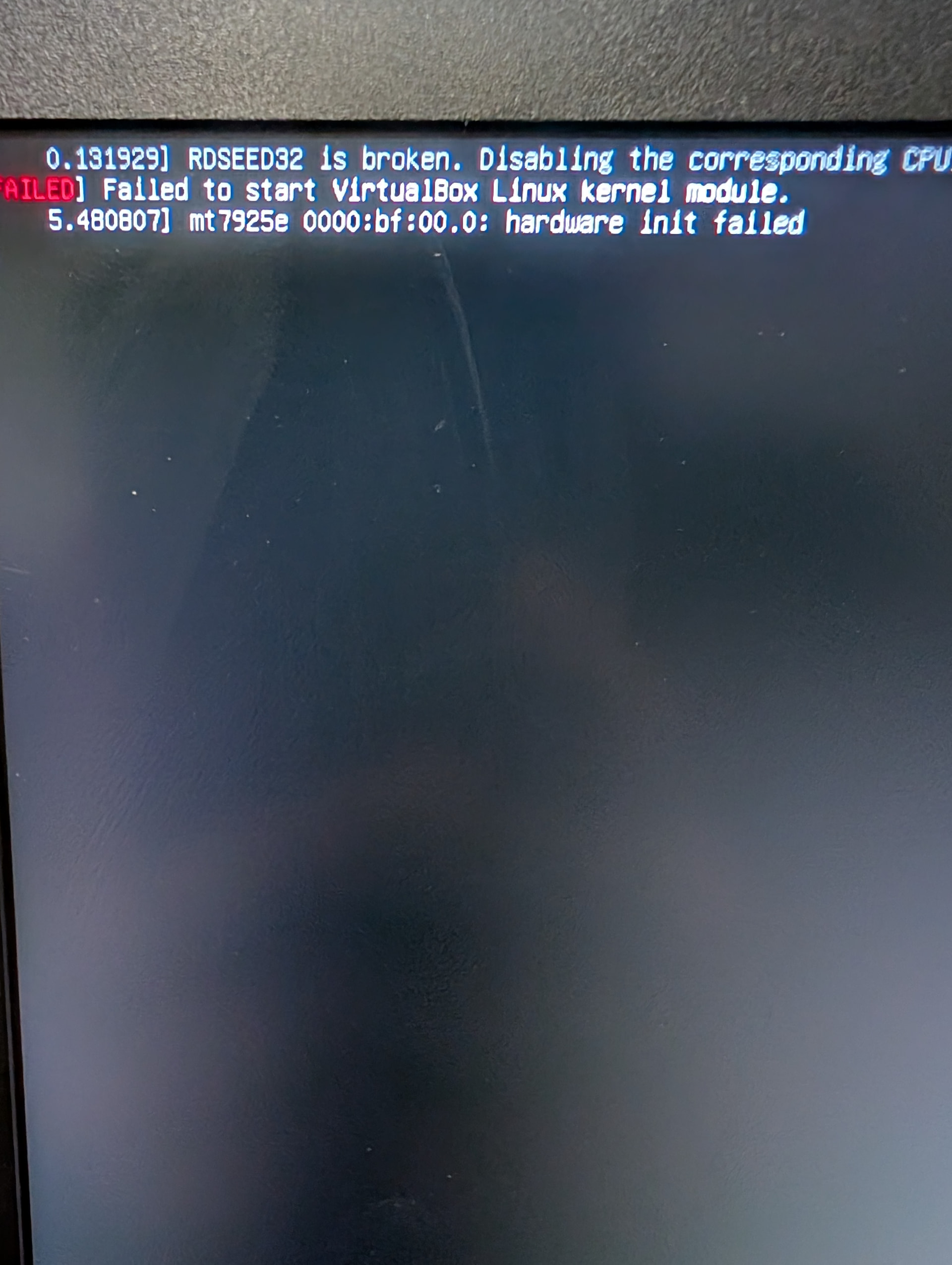
mk@mk-comp:~$ sudo dmesg | grep -i mt7925
[    4.645604] mt7925e 0000:bf:00.0: ASIC revision: 79250000
[    4.714181] mt7925e 0000:bf:00.0: HW/SW Version: 0x8a108a10, Build Time: 20260106153007a
[    5.052248] mt7925e 0000:bf:00.0: WM Firmware Version: ____000000, Build Time: 20260106153120
[    5.657001] mt7925e 0000:bf:00.0 wlp191s0: renamed from wlan0