I just got got my Framework 16 (AI 300) and have been attempting to install Arch Linux on it. I actually succeeded after a bit of confusion regarding bootloader configuration.
However, I now cannot do anything with it, as I cannot connect to WiFi in any capacity, whatsoever. It works perfectly fine in chroot, but not in the actual system. I made sure to set the regulatory domain, as that seemed to be the obvious solution from all of the wiki paged and forums I could find.
So I am now here, asking regarding where to even begin with diagnosing and hopefully fixing this.
wlan0 consistently authenticated, is associated, and TX power is limited to 23. Then iwd does not output anything else. I cannot ping anything.
I briefly attempted to use NetworkManager instead, but had similar results of not being able to ping or install packages. I also confirmed that the Windows Installation on my other SSD connects perfectly fine.
Hello! I appreciate the advice, and if this continues, I’m definitely going to try it, however, my when I got to my system today, it is now seemingly failing to boot (into Arch) entirely with no consistency in how far it gets before freezing, so I’m likely going to repeat the entire install process first.
Edit: Scratch that. Apparently another reboot somehow did the trick despite me having already rebooted at least five times in a row. Though, this seems to still be occurring, just less.
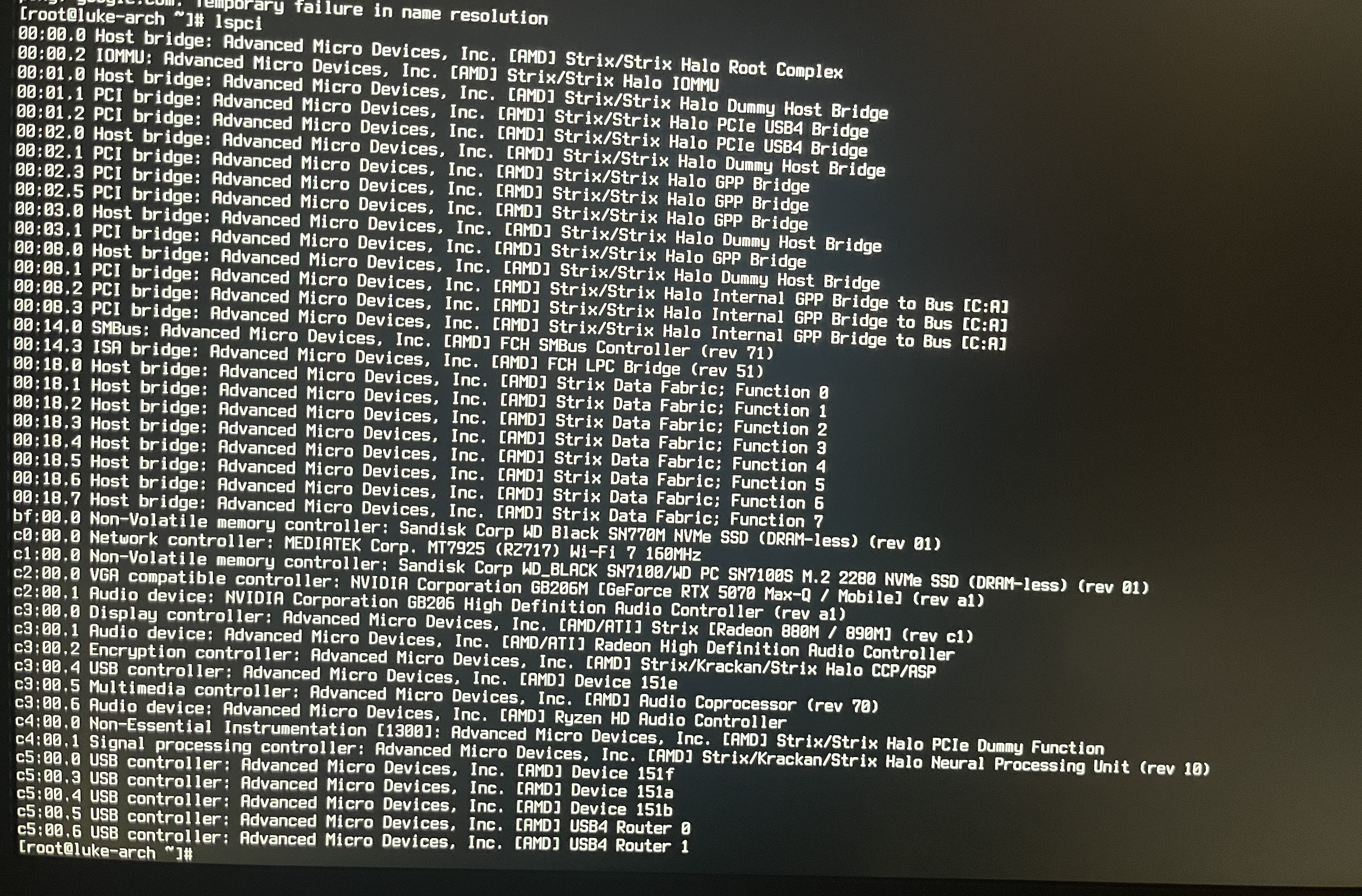
Here are the results. (Cruzer Glide should be the USB with the live iso on it, I had to chroot again to install usbutils)
On top of the inconsistent booting, I’ve noticed that when using reboot, the system just… doesn’t. Though, I’ll likely look into that separately once the current issue out of the way.
I’m confused, are you booting Linux from this live iso, or did you actually get it installed to/booting from your SSD?
Good news is the mainboard is seeing both the pci and USB (Bluetooth) sides of the 7925. If either side of this card doesn’t come up it’s a giant mess.
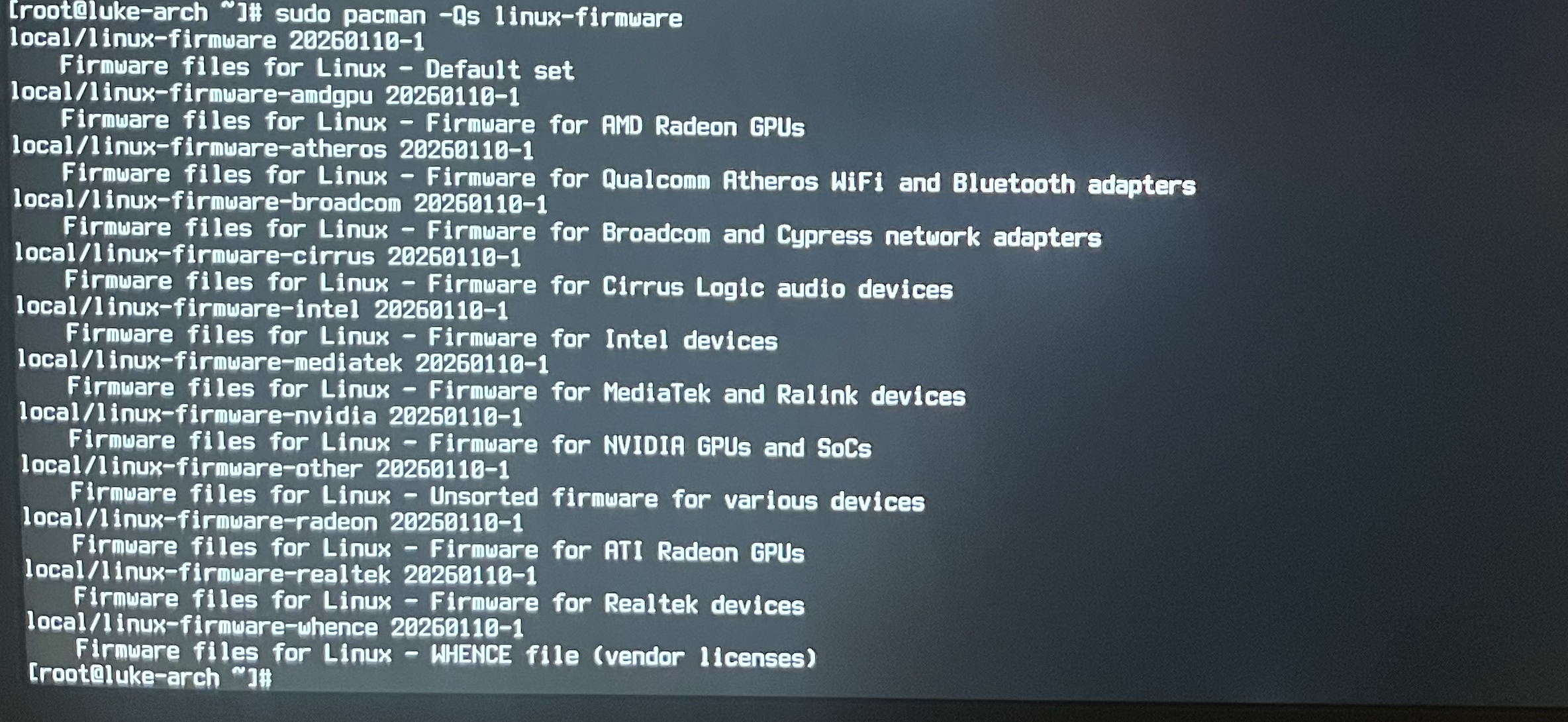
What’s the output of sudo pacman -Qs linux-firmware ? That’s what holds the latest meditatek firmwares on Arch…
Okay that’s the same version I have. Meditatek is pretty active with updating their drivers so it’s good to keep linux-firmware (which I believe auto installs and updates linux-firmware-mediatek also) updated.
regulatory domain issues were fixed in the 6.18 kernel that were present in the 6.17 kernel too. Just FYI on that. I’m not sure if my DKMS package will fix this issue specific but maybe.
Just tried the package. Seems to have done nothing.
A thing to note is that all attempts to ping or use pacman are instantly failing after 0 ms due to a failure to connect, despite iwd seemingly showing a connection has been made. This seems to be consistent across both my home network and my hotspot which I used for testing.
I don’t know if this helps, but when trying to check if it was working, as mentioned on that thread’s first post, the dkms status command produced no result, though lsmod gave what I believe to be the intended result.
So, it turns out I’m an idiot and never started systemd
I suppose the issue this thread was about is now fixed, since I now have a usable system. I now have KDE Plasma on it, managed to set up NetworkManager in that, and am now just trying to figure out why I can’t start start sddm, since trying to forces me to power off.
Thanks for the ideas for helping with the network, even though the problem was just me being stupid with config and services.