Framework 12 USB Charging Database (Your help needed!)

After setting up my FW12, I measured the charging speed of every USB-C charger I could get my hands on.

Here’s the compiled data: Framework 12 USB-C Charging data - Google Sheets

The spreadsheet also contains a link to a Drive folder with pictures of all chargers.

Now I need your help!

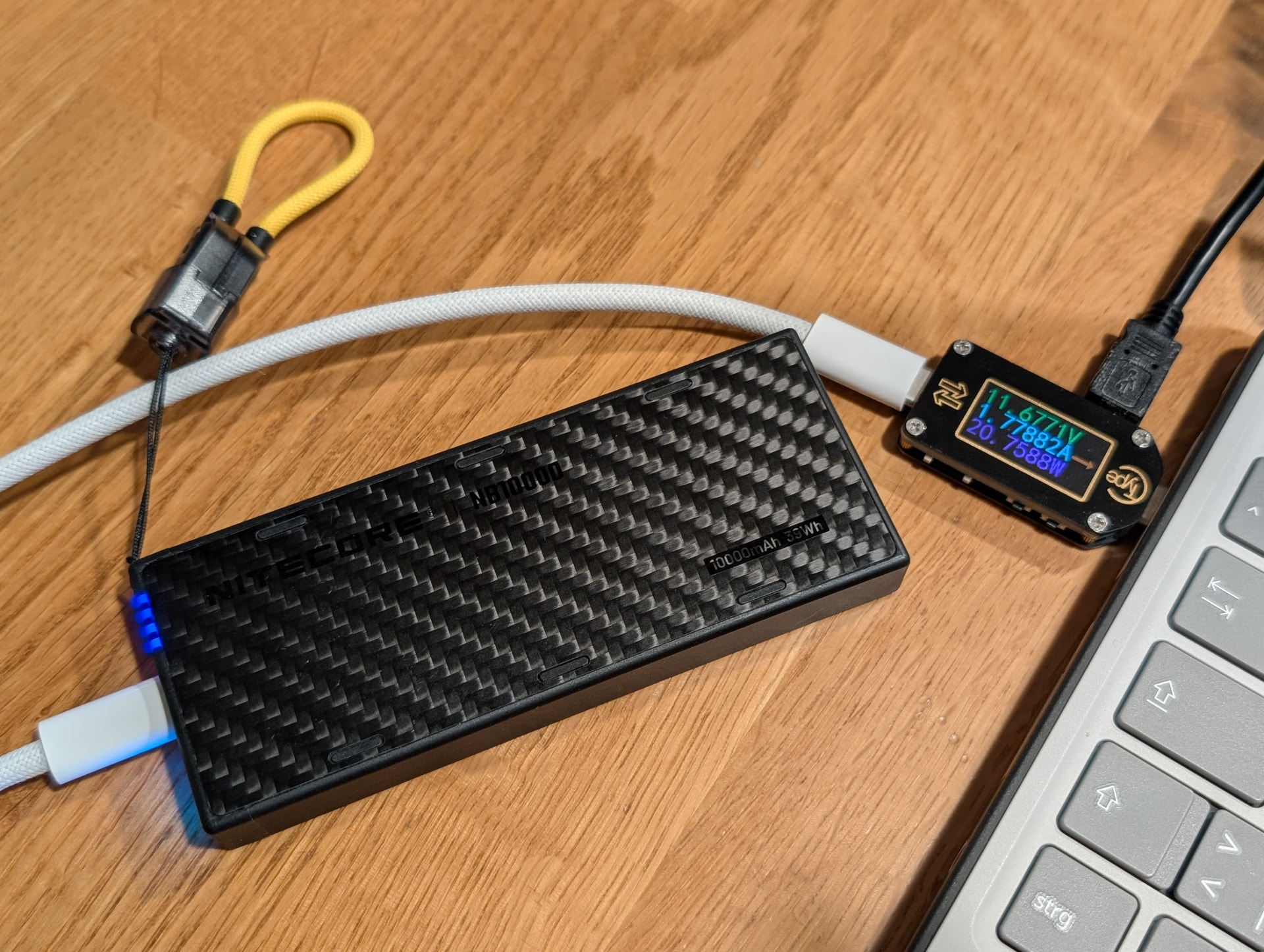
If you own a USB Power Meter and a Type-C charger that’s not yet on the list (wall wart or power bank), please post pictures of the charging speed and the output specs printed on the charger (like you see in the linked Drive folder).

If you have any notes, please include those as well.

I’ll update the spreadsheet with any data posted here, plus everything I gather myself.

Important:

-for consistency, FW12 needs to be turned on and idling

-FW12 needs to be at a low state of charge (about 10-30%), otherwise it may restrict charging power

-USB Power Meter needs to support all relevant protocols (PD, PPS etc), lest it becomes the bottleneck

-USB cable needs an E-marker chip with high voltage and current, lest it becomes the bottleneck

For reference, the cable I used is a black braided 1m long Nimaso USB 3.2 Gen2.
The E-marker reads 50V 5A and I measured 63mΩ resistance on GND and 86mΩ VBUS.

I hope the spreadsheet is useful, and I’m looking forward to your responses!

3 Likes

In my experience the battery continues to charge at 1C until it reaches 70% or so. Even at 60%SoC it charges at around 50W. That low SoC requirement should therefore be bumped up to at least 50%.

1 Like

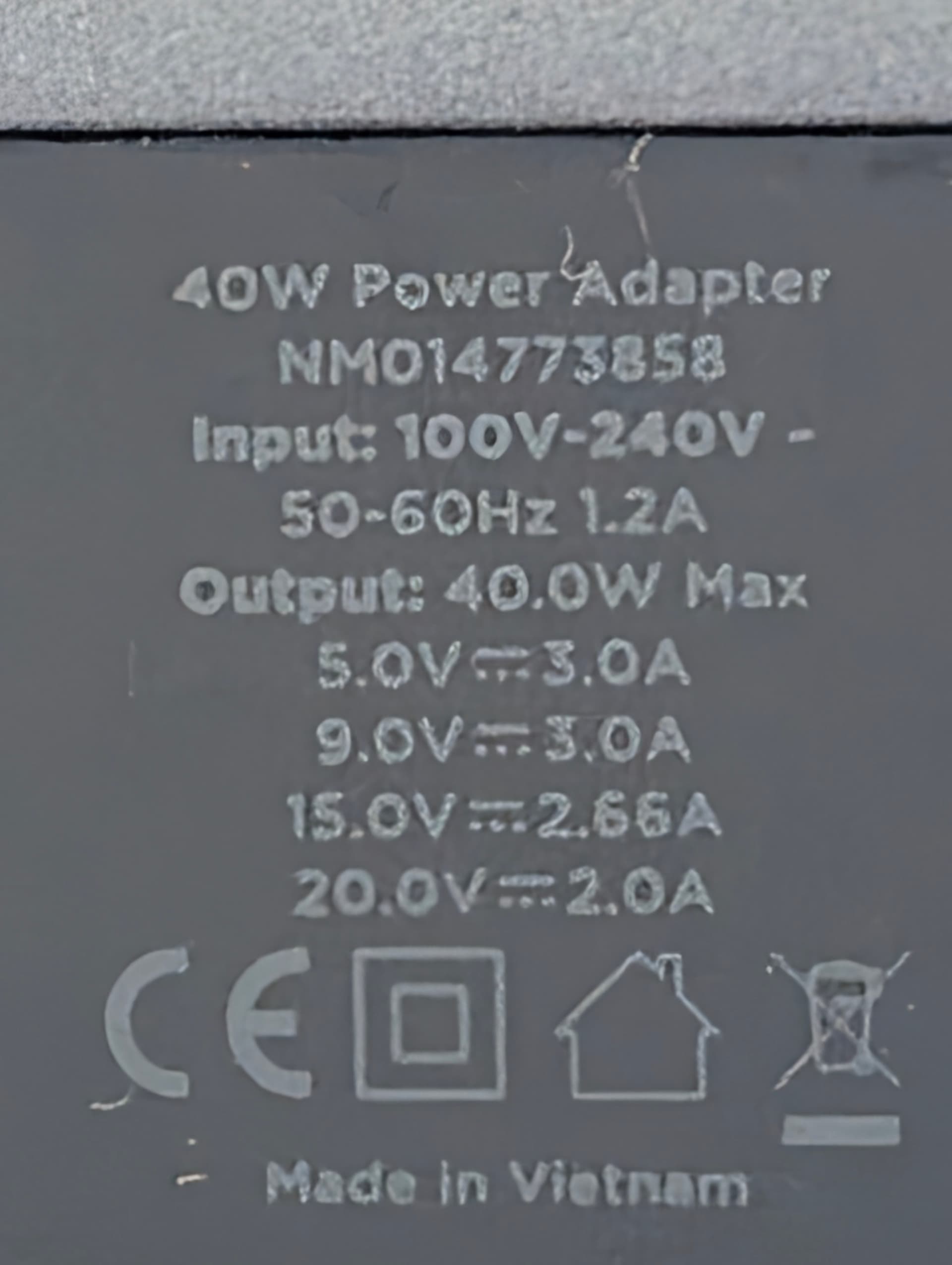
Nomad 40W Slim EU:

Link: AC Adapter - 40W | Slim | Carbide | EU | NOMAD®

Spreadsheet and Drive folder updated.

1 Like

@staticV3 I’ve got two new data points to add.

Cable: Anker Nano USB C to USB C Cable, 240 W 0.9 m Braided

Charger 1: Anker A2663 (Anker Nano II 65W GaN Charger) → measured 62 - 63 W

Charger 2: Anker A2669 (Anker 67 W Prime GaN Charger) → measured 62 - 63 W

Started charging my Ubuntu 25.04 system from 20 % until ~67% when I remembered this post. Rebooted and kept it idling and measuring. Did not seem to cap charging speed - both measured 62 - 63 W.

Did most of the charging with Charger 1 - pretty small but got quite hot. No danger of burning, but uncomfortable to touch. Not sure if charger 2 would get as hot when charging for a longer period.

Not measured yet, but used it during my last trip: Anker Nano Travel Adapter (Anker A9215) with the same cable. Was impressed that it fully charged the laptop during light use (browsing, youtube) no problem, even though it only has 20W output max on paper. Really nice form factor for a travel adapter.

1 Like

Added some more:

  • Anker A2046 (Atom III Slim 65W GaN Charger - 65W total, 45W max USB-C on single port)
    → 43.4W / 19.74V

Previously measured:

  • Anker A2663 (Anker Nano II 65W GaN Charger)
    → 62W / 19.64V
  • Anker A2669 (Anker 67 W Prime GaN Charger)
    → 62.8W / 19.27V
  • Anker A9215 (Anker Nano international Travel Adapter)
    → 0W / 5.1V (not sure why it read 0 Watts - it definitely does charge, even when in use, but due to the weak output definitely more like a very slow trickle compared to the other chargers)

Not sure if those are still sold:

  • Momax UA8 (65W GaN Charger international Travel Adapter)
    → 62W / 19.67V
  • Ravpower RP-PC136 (65W GaN Charger)
    → 61.5W / 19.48V
  • Baseus BS-E915 (65W GaN Charger)
    → 63W / 19.99V

Charging throttle started to kick in at around 75%

1 Like

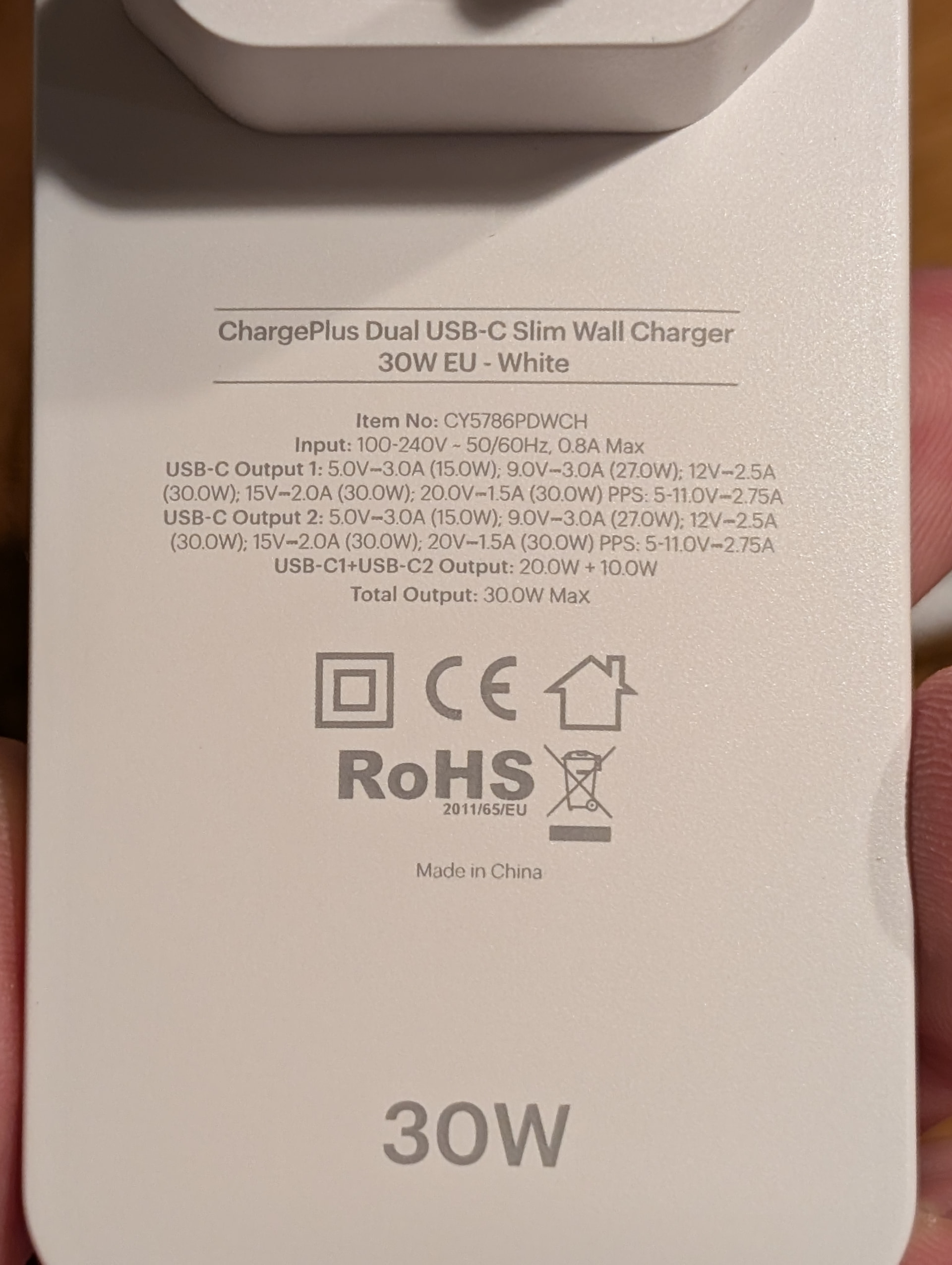
I’ve got the i5 Framework 12, charging with:

At 30% battery, my FW12 sits around 69-74W

But if I run the Hardinfo2 benchmarks with the laptop set to "performance mode” it pulls up to 88W

–Edit : Photo of charger spec label

2 Likes

Thank you both for contributing!

Spreadsheet and Drive folder updated.

2 Likes

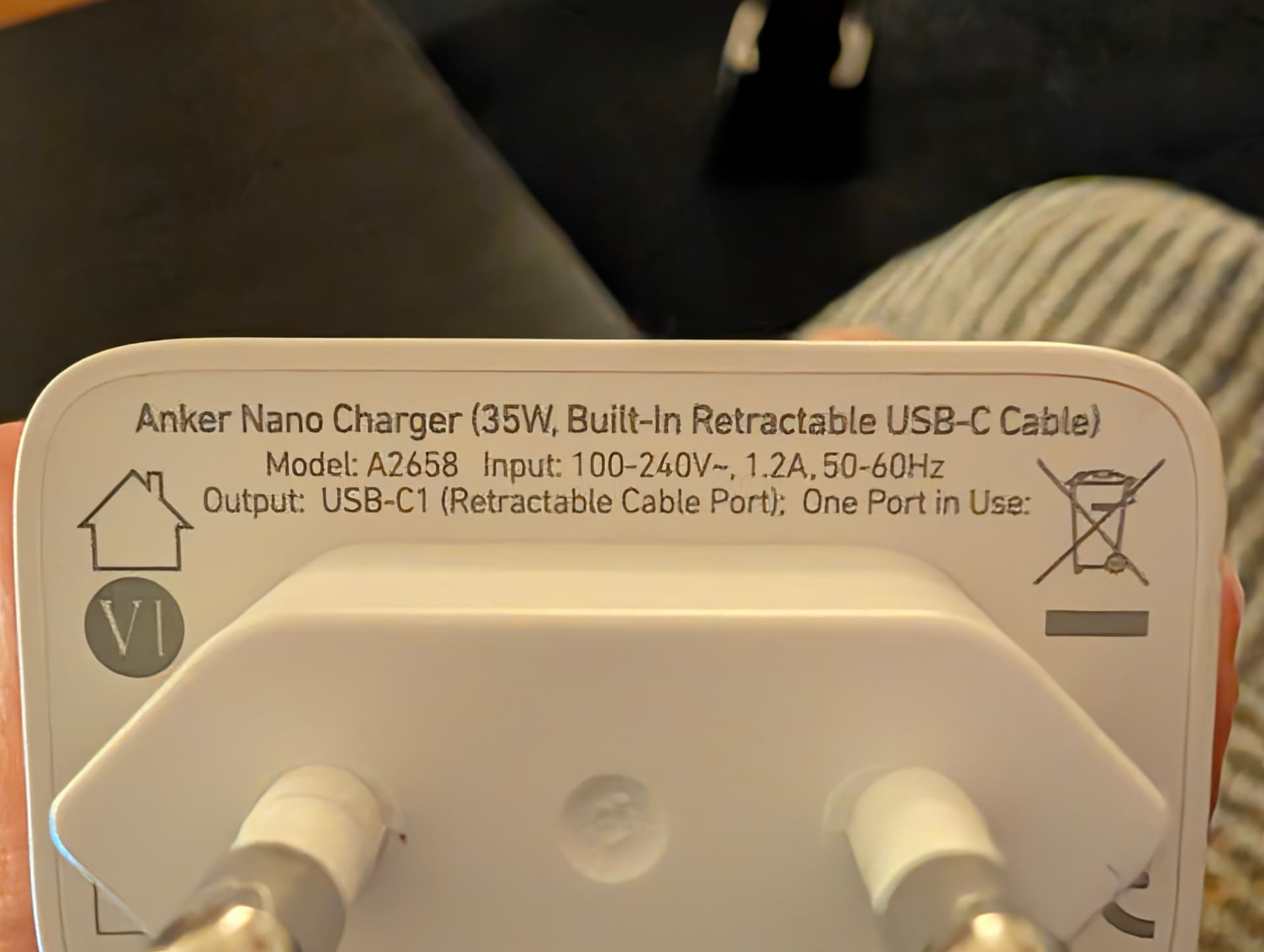
Got the measurement of the Anker A9215 (Anker Nano international Travel Charger):
19.1 W / 11.88 V

The charger has two USB-C outputs:

  • USB-C1 Output: 5V⎓3A, 15W / 9V⎓2,22A, 20W / 12V⎓1,67A, 20W (20W Max.)
  • USB-C2 Output: 5V⎓3A, 15W (15W Max.); 2-Port / 3-Port / 4-Port: 15W Max. (shared )

Charges only from USB-C1 (power charging led between the USB-C expansion slots lights up as well).

Mistakenly used USB-C2 yesterday and 15W is not enough to charge.

Edit: Also can confirm that 5V does not charge the laptop (5V⎓3A on USB-C2). When the laptop is running the power meter just reads 0W on USB-C2. When the laptop is turned off the power meter and charging led indicator of the laptop constantly switch on and off like described in this thread

Charging from USB-C1 with 12V is solid though. Pretty nice form factor compared to the huge blocks with more ports and 65W or more.

1 Like

Spreadsheet updated.

1 Like

Baseus E0121E (Enercore 67W):

The retractable cable didn’t want to play ball with my power meter (kept cutting out), though no issues charging w/o the meter.

For the pic, I measured with an external cable, but confirmed with a mains power meter that the Baseus draws identical power with an external cable and the retractable one.

Hence, what the pic shows should be applicable to the retractable cable as well.

Device Capability Charging stats Comments
Apple 87 Watt a1719 87W 19.74 V / 2.97 A / 59 W at 12% screen off, Opened and went to 3.5 A / 72 W 2018 MBP 16 charger
Commercial Electric LA-62 12W 5 V 0.12 A 0.61 W 5 volt charging definitely doesn’t do anything meaningful
HyperJuice 100 watt gan charger model hjgan100 100W 19.8 V 3.4 A 67 W Coil whine from the charger on port 2, port 1 was fine
Apple 140 w USB C power adapter model a2452 140 W 19.9 V 3.4 A 70 W 2021 MBP Pro 16 w/ M1 Pro, but usually around 67w with a screen off
Anker PowerPort Speed PD30 model a2014 30W 19.8 V 1.6 A 32 W
HyperJuice 140 watt USB-C charger model hjg140 140 W 19.8 V 3.4 A 67 W This has a 140 W and 100 W port; they produced similar numbers.

I started to try out the Chicory model w20-045n1a AKA 45W Steam Deck charger, but I couldn’t find a hub or anything that would let me test it. The cable is built into it and my tester is a full cable, not a F/M plug.

1 Like

Spreadsheet updated with @Colin_Dean’s data (many thanks!), as well as with some of mine:

Anker A2039:

Anker A2658:

Ugreen X604: