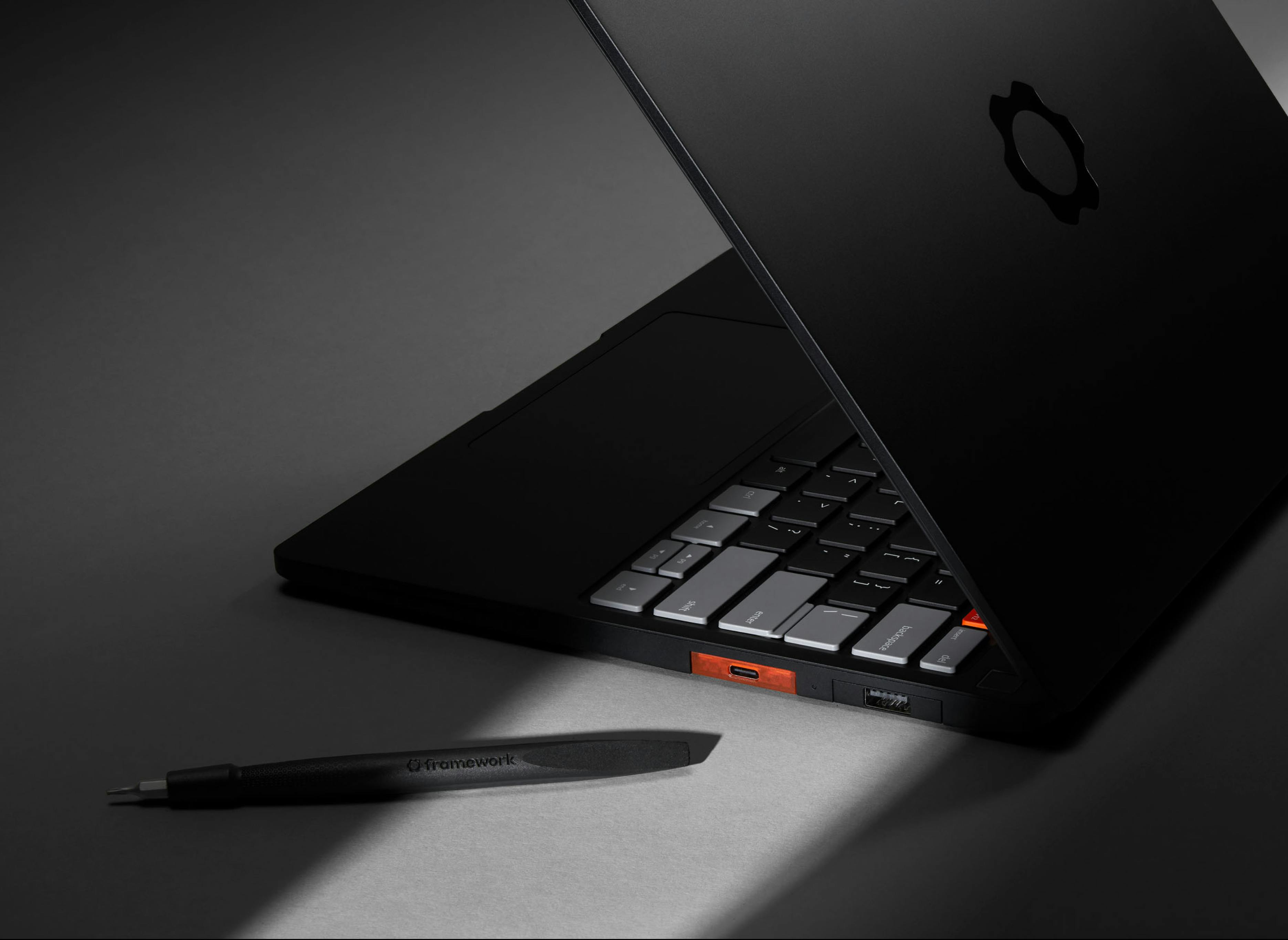
Today, we’re happy to introduce Framework Laptop 13 Pro, a complete ground up redesign that brings a massive leap in battery life with Intel’s Core Ultra Series 3 Processors, a 74Wh battery, and LPCAMM2 memory, a new full CNC aluminum chassis, our first purpose-built power-optimized display with touch support, an excellent feeling haptic touchpad, an option for pre-loaded Ubuntu, and much more. In many ways, this product has been six years in the making. We’ve taken all of the feedback you’ve given us on the first seven generations of Framework Laptop 13 to make this the ultimate portable developer and power user machine. With all of this, it’s still a Framework Laptop, meaning it’s repairable, upgradeable, customizable, and entirely yours to do what you want with. Framework Laptop 13 Pro is available to pre-order today, starting at $1,199 USD for DIY Edition and $1,499 USD for pre-built configurations, with first shipments in June.

We posted two videos on Framework Laptop 13 Pro to the Framework YouTube channel, a deep dive on the product, and a side by side comparison and upgrade guide with the original Framework Laptop 13.
Let’s dig into the improvements one at a time. First, there is one bit of feedback you’ve given us more than any other over the last five years: that you want the product philosophy we bring without having to sacrifice battery life. Framework Laptop 13 Pro delivers a giant leap in this regard. We’ve been amazed by some of the test results. On Netflix 4k streaming for example, we’re getting over 20 hours of battery life, which is not only 12 hours longer than we got on the previous-generation Framework Laptop 13, but it’s actually slightly longer than a 14-inch MacBook Pro M5! We know battery life claims from device makers are often bogus, so we’ll be publishing full-length videos and setup descriptions of each of our battery life test cases to the Framework YouTube channel over the next few months.
There are optimizations we’ve made throughout the system to land these numbers. One of the biggest is the move to Intel’s latest Core Ultra Series 3 processors, which are just insanely efficient. We have three configurations available across Core Ultra 5, Core Ultra X7, and Core Ultra X9. Intel moved to a very interesting heterogeneous tiled architecture this generation, with the CPU cores, GPU cores, and I/O peripherals each on different dies that are fabricated on different process nodes. The CPU die is uniquely impressive, with up to 16 cores (4 Performance, 8 Efficient, and 4 Low Power Efficient) on Intel’s new 18A process node. The Low Power Efficient cores are especially interesting. On workloads like video streaming that can run primarily on those, battery life goes up substantially and the system stays silent. Core Ultra Series 3 also has the highest performing integrated graphics we’ve put into a Framework Laptop. The 12 Xe3 cores on the X7 and X9 versions are capable of driving full AAA titles like Cyberpunk 2077.
Another big ingredient contributing to the jump in battery life is LPCAMM2. This is a brand new memory module format that allows us to bring extremely power efficient LPDDR5X memory into an upgradeable format. This module uses a high-density compression interposer to maintain high signal integrity while still being easy to replace. LPDDR5X also enables higher memory bandwidth than we’ve been able to achieve in the past with DDR5, with module speeds up to 7467 MT/s. We have LPCAMM2 modules available in 16GB, 32GB, and 64GB capacities, with higher capacity modules coming in the future. Upgradeability is really critical in the current memory environment, since you can pick up just the capacity you need today, with the ability to upgrade later if you ever need it.
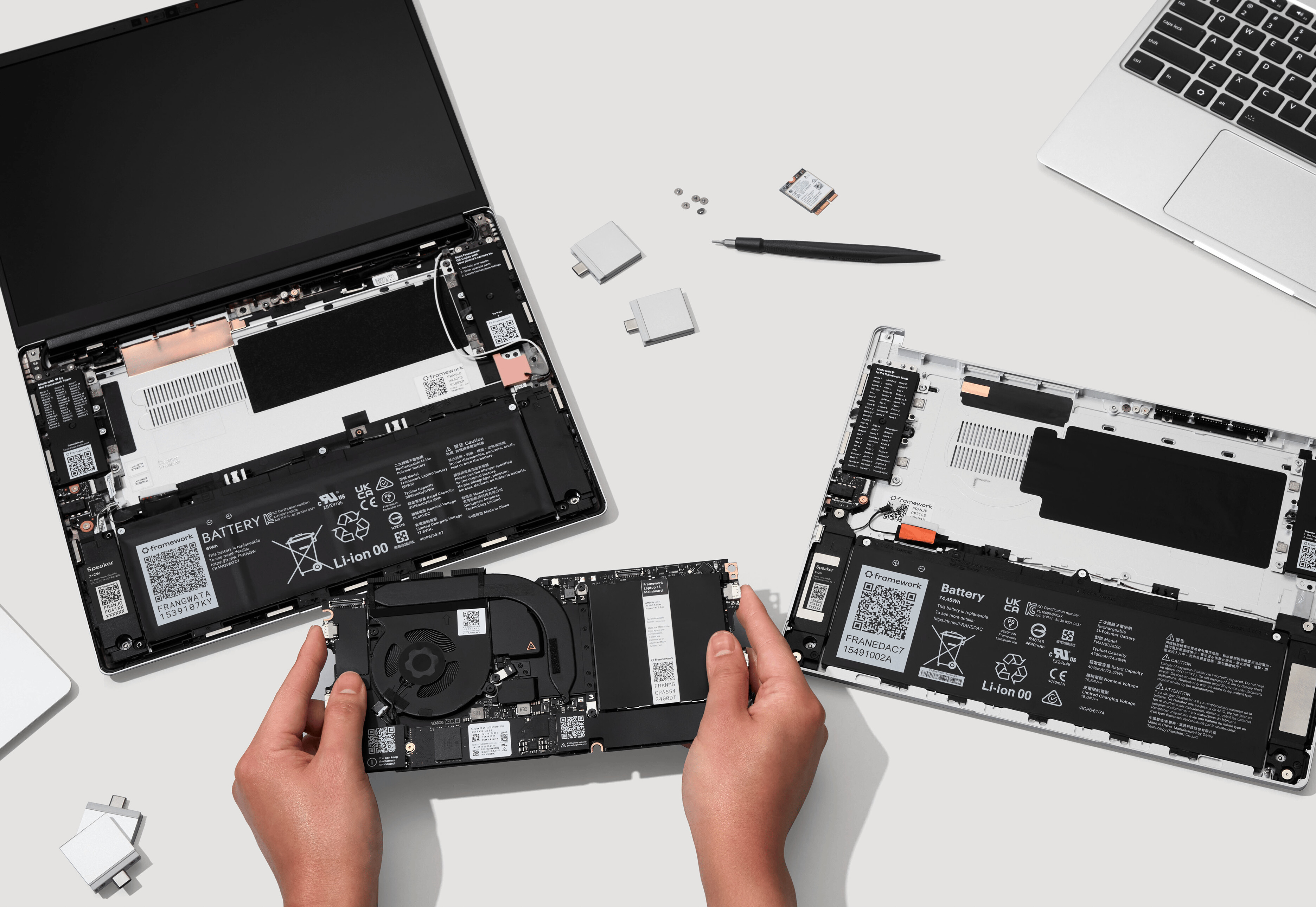
Finally on battery life, we’ve increased the capacity to 74Wh, a 22% increase over our last generation. We’ve done that both by physically increasing the size of the battery with a new Bottom Cover geometry and through a new battery chemistry that enables 850 Wh/L energy density. Even with this, we’re still able to achieve up to 80% capacity after 1,000 cycles of use. As always, the battery is simple to replace if you ever need to, held in by three captive fasteners. Also new this generation is a 100W GaN Power Adapter that is just a little bigger than our earlier 60W one, enabling faster charging of this larger battery.

In addition to enabling battery life and performance, Core Ultra Series 3 brings impressive peripheral support. This is our first Framework system with PCIe 5.0, enabling NVMe storage drives with over 14,000 MB/s read and write speeds in capacities up to 8TB. As always, the storage is upgradeable, in an M.2 2280 form factor. With this generation, we also have Wi-Fi 7 support using Intel’s new BE211 radio, along with a reoptimized antenna to maximize throughput. Finally, like each of our previous Intel-powered Framework Laptop 13’s, we have four Thunderbolt 4 interfaces, connected through our Expansion Card system that allows you to choose your ports and where you want them placed.
One of the other major advancements on Framework Laptop 13 Pro is the display. This is the first time we’ve been able to develop a new fully-custom display from scratch, which means we were able to optimize it completely for the core productivity and programming use cases many of you are using your Framework Laptops for. This is still a 13.5" 3:2 display with 2880x1920 resolution that’s a perfect aspect ratio and resolution for text and code. We’ve levelled up every other part of the display experience. We now have 1800:1 contrast, per-unit color calibration, 30-120Hz variable refresh rate, up to 700nit brightness, and a novel anti-glare matte polarizer that enables excellent visibility in bright ambient light. We’ve also eliminated the rounded corners from the last generation. We used an LTPS backplane for the LCD to enable both performance and power efficiency. Finally, using in-cell touch technology, we were also able to integrate touch support, which is a feature many of you have been requesting for years.

Moving onto the chassis, this is our first laptop that is fully machined out of extruded blocks of 6063 aluminum, making it extremely rigid and robust while keeping the weight to 1.4kg. We’ve kept the same outer dimensions, meaning the system is 15.85mm thick. We’ve refined the ID over the last generations, including introducing our new Graphite anodization color. We have small UX improvements across the design too, like an easier to use Expansion Card latch and improved geometry around the hinges. Like we’ve done for each of our products, we’ve also released open source surface CAD of the new ID, enabling development of skins and 3D printable accessories.
On the inputs, this is our first Framework Laptop 13 with a haptic touchpad, using four piezo elements. Touchpad feel is an area where Windows and Linux laptops have historically fallen behind Macs, so this is where we’re putting a lot of our focus across our mechanical, electrical, and firmware teams to deliver the best experience possible. We kept the same great keyboard key structure you all love with 1.5mm key travel, now with two awesome looking colorway options in addition to black. We also have a Fingerprint Reader, as always with great Linux support out of the box.
Another area we’re taking your feedback is the audio experience. With the new chassis design, we’re porting the speakers out of the sides of the laptop, improving loudness and clarity on soft surfaces. We’ve also worked with Dolby to make this our first Dolby Atmos-enabled system. The Dolby Atmos algorithms deliver an incredible improvement in the experience across both speakers and headphones on Windows.

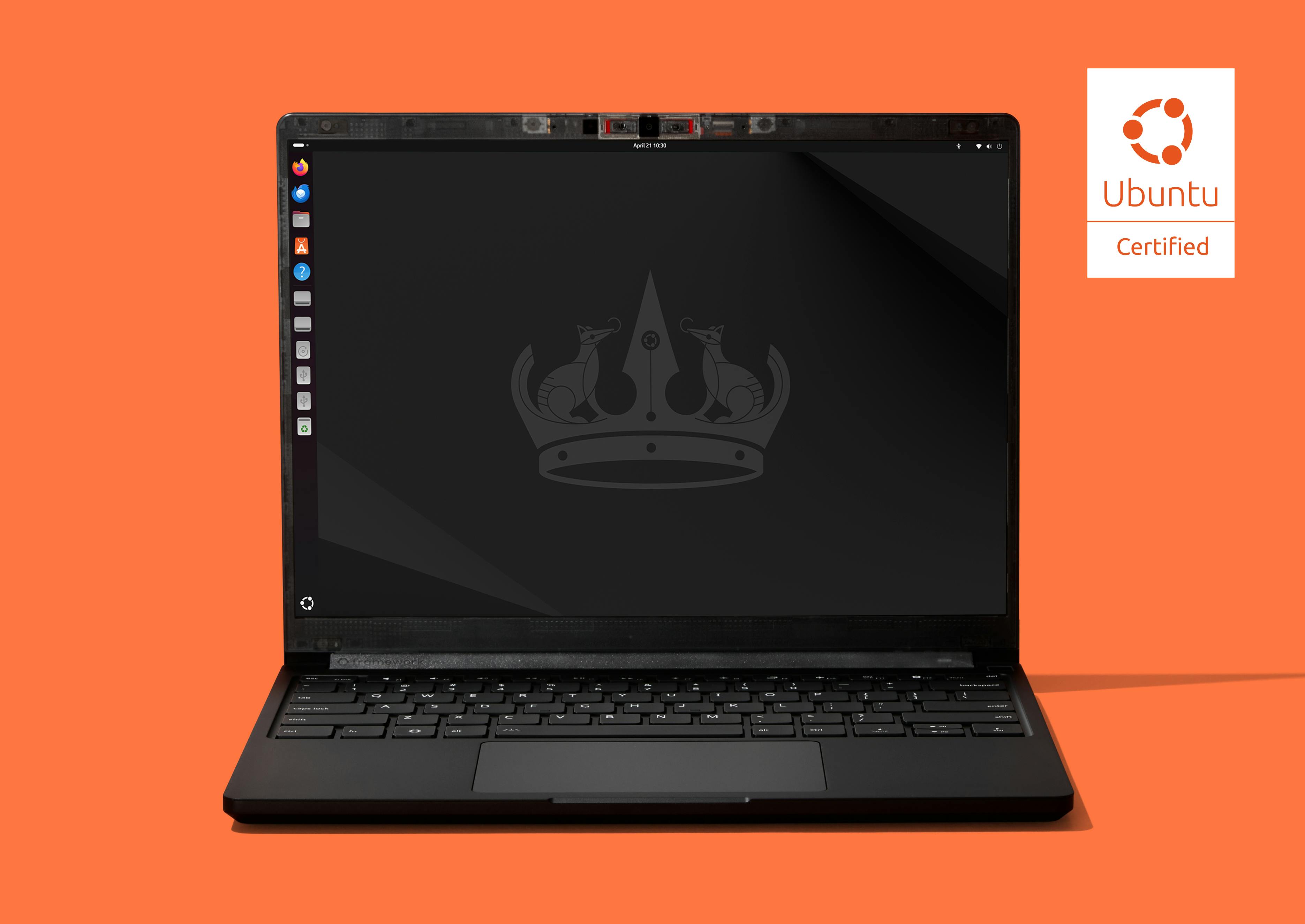
On Linux, as always, we’ve designed for excellent support from the start. That means component selection for Linux compatibility, support for firmware updates through LVFS, and contributing patches upstream where needed. We’ve also seeded pre-release systems to a range of distro partners. This is also our first ever Ubuntu Certified system, and we’re offering pre-built configurations with Ubuntu pre-loaded. That means you get compatibility and guaranteed support right out of the box. In addition to the Ubuntu pre-builts, we have Windows 11 options and our DIY Edition where you can bring your own memory, storage, and OS. We also have new AMD Ryzen AI 300 Series options for Framework Laptop 13 Pro, bringing the new features and functionality. We have one other new item available for US-based customers, which is a 3 year warranty option. This is an ask we regularly get from Framework for Business customers, and we’re making it available across all configurations.
If you’re a current Framework Laptop 13 owner, you’re probably reading this and wondering, what does this mean for the longevity of the laptop I already have? We’re happy to share that even while overhauling the entire product, we focused on cross-generation compatibility. The new Mainboard and Display Kit follow the same form factors and interfaces as our earlier generations, which means you can drop them directly into your existing system. Both of these are available for pre-order today. We have the new chassis parts coming in a Silver anodization option as well, and you’ll be able to pick up a Bottom Cover Upgrade Kit that includes the new battery, new Input Cover Kit with haptic touchpad, or even an entire new Chassis to get every one of the improvements.
Six years in, we’re not only continuing to deliver on the original promise, we’re bringing it to an entirely new level. Framework Laptop 13 Pro is the ultimate expression of our vision. Our internal prompt when we kicked off this product was to build the “MacBook Pro for Linux users.” We wanted to prove that you can have a computer that is refined, robust, and high performance, that still respects your rights through repairability, upgradeability, and the power to choose the software you want to run on it. We’re confident we have achieved this, but more importantly, we’re excited to see if you agree!

