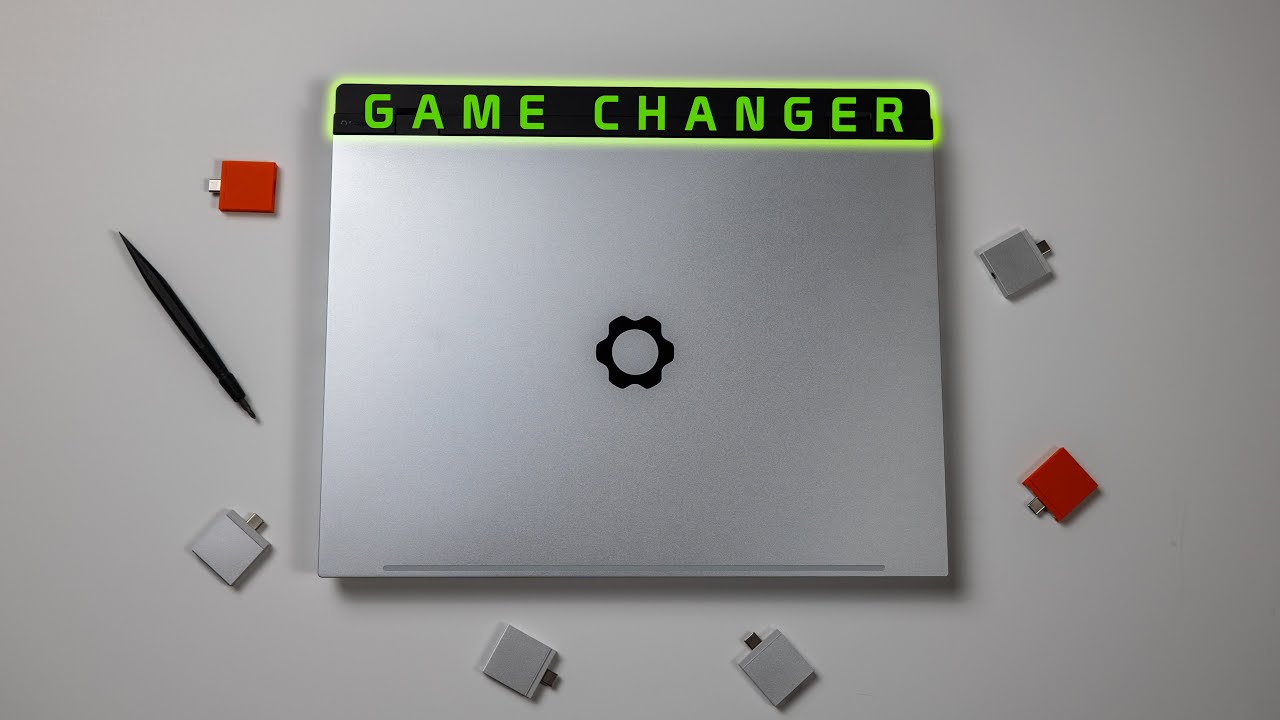
Hey, Framework friends. As an OG FW16 batch 1 guild member, I was really excited to get my hands on the refreshed model and see how it stacks up against my original. I’ve been pleasantly surprised be the absence of power delivery, throttling, and performance issues that still plague my original model. The refreshed generation has provided a much more consistent, reliable experience, even compared to my original model with the new 5070 expansion bay.
I’m happy to answer any questions and thanks for taking a peek!
I’ve been wondering that. The 5070 has mostly improved the experience of the OG, but I still run into the occasional throttling issues and performance bottleneck problems. It’s hard to imagine upgrading the mainboard to the new gen wouldn’t vanquish these issues, but it also seems like kind of a ship of theseus paradox at that point haha.
Watching your video, I noticed you never fully touched on the topics of flex and the heat distribution problems of the original laptop, nor battery life. Apologies if I missed your answer to any of these in the video. Do you still have the same issue of a heat spot on the laptop rather than distributed heat, or is that gone? Does the keyboard still get hot? Does the entire laptop still flex easily along with the keyboard/trackpad setup? Is the battery life still pretty bad, or has it gotten better? Thanks ahead of time.
Hello and thanks for watching! Unfortunately, these videos aren’t incredibly comprehensive and I tend to tackle the points that are most relevant and interesting to me. I’m happy to give me anecdotal feedback on these questions though!
Battery life is still mostly bad and I didn’t notice much difference from gen 1.
The bottom of the laptop doesn’t get as molten hot as gen 1 when pushing it.
The overall chassis flex feels about the same, so not much difference there. Trackpad spacers are still janky and unpleasant as well.
I can’t really speak to the keyboard heat, as I always game with external peripherals.
The biggest difference for me just comes down to the fact that you can push the performance for extended periods without the whole thing coming apart at the seams. This is a big win for me and my use case, but everything else about the user experience is basically the same.
No, that’s called forced obsolescence. Framework has no incentive to fix our gen 1 boards because we will give them more money for the gen 2. I refuse to give them more money until they fix our gen 1 FW16. I’m also ready to buy a 12 but I just can’t bring myself to pull the trigger until they do us right…..and they have thus far failed.
I definitely share your frustration. I played Valheim on my OG/5070/240w last night, and 20m in, the GPU wattage was unceremoniously and inexplicably halved and the frames and enjoyment tanked. Latest firmware and drivers.
First get nvidia smi and then run nvidia-smi -gpu-target-temp=90 this will give you extra time before thermal throttling you can also run sudo nvidia-smi -pl ‘desired number of watts’
Set the space occupied by desired number of wats to anything below 150 for the 180 watt charger or 200 for the 240 watt charger. This is risky but can help. If done wrong it could kill your GPU.
I agree, it’s stupid that to fix the issues, I have to get a new motherboard, a new dGPU and a new screen, totalling $2k+. Why not get a completely new Framework 16 at this point — which I really wanted to avoid.
Still, it’s good to know that the solution to the 1st gen exists, that, uh, Framework knows how to solve those things and will hopefully keep applying this knowledge to future revisions. This means that with each upgrade I will perform the laptop will become better.
replace desired throttle temp with your desired temperature in CELSIUS, do not go above 100.
To set watts
get amd
sudo amd-smi set -g 0 -o desired number of watts
Replace desired number of watts with any number, try to stay reasonable, it could easily fry your machine and the charger will be the bottleneck as you need to not overheat and provide power for the rest of the system.