(feel free to move this if this isn’t the right place)
So considering that the Framework Laptop 12 is going to be a 2-in-1 tablet, I got an idea for a paper-like screen protector, much like the aptly named Paperlike brand of products for the iPad. For someone who has tried to write on a standard iPad screen protector, it’s definitely doable, but the paper feel makes things feel so much better. Might be something to consider 
6 Likes
19 Likes
Thanks, nrp, for sharing the screen protector. It’s nice to see that VisaScreens already has several kinds of the Laptop 12 screen protectors - Framework Laptop 12 - VisaScreens!
@jamesrice I changed the category from Creators & Developers - feature-requests to Framwork Laptop 12. I hope you like it.
2 Likes
Well I’ll be damned  Thought I was onto something new but looks like someone beat me to it. Thanks for sharing!
2 Likes
I ordered one. I have no experience with other paper like screen protectors, and not a ton of experience with drawing on a tablet (just a little), but I’ll still let people know what I think of it, for whatever it’s worth, lol. I mean, once I have it and my FW 12.
3 Likes
I used a X230/X220/X201 not unlike the one in the demo. I didnt bother with “paper like”, I just went with matte. Work good enough, and they are on the cheap. Less than $5 per, i got a pack of 3.
I also have used wacom tablets in the past (and still do). They come with a matte-esque finish. So I thought they are good enough.
I mainly ordered it because I prefer a matte screen, and these paper like screen protectors claim to provide that. But I’ll also see how it feels to draw on, vs. a glossy screen without the protector. I can borrow a Microsoft “pen” from a Surface Pro if I have to, but hopefully the Framework pen will be available soon.
1 Like
Good to know that the ViaScreens protector is endorsed by Framework’s leadership!
1 Like
Just thought I’d report my initial thoughts on the ViaScreens paperlike screen protector.
Keep in mind, this comes from someone who doesn’t use a pen all that often on any device, and I’m far from an artist.
First of all, my experience was sullied slightly by dust. Oh god, the dust, lol. I literally tried to use a “laminar flow” box, lint-free cloth, etc., etc. to keep dust off the screen while installing it. Somehow, I still ended up with multiple large specs that caused ugly bubbles. Obviously, this is my own fault, and it’s also why I generally hate screen protectors. Be aware, the microfiber cloth they provide actually introduces some really fine dust. Maybe not large enough to actually cause any problems, but enough to bother me. It’s probably worth shaking them out really good before using them, to get rid of some of the loose dust on them after you take them out of the package. The bubbles I got are mostly on the periphery, in the bezel area, so it’s not a huge deal, especially for evaluating. But if I was going to leave this thing on, I’d be ripping this one off and trying again with a fresh one. The stickers they include for getting rid of dust are helpful, but I could NOT get new dust to stop settling. I shouldn’t have tried to do it on a break from work, because I had obviously been stirring up dust in here. Anyway, enough about that.
As for the look, it’s definitely matte. Weirdly, it’s not quite as anti-reflective as my Dell Ultrasharp monitor that has an anti-reflective coating. But it definitely cuts down on reflections and glare quite a bit, compared to glossy. It also cuts down on sharpness and contrast a bit. Not a lot, and I’m sure I’d get used to it pretty quickly and not be bothered. But there is a slight drop. No surprise there.
When drawing on the screen, it feels better against the side of my hand. Something about resting my hand directly on glass that just feels…off, and this screen protector improves that. I’m sure it’s psychological, but it feels less “wrong” to be resting my hand on a display, if that display doesn’t feel like glass. However, the drawing feel isn’t an improvement for me, personally. Again, from a non-artist and someone who doesn’t use pens that much. And the only pen I’ve tried so far is the Microsoft Slim Pen 2, because that’s all I have access to at the moment. To me, it seems like the pen tips are already designed to have a tiny bit of sliding resistance on glass. Combined with this screen protector, it’s like sliding rubber on rubber. The resistance is higher and doesn’t let the pen “flow” quite as smoothly for me. Maybe I’ll get used to it and maybe that little bit of extra resistance is exactly what some people are looking for. But for me, it’s not really an improvement. At least so far. Maybe once I get used to it.
Ultimately, I’m still tempted to leave it on, because it does feel a bit nicer on the hand while drawing, and I like the reduced reflections. But I’ll have to try again, because the bubbles will drive me mad. Also, it doesn’t quite extend to the very edge of the glass. If you manage to get it perfectly centered, there would probably be about 1/16" of glossy glass exposed all the way around. It’s probably for the best, because it provides some forgiveness when installing it. But it makes it really stand out that there is something stuck on the screen. That and the STUPID BUBBLES! Lol.
6 Likes
Does it also get rid of fingerprints? (and could you include a photo? You tried your best and that’s what counts)
1 Like
A trick to get a dust-free screen protector room is to run a hot shower in your bathroom and let some steam build up. It prevents the dust from moving around the air or something idk (but it works for me)
3 Likes
I may try that the next time. I was going to try that the first time, but I tried not turning on the fan when I took a shower before putting on the first one and it still seemed like there was a lot of dust floating around in there. So I decided to go a different round and it went poorly, lol.
I hear that paperlike/matte screen protectors wear down the tip of styluses like sandpaper unless they have a metal tip. Is the Framework stylus going to be available with metal tips?
1 Like
I’ll get a pic later. It does generally hide fingerprints, but it still gets a bit smudged up looking.
How does this screen protector handle the camere? Cutout? Smooth area there? No special tratment for the camera? Or doesn’t even extend to the camera location?
1 Like
I prefer the feel of the paperlike but I worry about parallax effect on the framework 12. I have a magnetic version on my ipad but it is barely noticeable.
It has a small cutout for the camera.
2 Likes
I already ordered the paper viascreens protector recommended by nrp. Will report back how well it works when I receive my Framework 12 (and hopefully the Framework stylus if available soon, else I’d need to get a third party one).
4 Likes
Here are some pics of the ViaScreens Paperlike screen protector. Sorry, they aren’t great. I didn’t have a chance to get anything better right now.
This first one shows the smudges after light use:
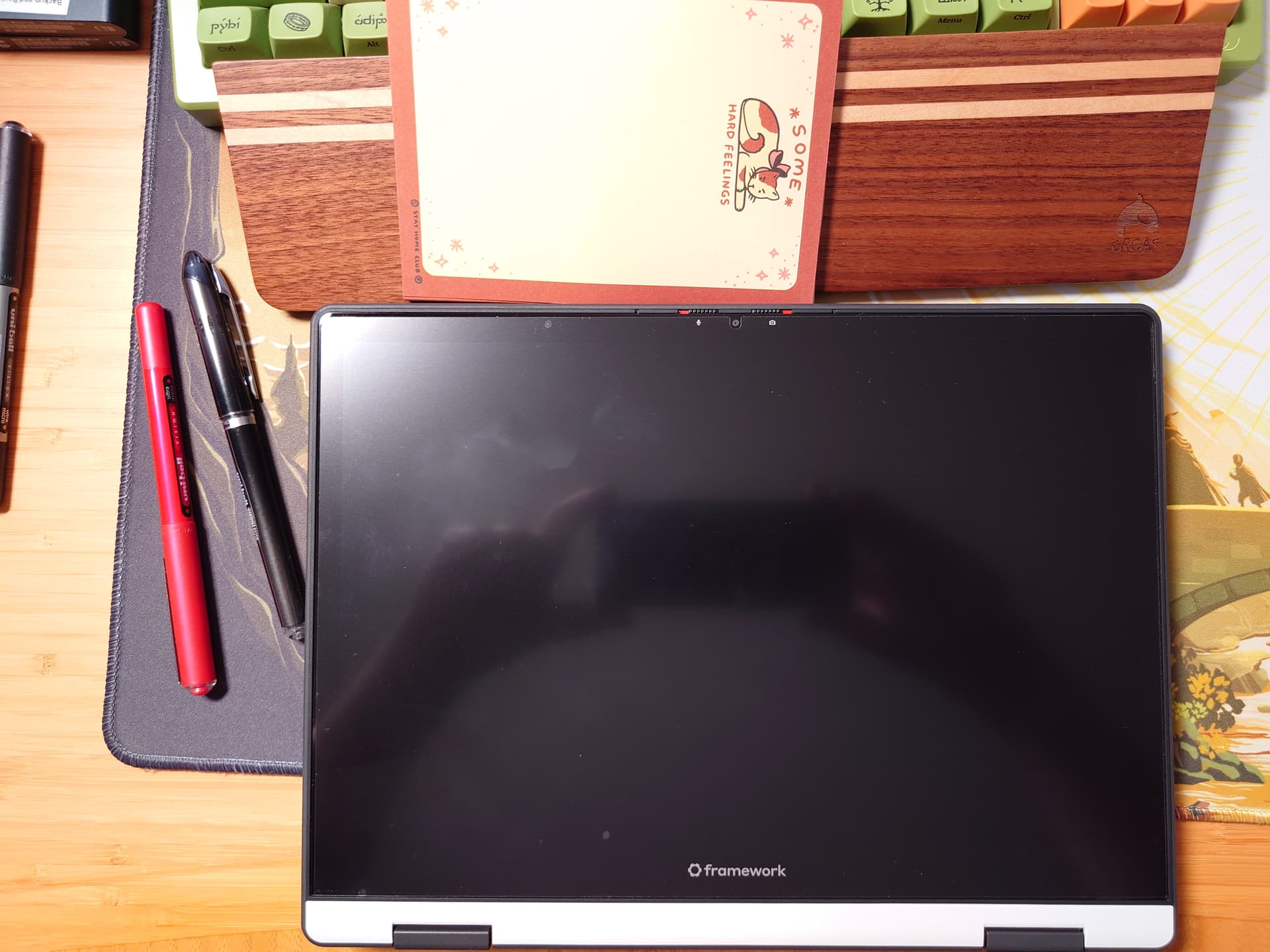
I cleaned it and took another pic:

Here is a pic showing my overhead light right reflecting right in the center. There’s obviously still a lot of reflections, but a lot less glare, beyond the bright spot from the light.
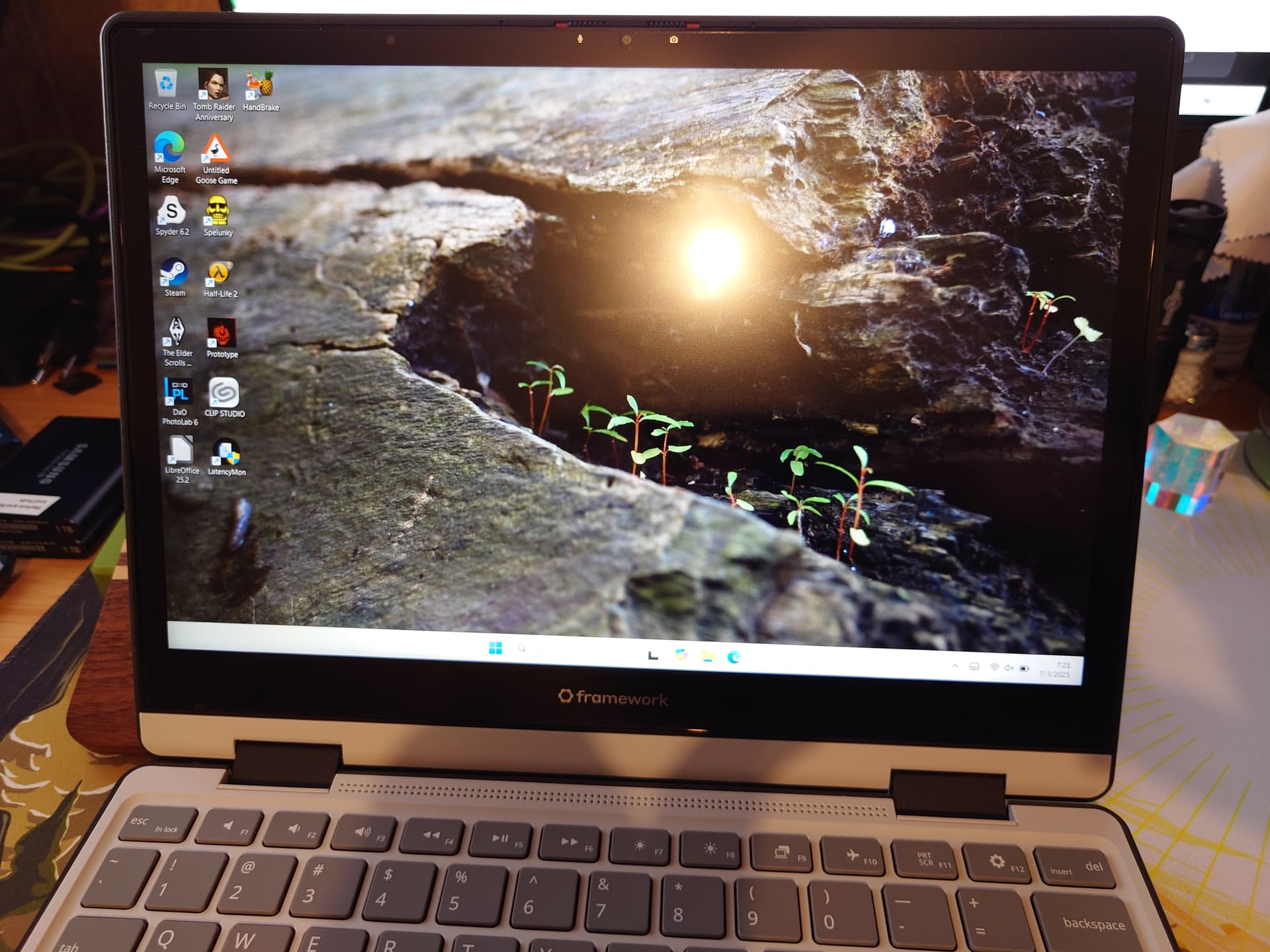
11 Likes
For anyone curious, the ViaScreens paperlike kit comes with two screen protectors. This morning I pulled the first one off, trusting it would take the offending dust with it, and then quickly applied the second one. Zero bubbles! I considered just pulling it off and ditching it entirely. When pressing the pen hard enough to get a thick line, the friction seems a bit much. But it looks generally less smudgy and just psychologically feels a lot nicer to rest my hand on. So I’m sticking with it.
When getting your face close while drawing, it’s a bit more obvious that it’s diffusing the image slightly. Which is why you lose a bit of contrast and sharpness. But on the other hand, there is less glare and fewer reflections. So it just depends on what you’re looking for.
2 Likes