Framework Desktop seems as little powerhouse and it would be a pity to not to use it as home computing centre.
But I also want to be able to use it remotely so things like PiKVM or GL.iNet Comet seems promising.
So my question is: is there a way to integrate it’s power button/reset button with things like that? Comet has an optional PCIe extension card but it’s for ATX cases. Is there a possibility to integrate it with Framework Desktop? Power on ethernet, additional extension card or something?
as a user of PiKVM… there’s definitely a way to integrate the PiKVM ATX controls. by default it makes use of a PCI slot to expose the RJ45 conenctor it uses to connect the PiKVM to the host PC, but that’s optional. a little 3d printing and case modding shoudl let you attacc the PCB to the case in a way that gives you access to the front panel pins for LED and button interception.
I dont’ use any of the clones of that project… btu i assume that you’ll have a similar situation with them if you use them.
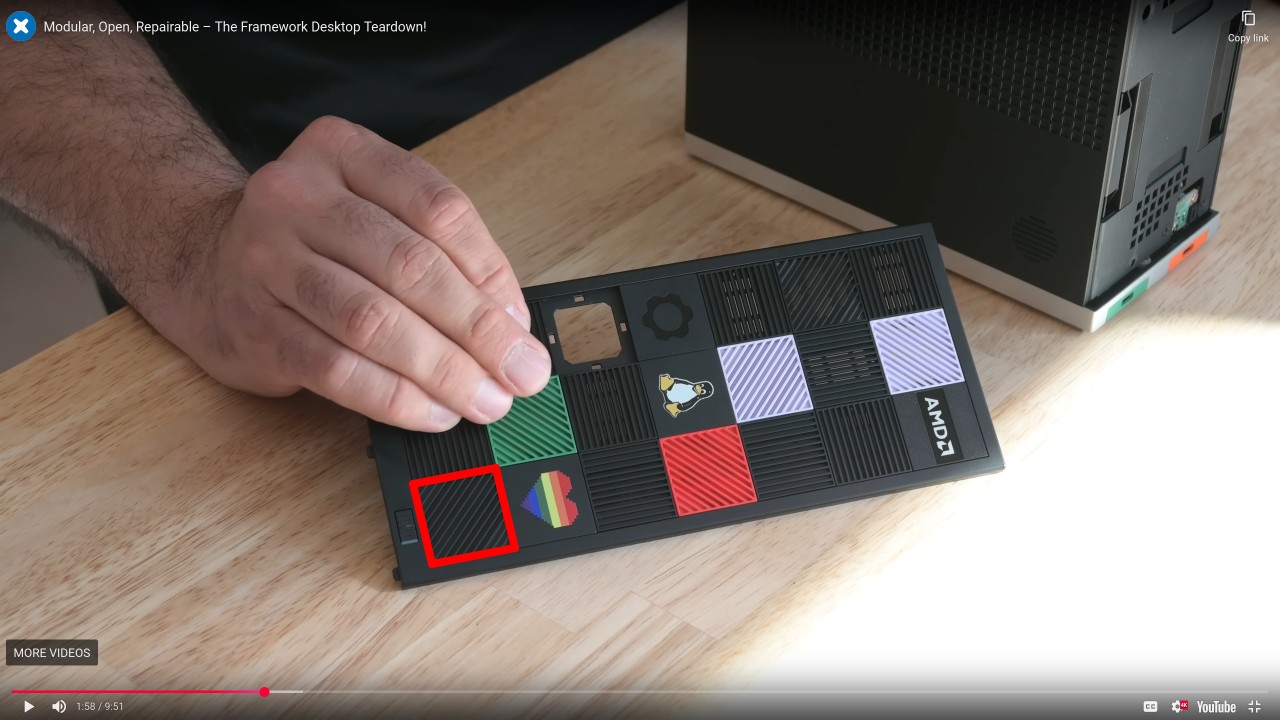
Or you could even replace that entire PCB with a custom one that adds the needed connections. It looks like there’s enough room to put an 8P8C connector that the usual PiKVM ATX control board uses.
Another option might be an EC CCD.
On the FW13 and FW16, you can plug a “closed case debug” (CCD) into one of the usb slots and it gives you console access to the EC “embedded controller”. You can then send it on/off commands.
I don’t know if the CCD works on the Desktop or not.