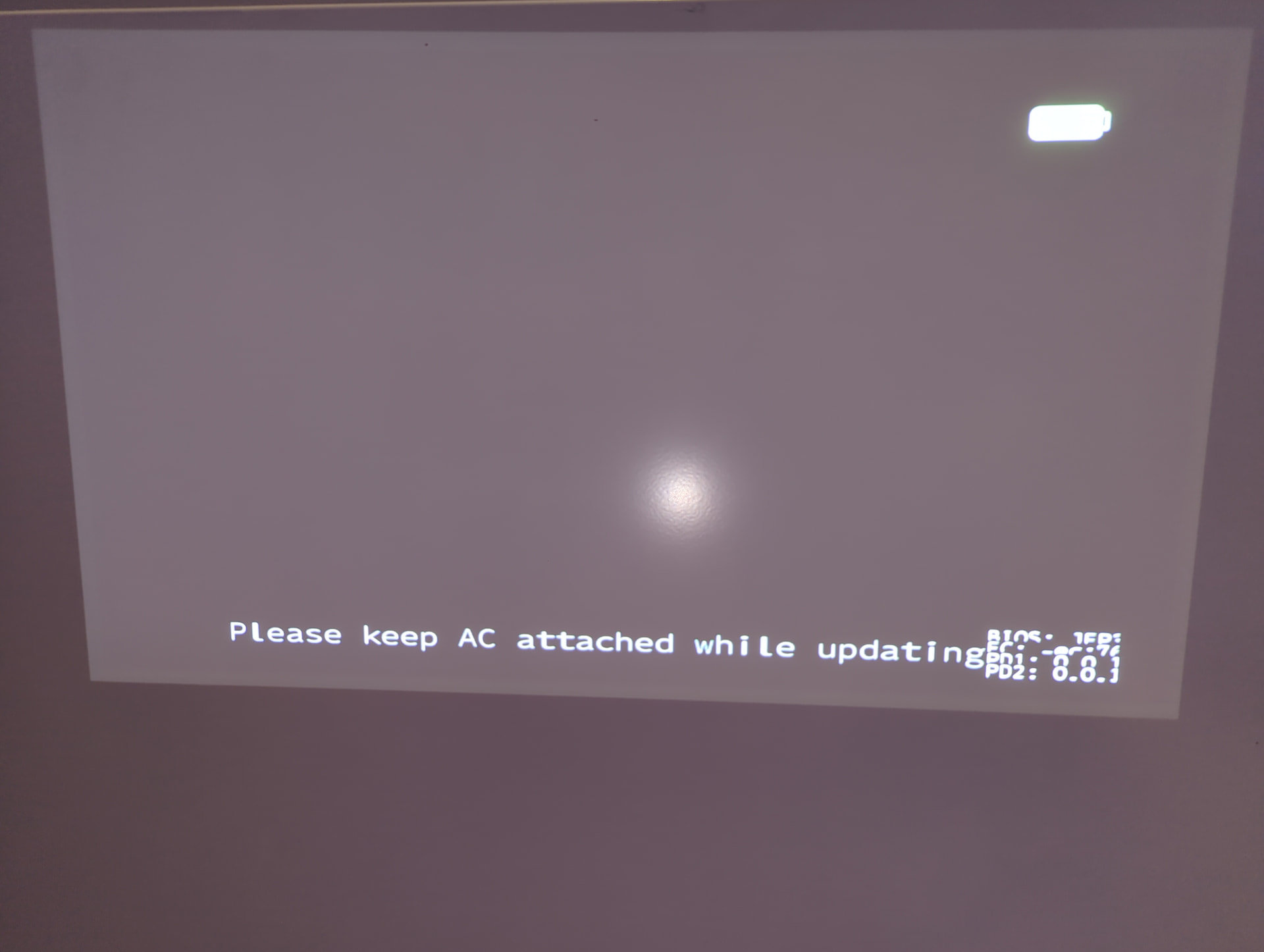
I tried to update the BIOS on my Framework 13 7840u mainboard on Windows 10 from version 3.3 to 3.18 but after restarting it displayed the following screen and has been stuck there for an hour. I can’t turn it off either as it doesn’t respond to short or long pressing the power button. Is there anything I can do other than disconnecting the battery, which will probably brick the mainboard?
The update screen doesn’t seem to be displaying correctly, I tried a 4k TV and 1080p projector.
I disconnected the battery and sure enough that bricked the mainboard. I contacted Framework support and they sent me a replacement which has worked much better since - the old mainboard would randomly clock down to 0.4 GHz and I’d have to use Universal x86 Tuning Utility to fix it, and portable USB-C monitors now work correctly with power and data transmitted through a single cable whereas I used to have to use two separate cables.