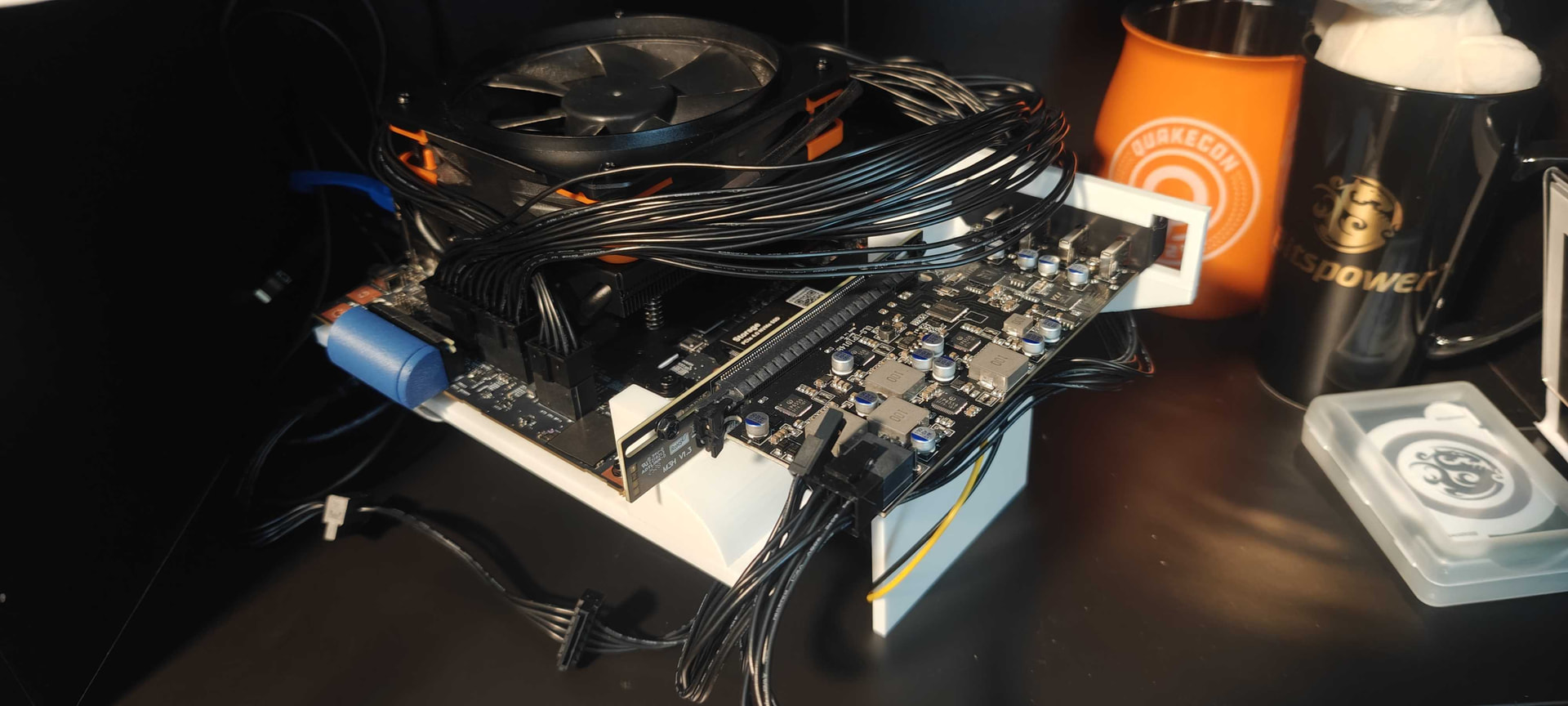
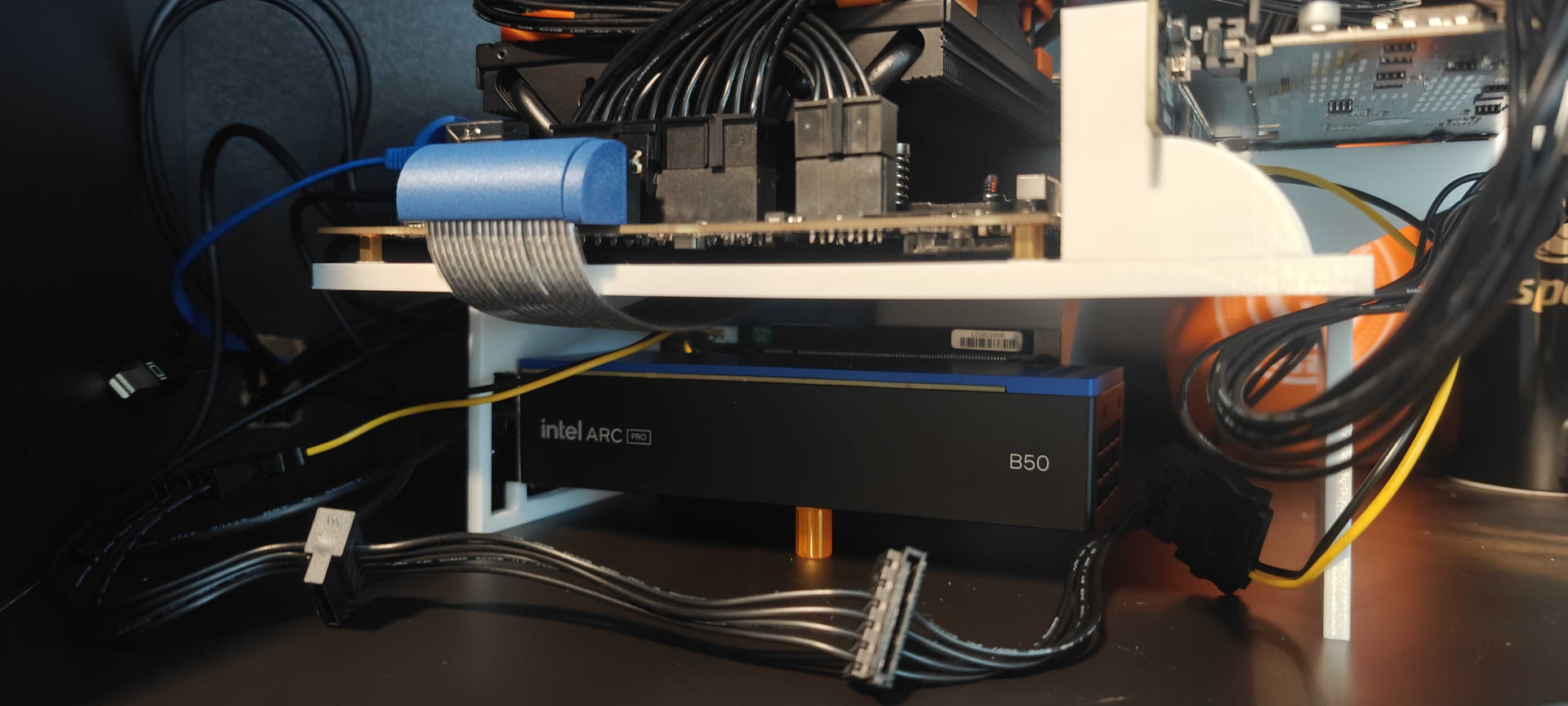
yeah it’s not “hard” to make custom cables, but it is tedious and I hate doing it, but it is usually worth it if you care specifically about aesthetics in a small form factor computer.
In FW4TeePee’s case I’d just use the stock cables.
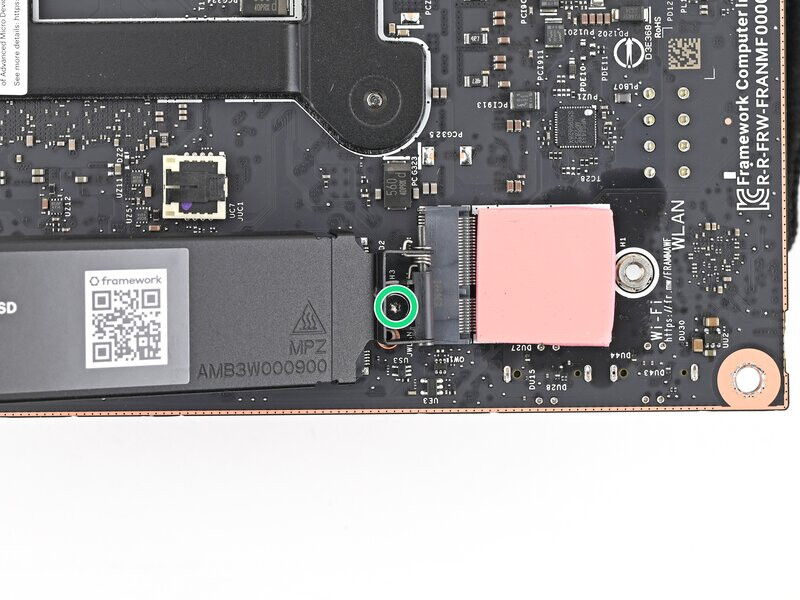
On the right side of the bracket is a hinge with a screw, that hinge/screw bracket (the green circle) is too tall. If you want to remove it though it’s not hard or really a problem or anything. Just remove the screw at the hinge, then you can use that hinge’s screw in place of the screw on the other side of the bracket that holds in the M.2
Hmmm… In that I want to run my extra HighPoint 710L 8-port card which will require a PCIe 4x to 8x riser cable too and anywhere from 1x to 8x 3.5" HDD, but more likely 2x or 3x, SATA power and data cables, I think I should stop considering all the fully or partially mesh or clear panel cases I’m still deliberating about at the top of my list and buy a closed case.
That back bracket is an odd design choice as it is taller than the SSD cover. At the moment I have added 2mm of washers creating enough space. I’ll probably take 1mm out remove the spreader, and add thermal pad
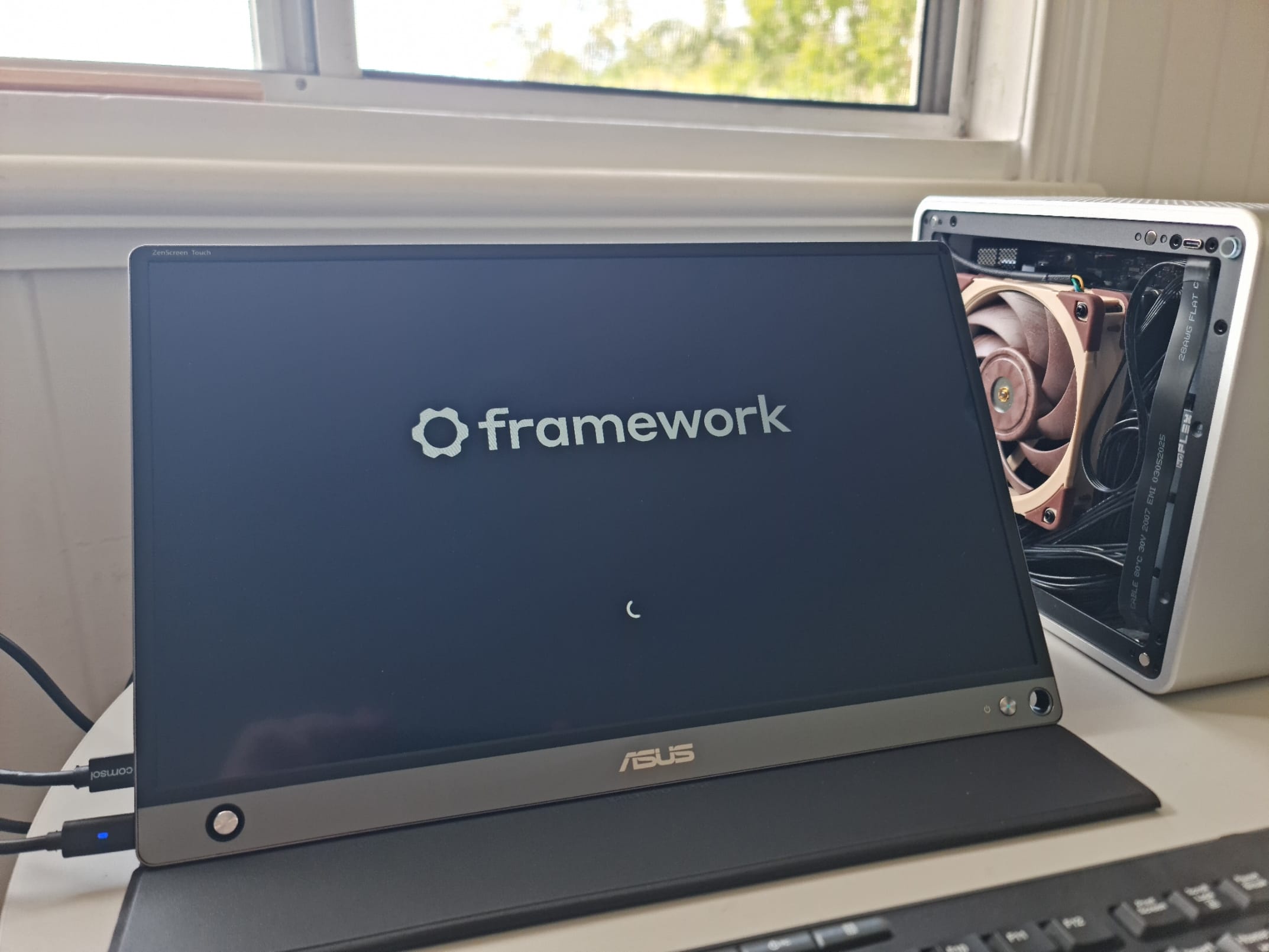
I can’t hear the Noctura fan when it spins up. No noise discernable from the HDPlex. Nothing from the Dell GaN either. Early days with more hardware to install (case fans; wifi)
Would be interesting to see how it behaves under a few different GPU loads. The coil whine I get is quite different from game to game, almost inaudible with most games but I have one where it is audible and it is not even the newest most demanding of them all. (Alan Wake, especially in locations with water, it is currently on GOG for less than 2 EUR btw)
I didn’t want to bother w/ a custom cold-plate/swapping the Framework heatsink and the included heat pipes/case is rated to only dissipate 85W passively, so threw the fan on.
Here’s what the internal build looks like, plenty of room, very easy to deal with. There is actually enough vertical clearance for the 25mm Noctua but it causes cavitation noise w/ the grill. The 15mm works fine, maintains 4.1GHz at full tilt (120W stress-ng) - I have it down-pushing.
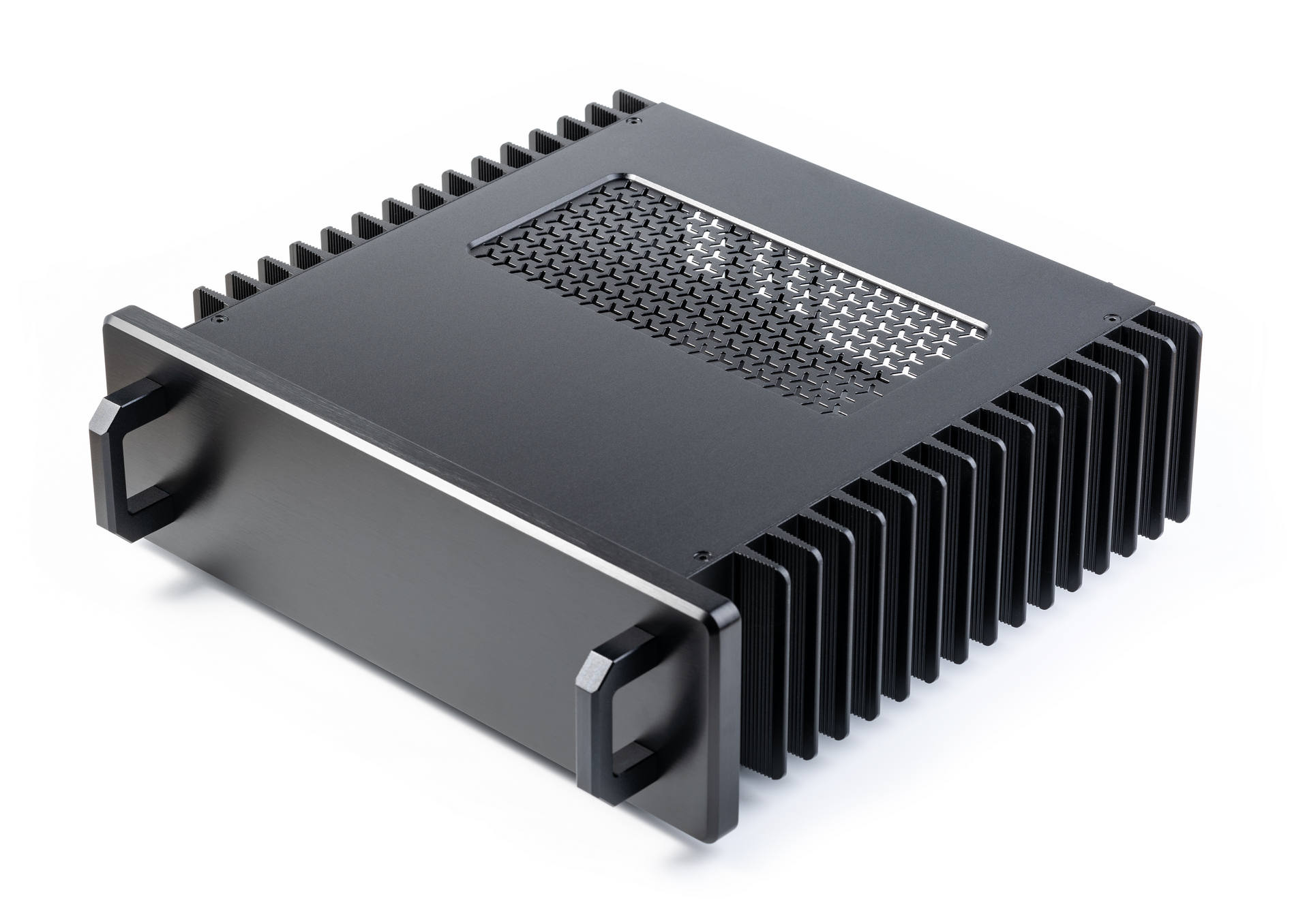
the HDPLEX 250W PS is fully enclosed, completely silent, and you have to check the measurements, but eyeballing it looks like it would actually fit the Framework Desktop case if you really wanted to (you’d have to figure out cooling). I haven’t had issues running it at full blast (no issues w/ transients shutting down the system or anything). By itself it’s only about $150 so if anyone is just looking to replace a noisy PSU something, I think this is a pretty good option
I added some external wifi antennas, there is a full card backplate, and two LP slots
Case is effectively silent in regular usage, you can hear low pitched whir from the fan and some electronic chirping (from the motherboard, not the PSU) f you put your ear about 6” - case radiates at about +10C above ambient for the PS attached to the left wall, and I threw one of the heat pipes puttied to the heat sink on the right side just for fun (it’s not doing all that much). Very pricey so I wouldn’t recommend it necessarily unless you feel like splurging, but I sort of wanted to try this out for years, so this was a good enough excuse. It’s very well built.
I don’t have a beauty shot, but looks just basically like the product shot but with some rabbit ears out the back. IRL it’s a bit bigger than it feels like from the pic (about 1.5X the Framework Desktop case in width and depth) and you give up 1 external USB-C, it’s fine under a desk and perfect in a media cabinet.
You’d have to play a few min through the lighthouse intro though, to get to the house on the lake (max settings 1440p). Specifically there, the coil whine was noticeable.
Coil whine is a finicky thing though. Some people hear it, some don’t. It must have also something to do with resonance frequencies or so. Different local LLM models sound very differently, some have practically no coil whine, others remind me a bit of some old mainframe clicker (still quite silent though, but audible).
Performance is awesome. This is replacing an old hand me down dual CPU Xeon E5-2680 v3 Z640 workstation rendering machine from the VFX company I work at. Very very happy with this as my new home machine. At 4kg and the tiny case size it’s also very very good for transporting.
System cost was roughly 3.5K AUD. The system it’s replacing originally retailed for like 15K AUD, and this tiny box is literally 5x faster. Technology is amazing.
Very Nice! Good space left over. I’ll putting the K77 maybe K88 (tho sold out) back to the top of the list of cases I’m considering; the bigger size & ATX support needed for my use case.
Framework desktop mainboard (Ryzen™ AI Max+ 395 - 128GB)
1x SilverStone Milo ML09 black
1x Seasonic Focus SPX 2021 Series SPX-650 650W SFX
1x Noctua NF-A12x25 G2 LS-PWM (yes the LS [low speed] version)
2x Noctua NF-A8 PWM
The case has about 85 mm internal height. The 120x25 mm fan fits on the cooler and into the case without the shroud and has about 5 mm distance to the case side panel. I could not close the case side with the shroud on.
I cannot use the case USB A 3.0 ports because the mainboard doesn’t have related ports on the board. This is OK for my use case.
I had to mount the PSU 180° in the other direction (fan entry is now on the bottom of the case instead on the side panel were the related side panel holes are located) because the main power cable is almost too short (35 cm). The root cause is the location of the power connector on the mainboard that results in a long way for the main power cable.
I use the USB C 4 display port feature because my Eizo screen supports it and I don’t need the dedicated Display Port cable anymore.
I updated to Bios 3.03 via LFVS and didn’t experience any display port issues that are discussed in the dedicated thread.
I run Arch Linux so I don’t see any software issues for now.
Great to see your build @AlphaInformation I see you have two case fans - they look like they are oriented as exhaust? Did you find this made much difference to the termals?
I don’t understand this point. Do you mean you’d need an adapter or a different cable? Or something else?
Well, I think you can forget Google on that matter, everything is drowned in fake stuff probably.
Molex has a fantastic database on all its components including 3D files, and links to stores from where you can source it. It is really cool, they even give you a price comparison of all distributors on the Molex product page. I used the parts listed on HD-Plex as a starting point: HDPLEX 500W HiFi DC-ATX Converter
Those are the sockets though that you don’t need but on the Molex site you can go to “mate with” to find the plug and “use with” to find the officially compatible crimp contacts. There is a confusing amount of different ones but make sure to use one that fits to your cable gauge.
I can look up what I ordered exactly. I think I sourced it from TME, but if it fits you better, Digikey has it all as well. Btw, if you are not a crimping master, it’s not a mistake to order eg 50% more crimping contacts than you theoretically need.