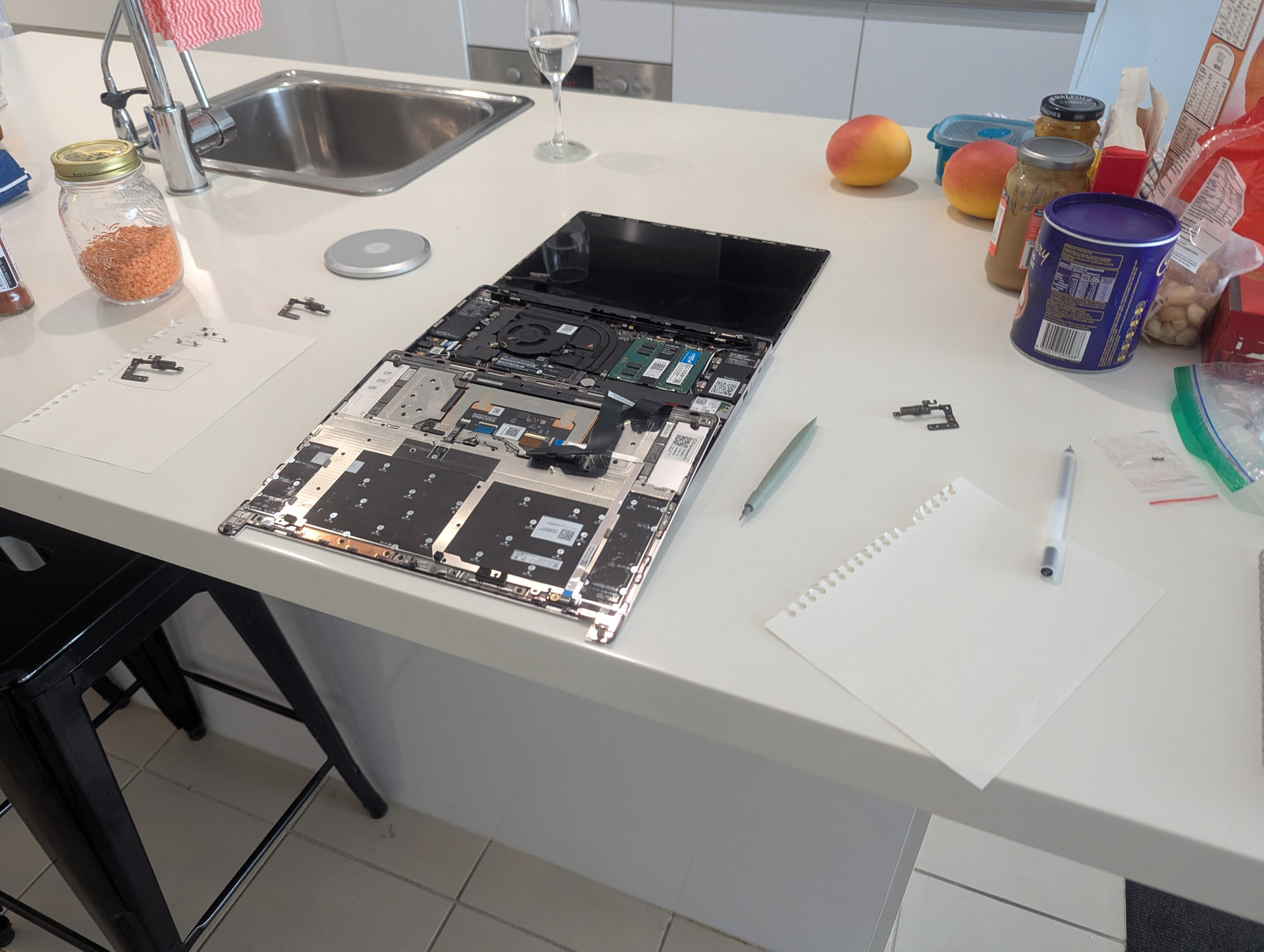
Hi! I have one of the first batches of Framework. I was just trying to replace the hinges with the higher force hinge kit per this guide.
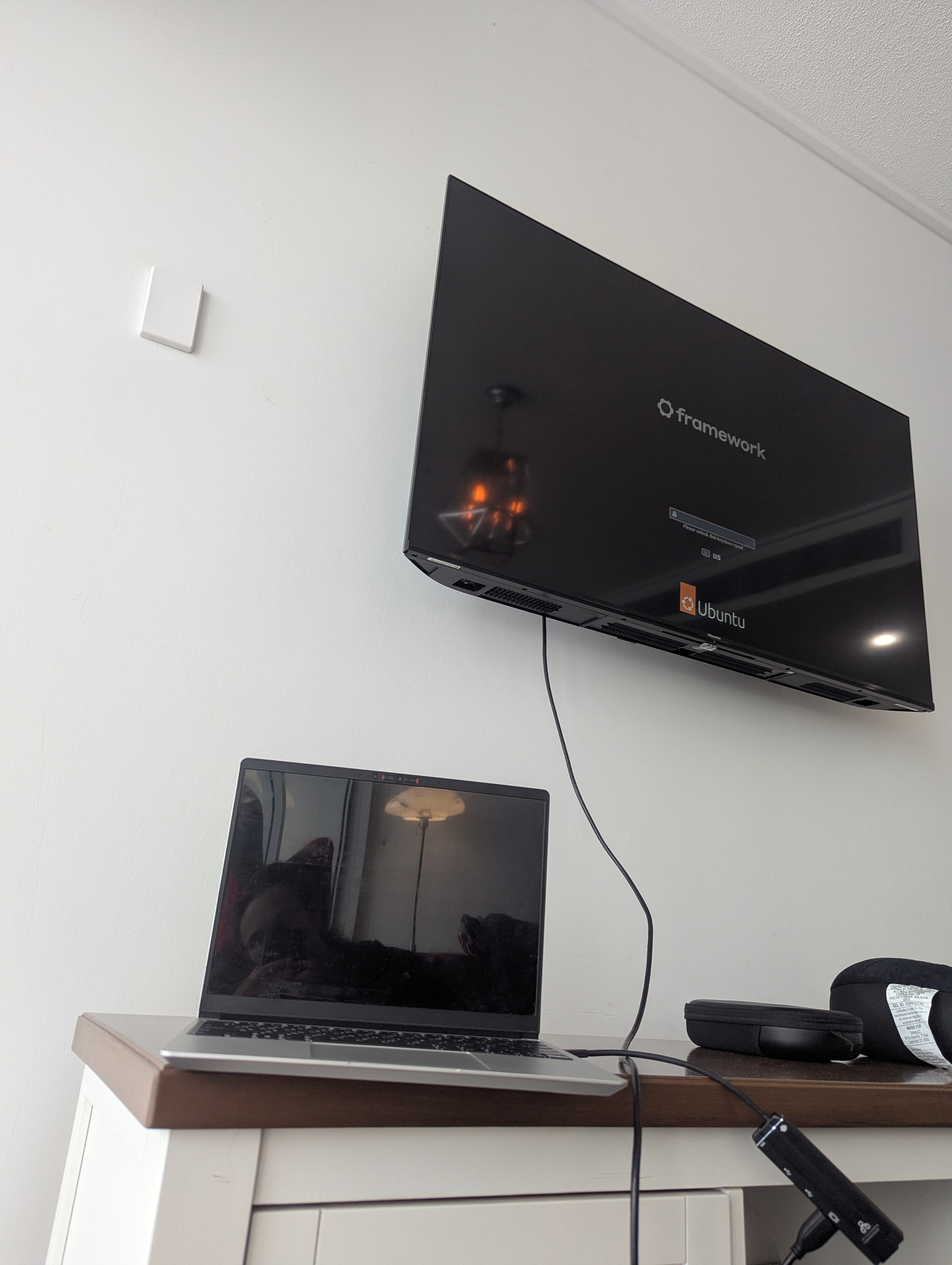
When I tried to boot it up after this repair, my screen was “flickering”, where it was rapidly switching between being black and displaying the GRUB menu. Unfortunately, I don’t have video of this.
I opened it up again to try and unplug the display cable and plug it in again, and upon booting it, now the screen is extremely dark–almost impossible to see, maybe as if there’s no backlight. However, plugging into an external monitor still works.
I’m wondering how I can proceed from here? Thanks so much.
Glad you got it working again. The display cable can be surprisingly sensitive. I experienced something similar when I had to temporarily swap the mainboard to update the BIOS on another main board that was standalone.
The first time I swapped it, the display was fine. The second time no dice and when I tried reconnecting it it was still dead. Only after carefully reconnecting it 4 times did it seat in correctly, I left it and just prayed it didn’t go south again which it has not. Could probably stand to be a little bit different in design but it is hard to do with how small the connectors and wiring is. Not sure what that would look like though.