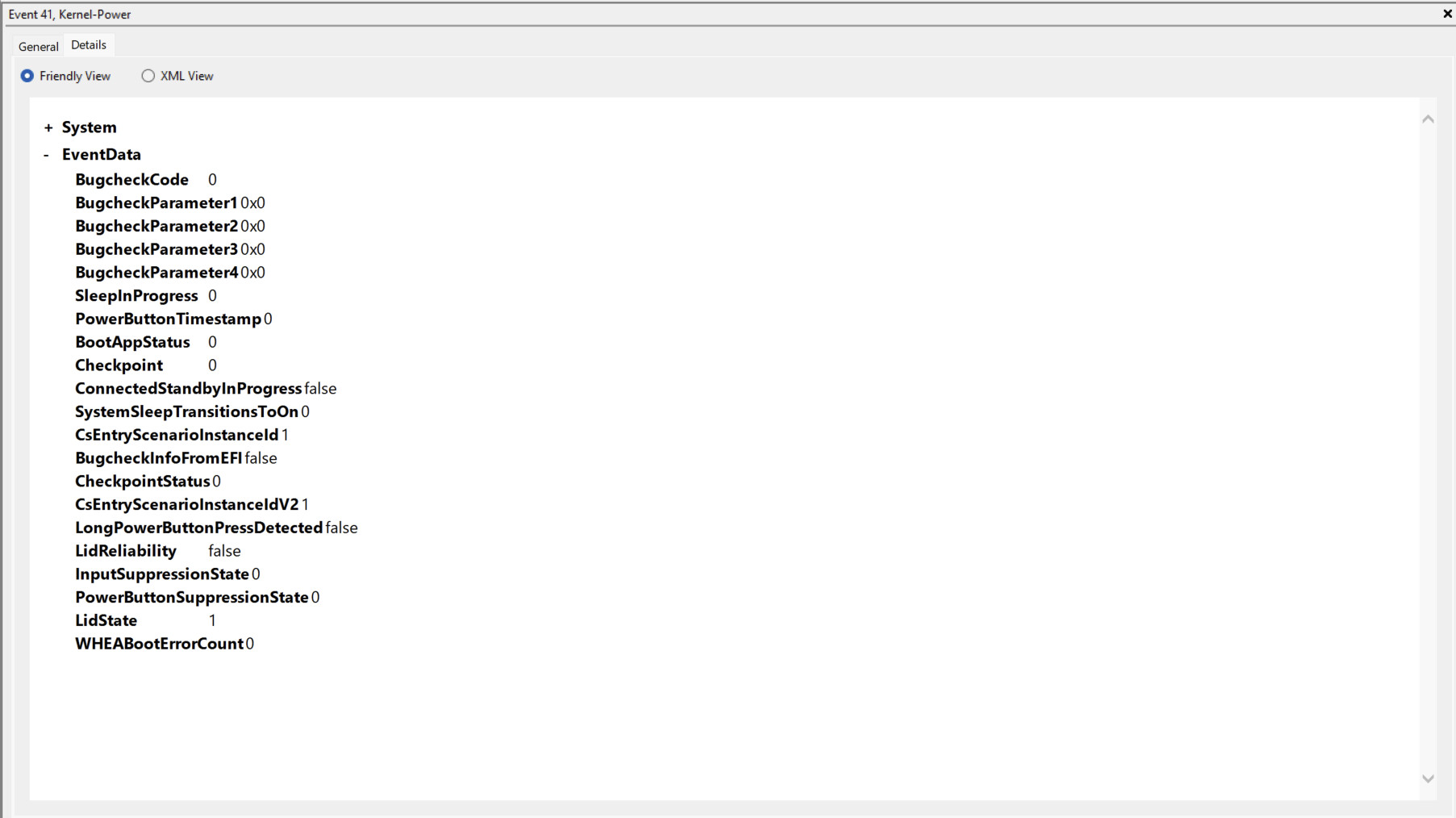
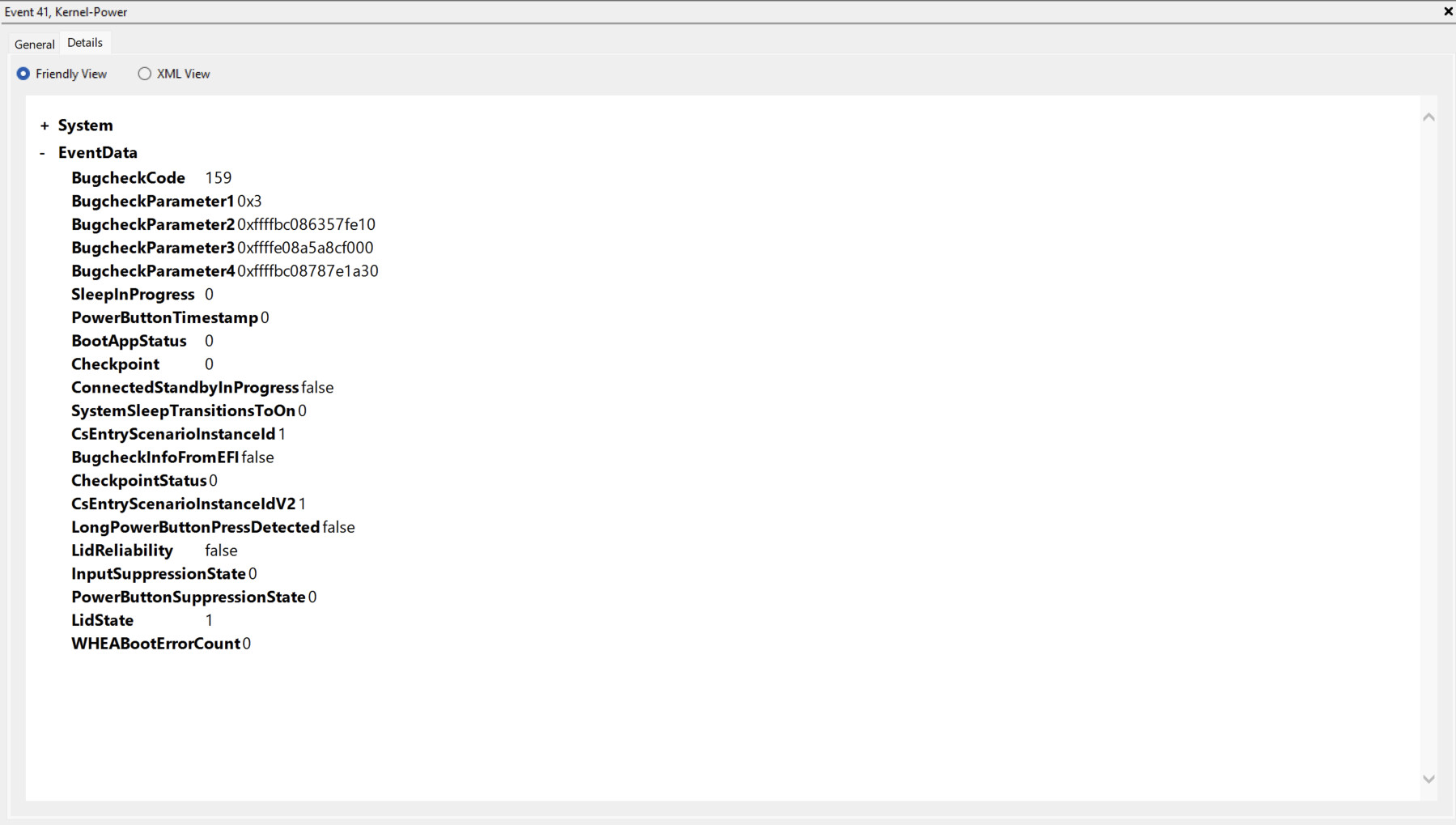
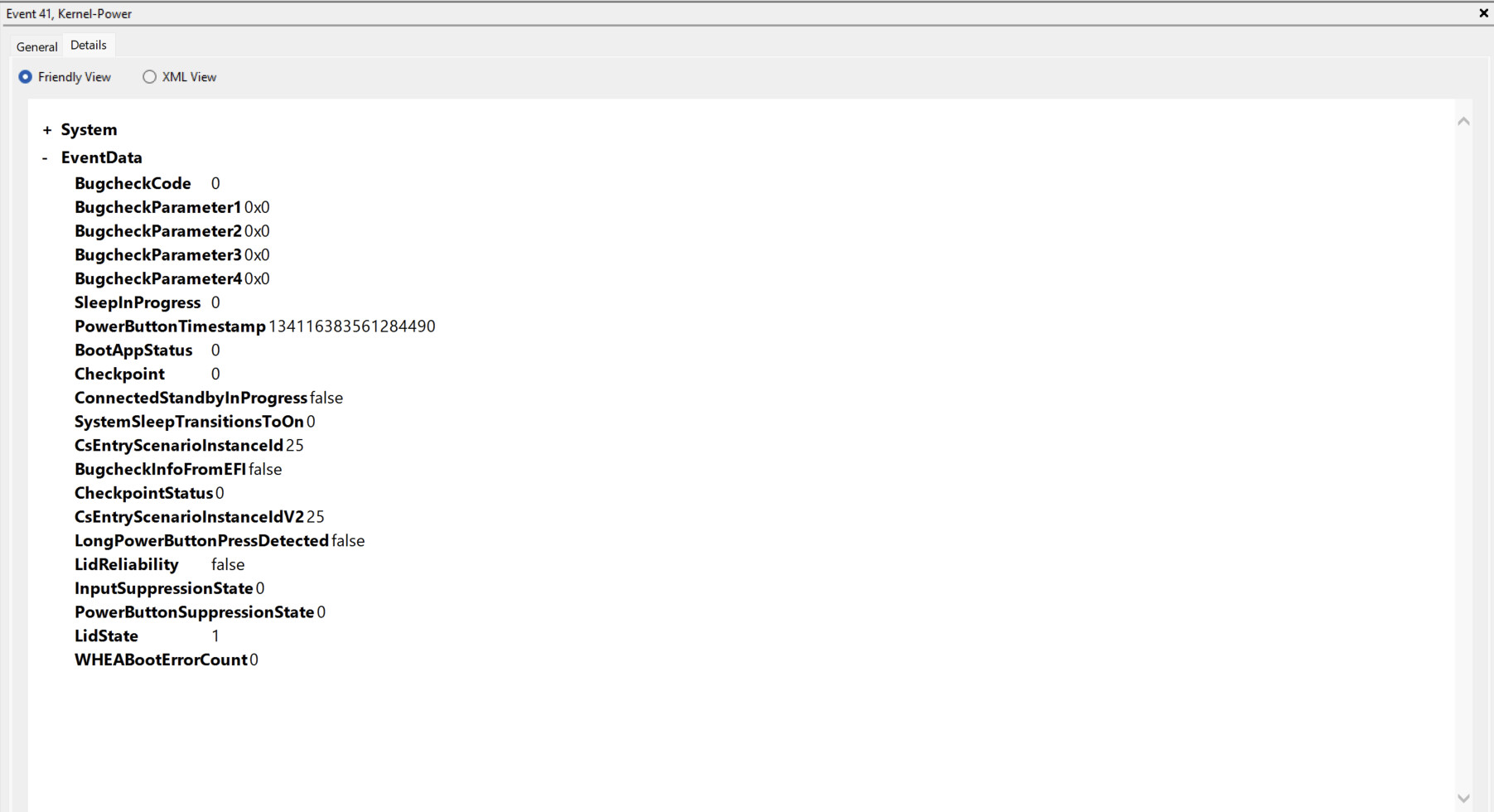
I have been experiencing multiple random shutdowns when using my Framework 16, especially during or sometime after gaming. When checking Event Viewer, this seems to confirm a GPU issue. I have also noticed that on reboot, the laptop booted with the RX7700S disabled in Device Manager.
The error has come again. While I was in the middle of playing a game, the game just freezes and the OS also basically freezes.
It no longer responds to any requests, such as pausing audio, changing brightness, pressing the power button, closing the lid, etc, and I was forced to hard shut down the laptop.
This time it seems similar to the first error code that occurred
Might be worth a shot to contact support anyway and see if they have some guidance on how to cleanly reset the drivers to take that out of the equation. If it is the hardware going bad though not much to be done…sorry to hear that. Maybe they would extend the warranty a little further or at least give a discount in replacing it. Out of curiosity, have you tried reseating the whole rear assembly and carefully reseated the interposer? Maybe there is an intermittent contact that is getting interrupted. Just a thought.
So after taking off the interposer, I noticed that there was a light blue speck in between some of the pins and slightly overlapping but not covering any of them. I lightly scratched it off then reconnected the interposer.
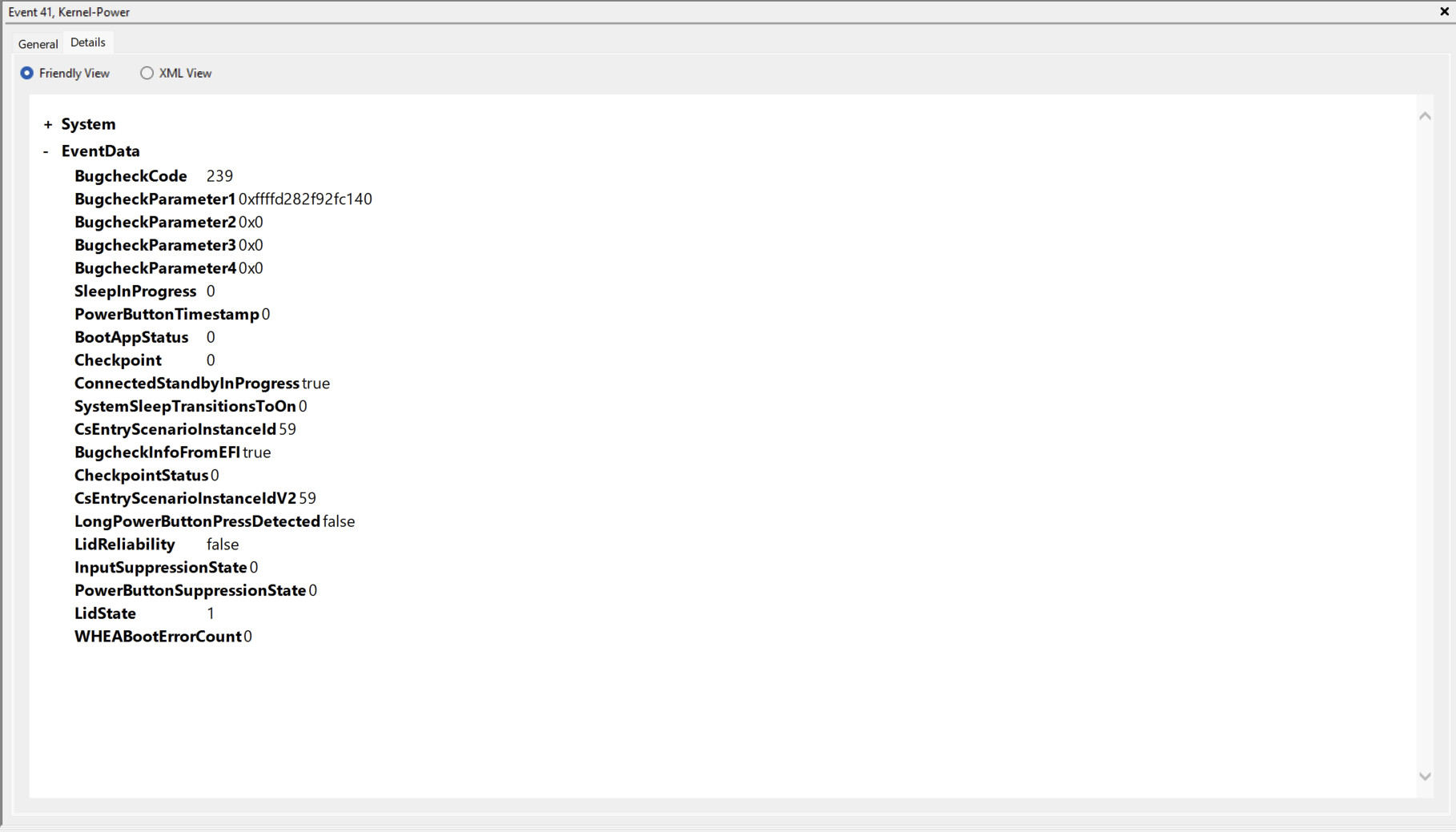
After some tests, I’m happy to say that it didn’t crash while I was gaming, however light 20 minutes after that, I went to unlock my computer and it blue screened with stop code: CRITICAL_PROCESS_DIE (0xEF).
Checking event viewer, it seems to be yet another Kernel Power error. Here is the event viewer screenshot:
I have also noticed another issue, which is that my speakers Realtek(R) Audio, keep disappearing even though the driver is still online. Restarting the driver works to bring it back, but it shouldn’t be disappearing in the first place, so I’m not sure what happens. This usually occurs sometime after I connect some bluetooth headphones.
It seems like the lockup situation is getting worse, as this time my computer locked up randomly and I wasn’t even gaming or running anything CPU or GPU intensive.