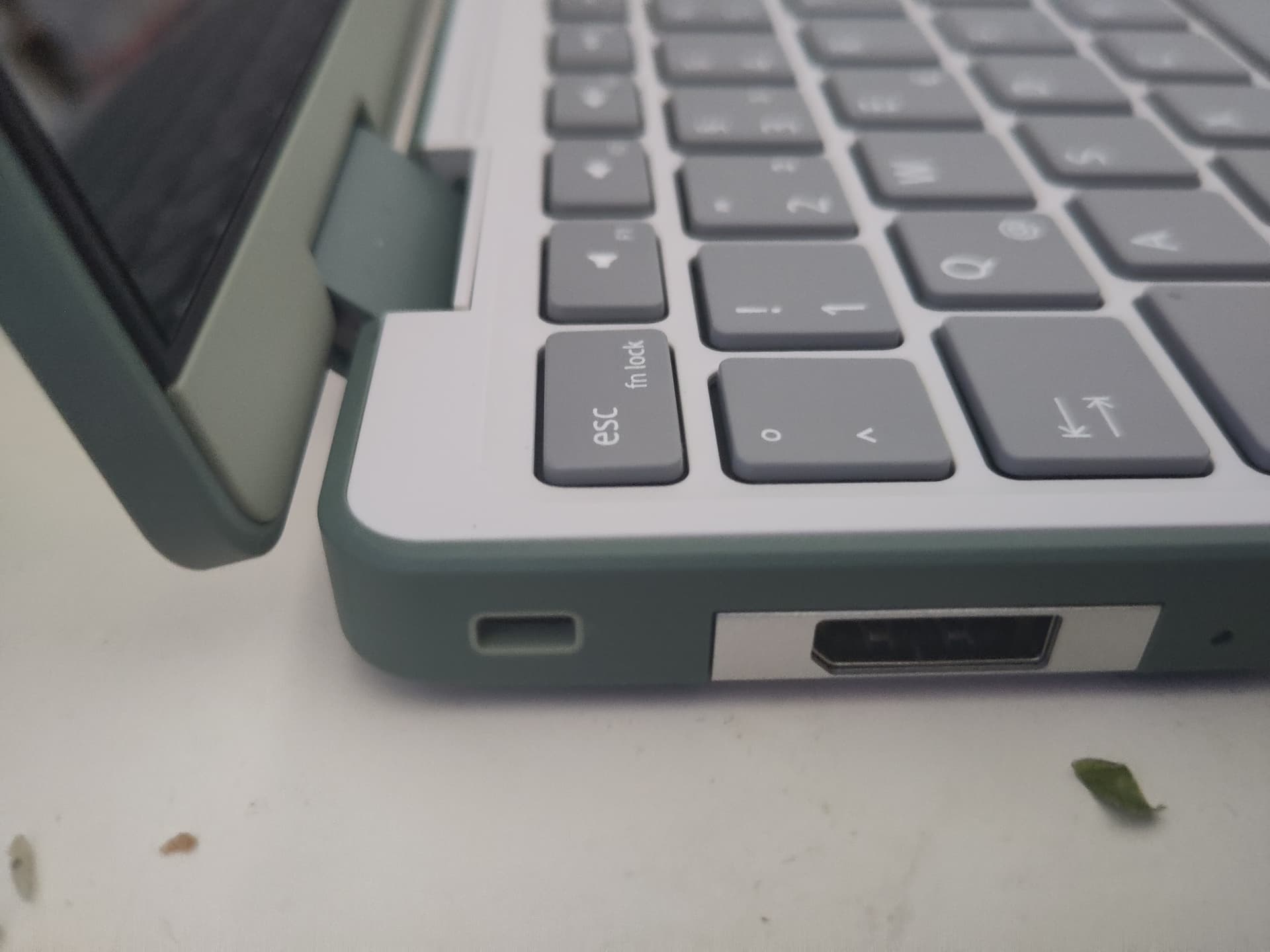
I built together my framework 12 today and after having everything assembled I wanted to install my os during that I noticed that the buildin keyboard does not work anyone else having that issue or any troubleshooting advice?
The input deck / keyboard seems fully down? No gaps around the edges.
Were you able to test if the in the touchpad works? I know you said no OS yet, but perhaps installed one since your post or you have a Live Linux usb drive.
You could check that the keyboard ribbon cable looks fully inserted and that the connector latch is down. See the Touchpad guide, starting at Step 17.
Since the initial post I have installed Bazzite on the system so I can say the touchpad also doesn’t work
I have also installed firmware updates though no success with fixing the issue as well
For some additional info I am using a German layout keyboard
On a side note bazzite for some reason goes to sleep every 10 seconds making it basically unusual not sure what is causing this as it already happened during the install
For your last question yes I checked the ribbon cable and they looked good to me
Also while I was using the external keyboard I noticed that the buildin caps lock led does light up when I enable caps lock using my external caps lock key
My built in keyboard was working fine. I installed Ubuntu 25.04 and then went on to the tablet mode completion guide. I followed that, tablet mode worked ..
after that nothing I typed on the keyboard was recognised. It’s like it’s stuck in tablet mode. An external usb keyboard works fine but not the built in one.
The touchpad on the built in keyboard works fine .. but none of the keys.
[Update: removing the keyboard and putting it back again resolved the issue for me.]