Facts
- I have the i5-1334U Framework 12.
- Using a single 64GiB DIMM (Crucial CT64G56C46S5). Yes I acknowledge that this is technically an unsupported configuration.
- Running Windows 11 Enterprise (actually dual-booting FreeBSD 15, but for this issue only Windows is relevant)
- Installed the official Framework 12 driver bundle (2025-06-04 version)
- Experienced this with Team Fortress 2 (only three weeks left to finish that Bolted Barbecue campaign!)
- Using MasterComfig
medium-lowwith the game running at full WUXGA (1920×1200) resolution. - I didn’t try any other Source-engine games besides TF2, and I didn’t experience this in any 3D applications besides TF2 (not in 3DMark, etc) nor on FreeBSD at all.
Fracas
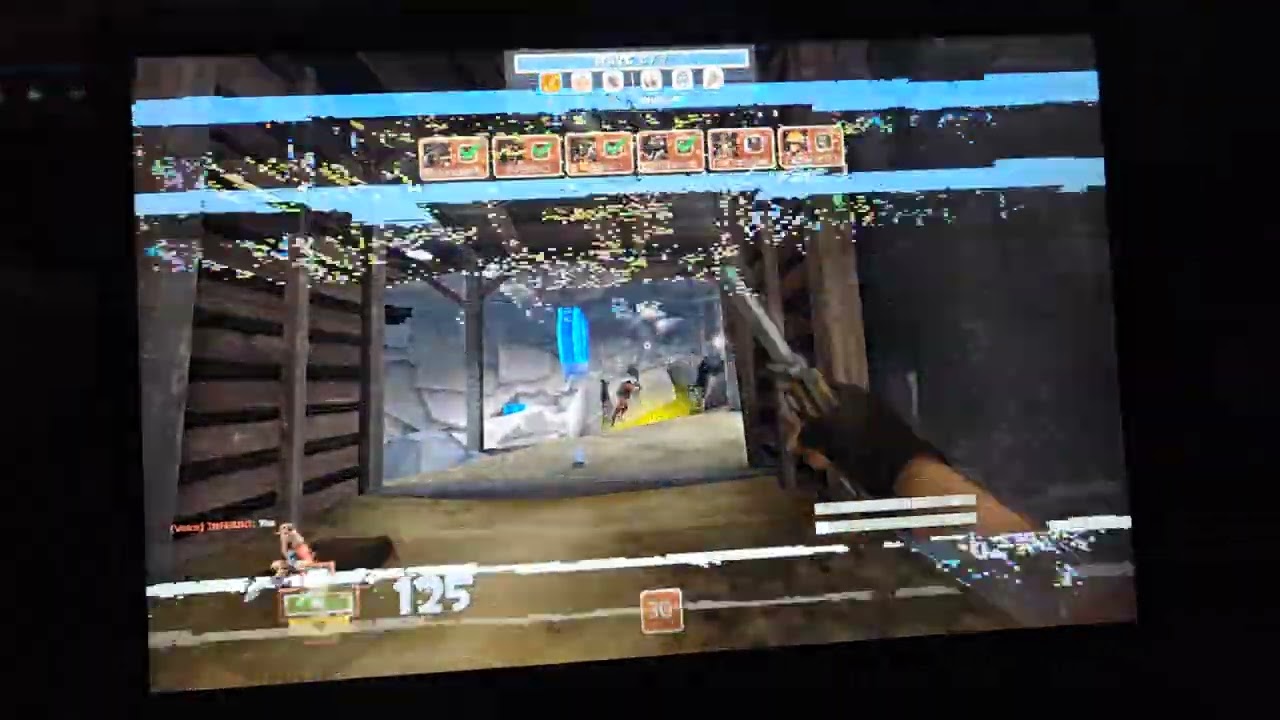
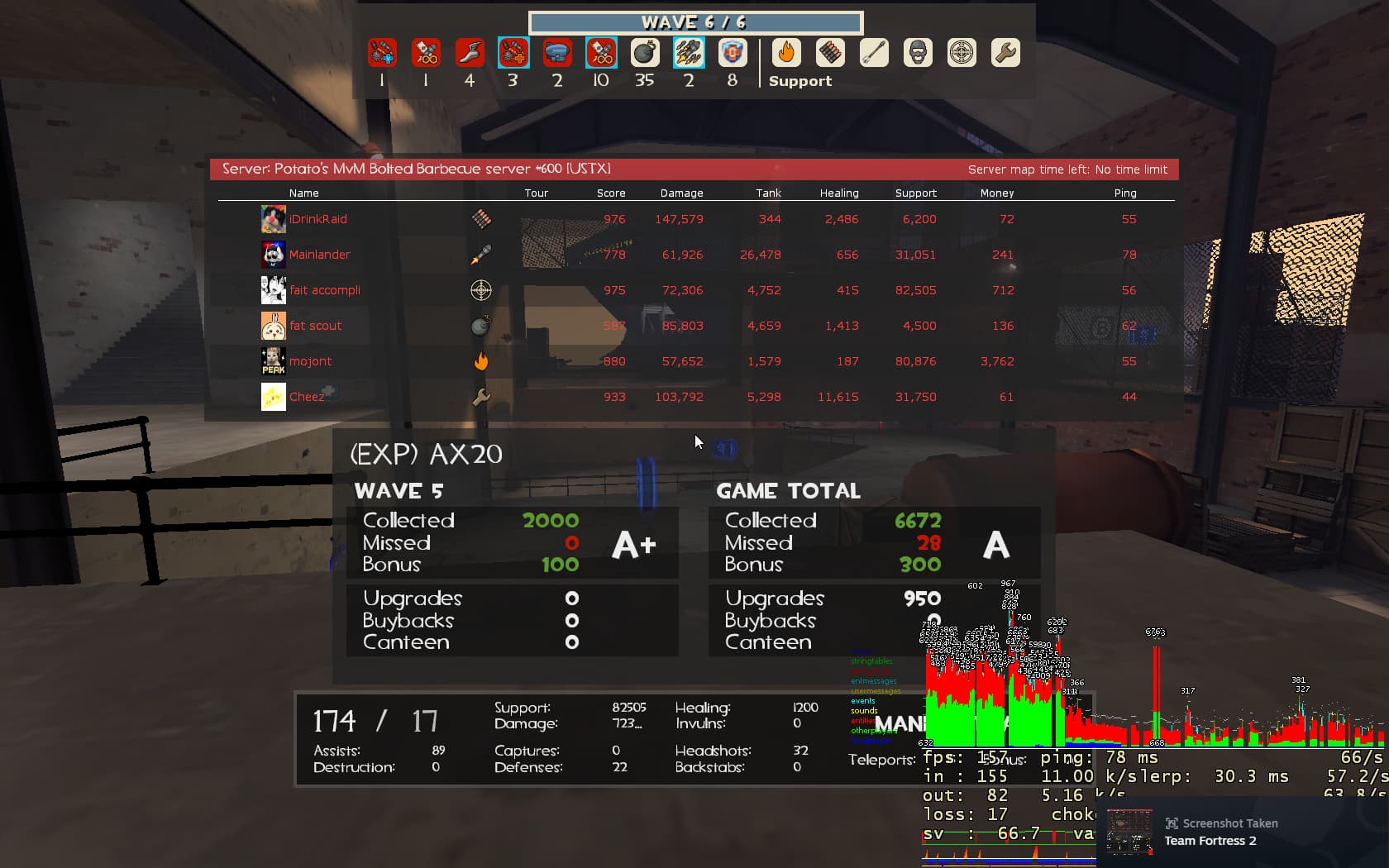
Most of the time, the game was perfectly playable. However there was almost always some tearing near the top of the screen, not extending the full width of the display:

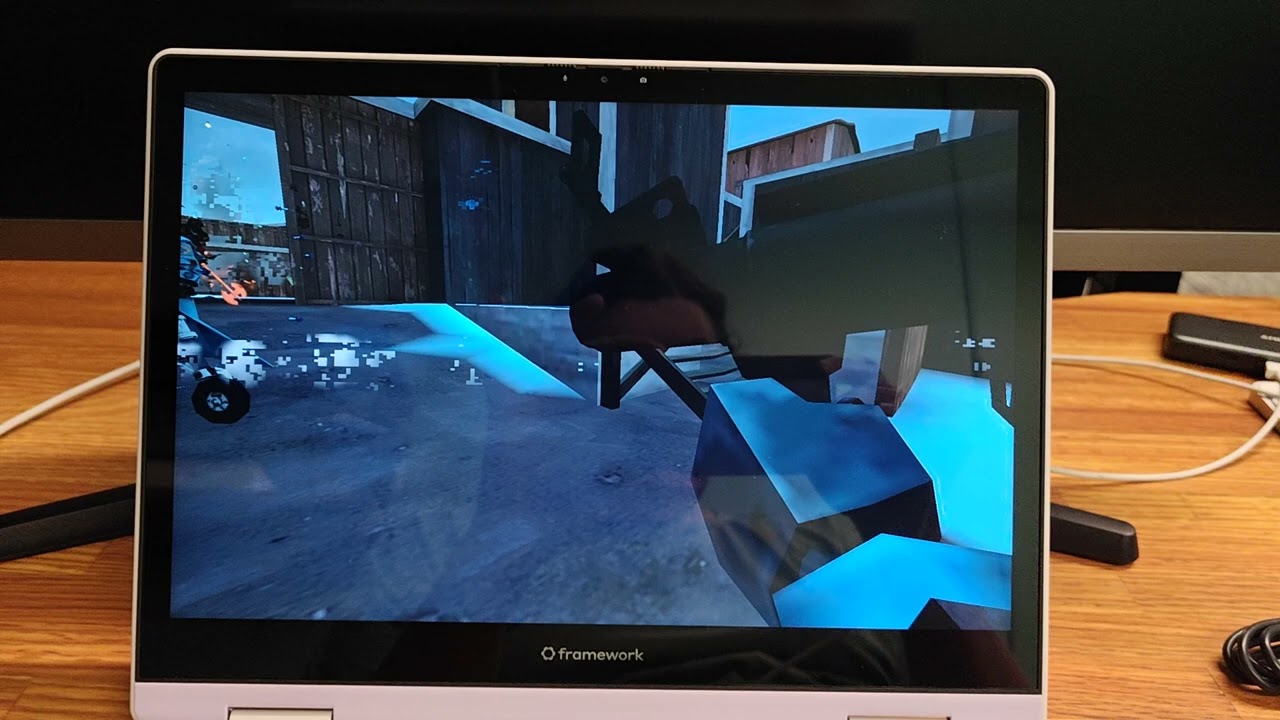
Some times the tearing would turn into graphical corruption that took over the entire screen. When this happened, Alt-Tabbing out and back in to the game didn’t fix the game. The desktop and other applications did not display any graphical issues at all while the game was minimized. However if I went into the game’s settings, changed to a different resolution, and then changed back to WUXGA, it would go back to normal for a while. It always froze up eventually once this happened though.
Every so often, I would experience several seconds of lag followed by the game’s graphical output freezing entirely. Nothing could bring it back once this happened. The game would still be running, I could hear it, and it would react to my mouse and keyboard inputs like I was playing. The Escape menu would not bring up the settings UI, and I had no choice but to tab out of the game and kill the process. I was forced to bail in the middle of several MvM missions due to this. (Sorry team!!)
Fortuity
Here’s what it was not; what I ruled out.
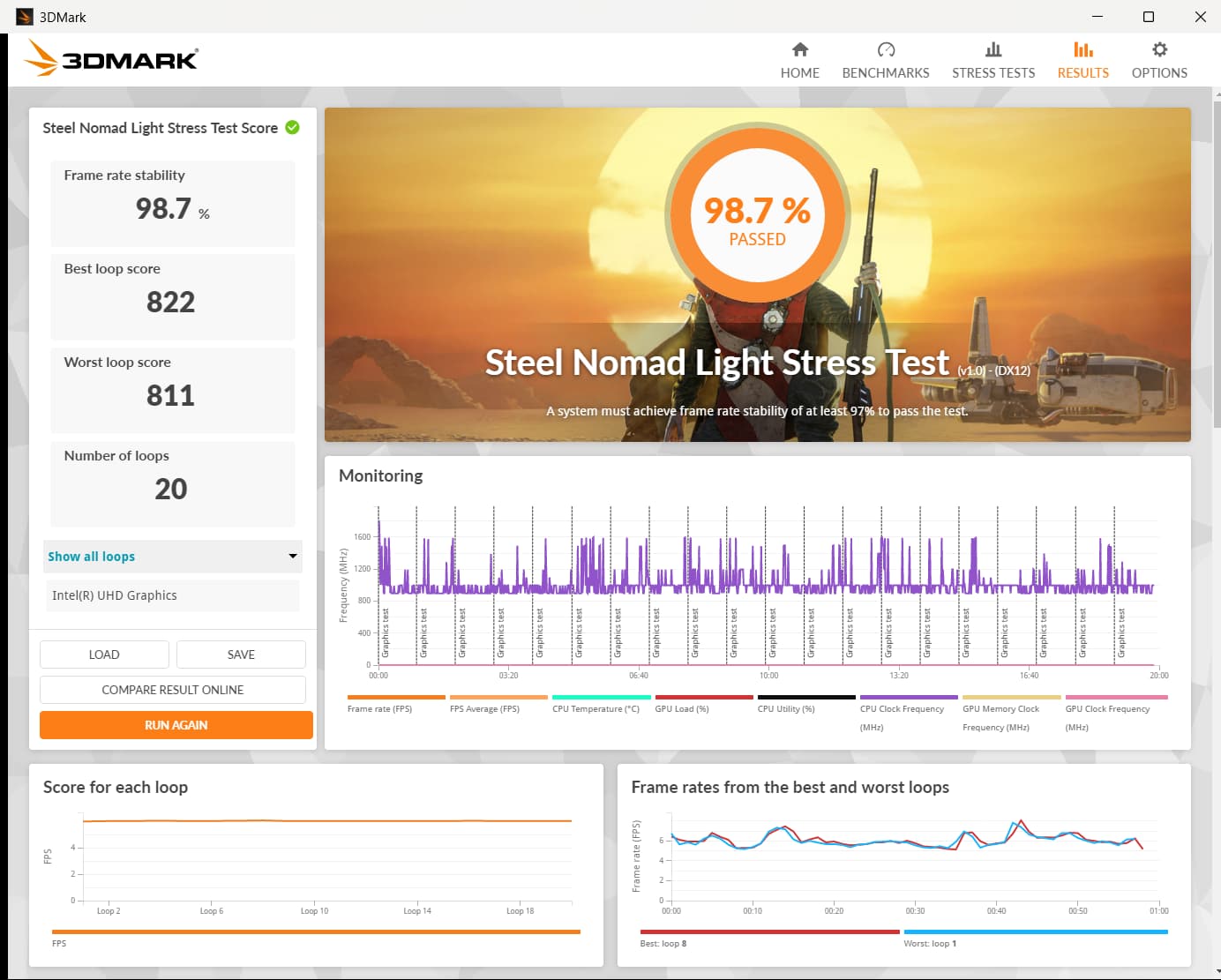
Not a thermal issue. I ran some 3D stress tests that never froze or displayed any graphical corruption despite the fan screaming at me.
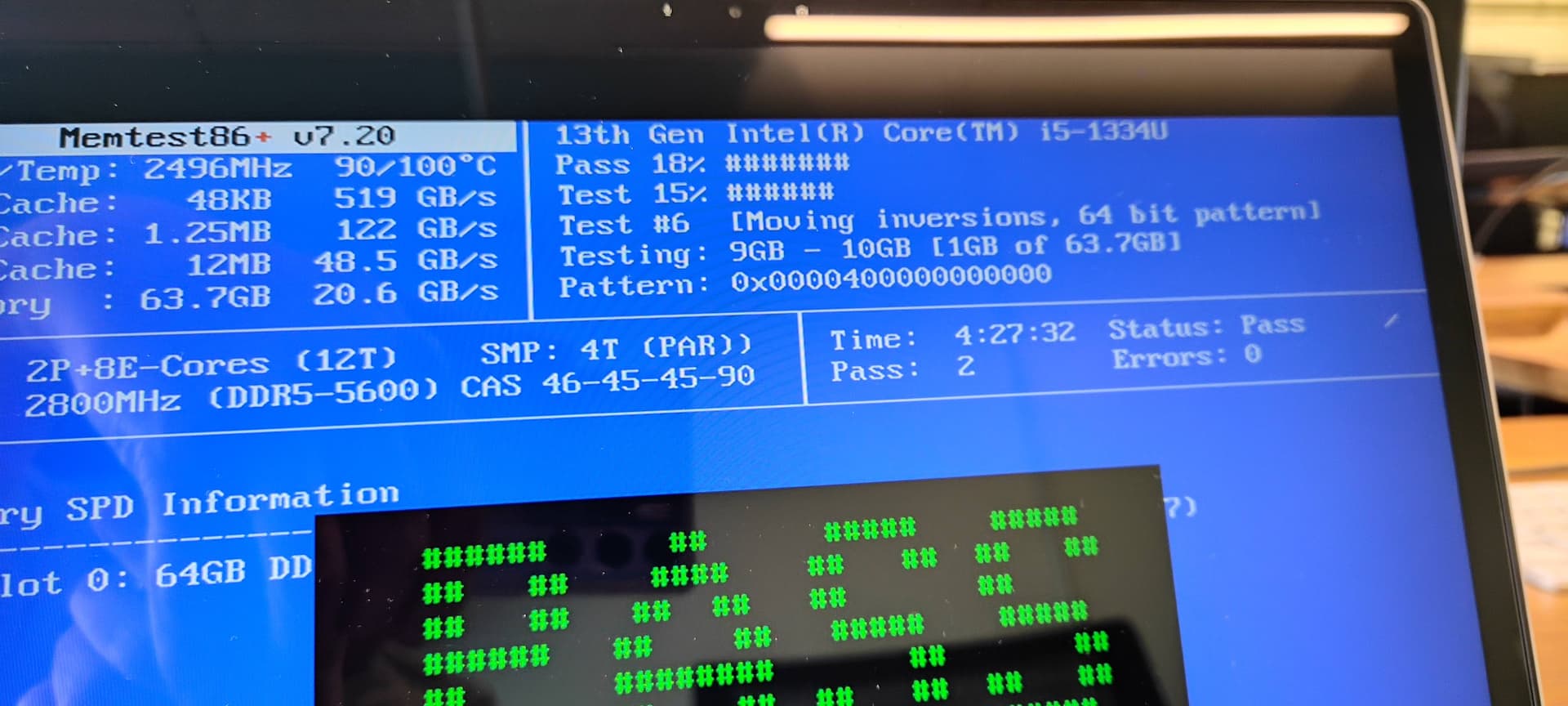
Not bad RAM. Multiple 0-error passes in memtest86+
Not a power/throttling issue. This always happened while plugged in, both with the official FW12 charger and a beefy Macbook charger.
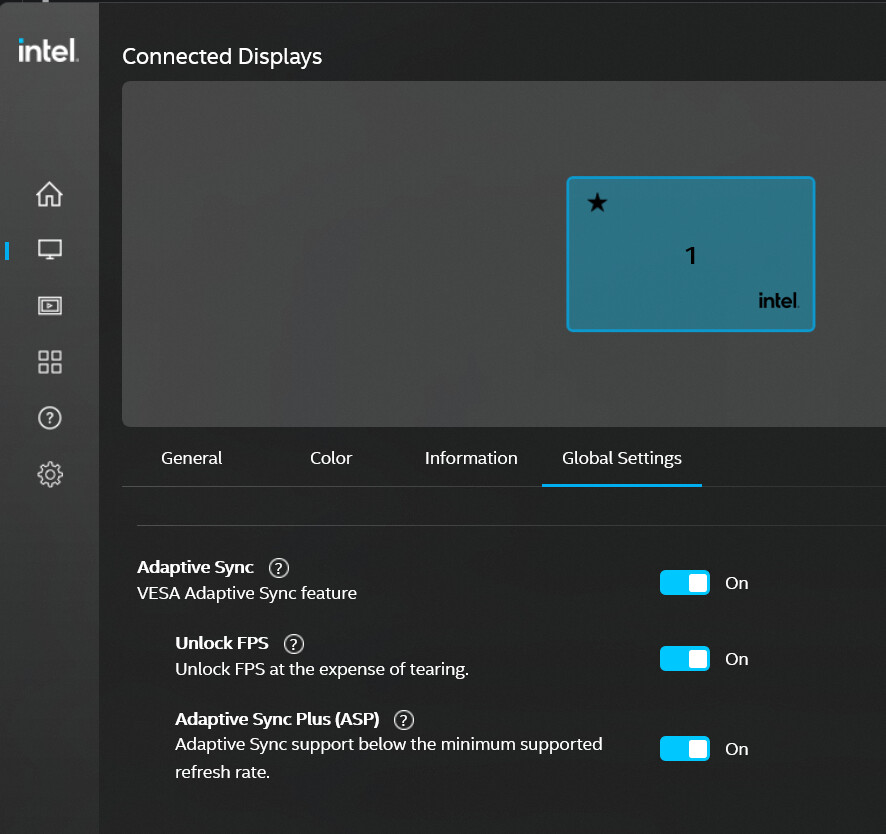
Not a VSync issue. The fact that there was almost always tearing near the top of the screen suggested this, as did some of my search results. I tried disabling all related options in Intel Graphics settings and still got the same behavior.
Fix
The only thing that affected this in any way was updating my Intel Iris Xe Graphics driver from the version in the Framework 12 OEM bundle (32.0.101.6314) to the newest generic version from Intel’s site (32.0.101.7029).
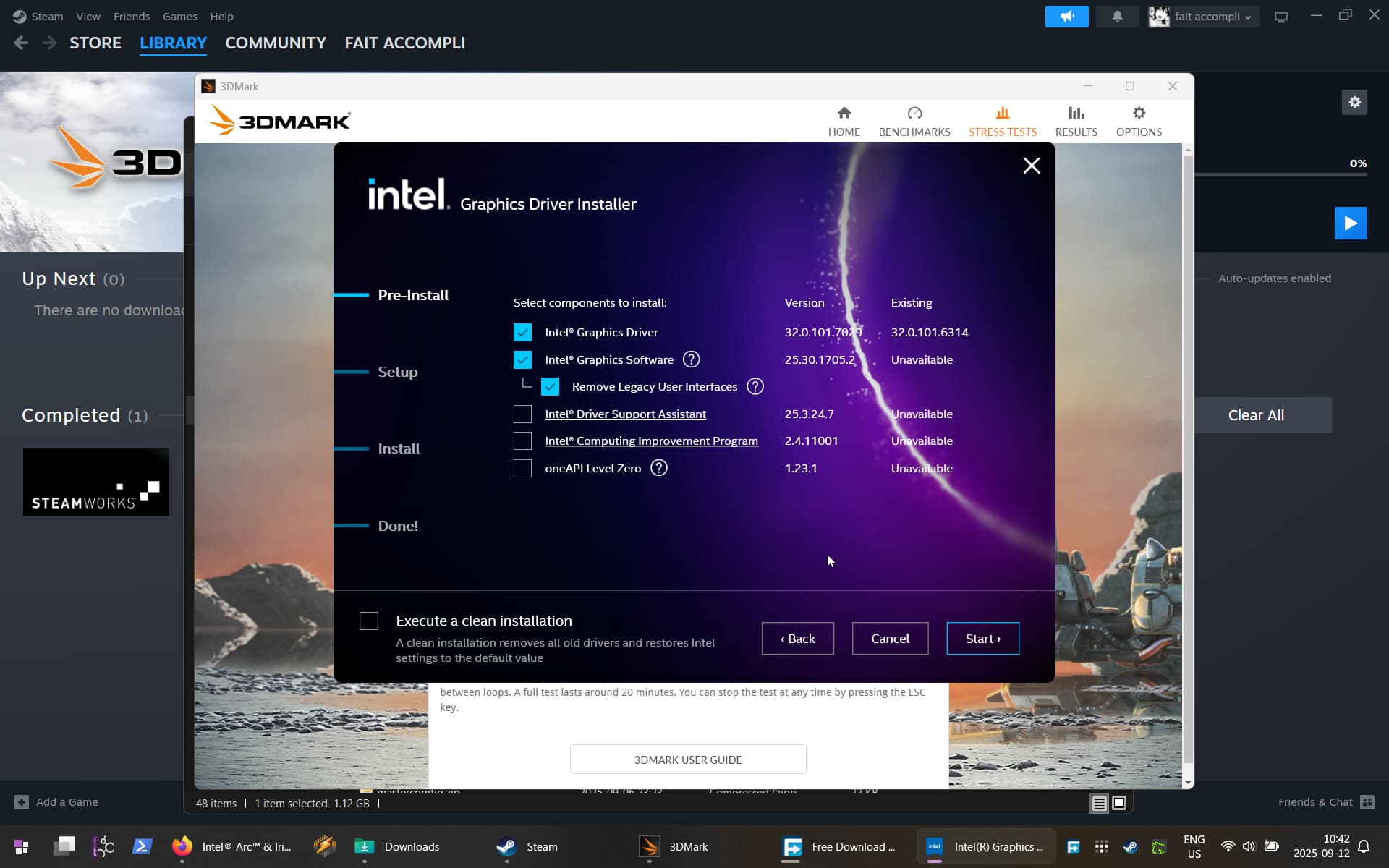
I selected the option to install the new configuration tool and the option to remove the old configuration tool. The new configuration utility looks like this:

(It was probably just the driver, but mentioning this anyway because I did it)
Final
The updated driver fixed it entirely! Every single instance of graphical corruption gone. Zero re-occurrences since then! Many successful missions since then, and none of the unsuccessful ones due to my FW12 in any way!
If anybody else experiences this, try a new driver