I have recently come across this problem, almost ever fix that I’ve seen talks about needing to go in to the BIOS and messing with the battery but I personally don’t like to touch the BOIS if not necessary. So after a bit of work and troubleshooting , I found a way to fix it that worked for me and hopefully works for others that need it.
- First go to Device Manager

- (I blacked of the Bluetooth because I’m screen shotted after the fix)
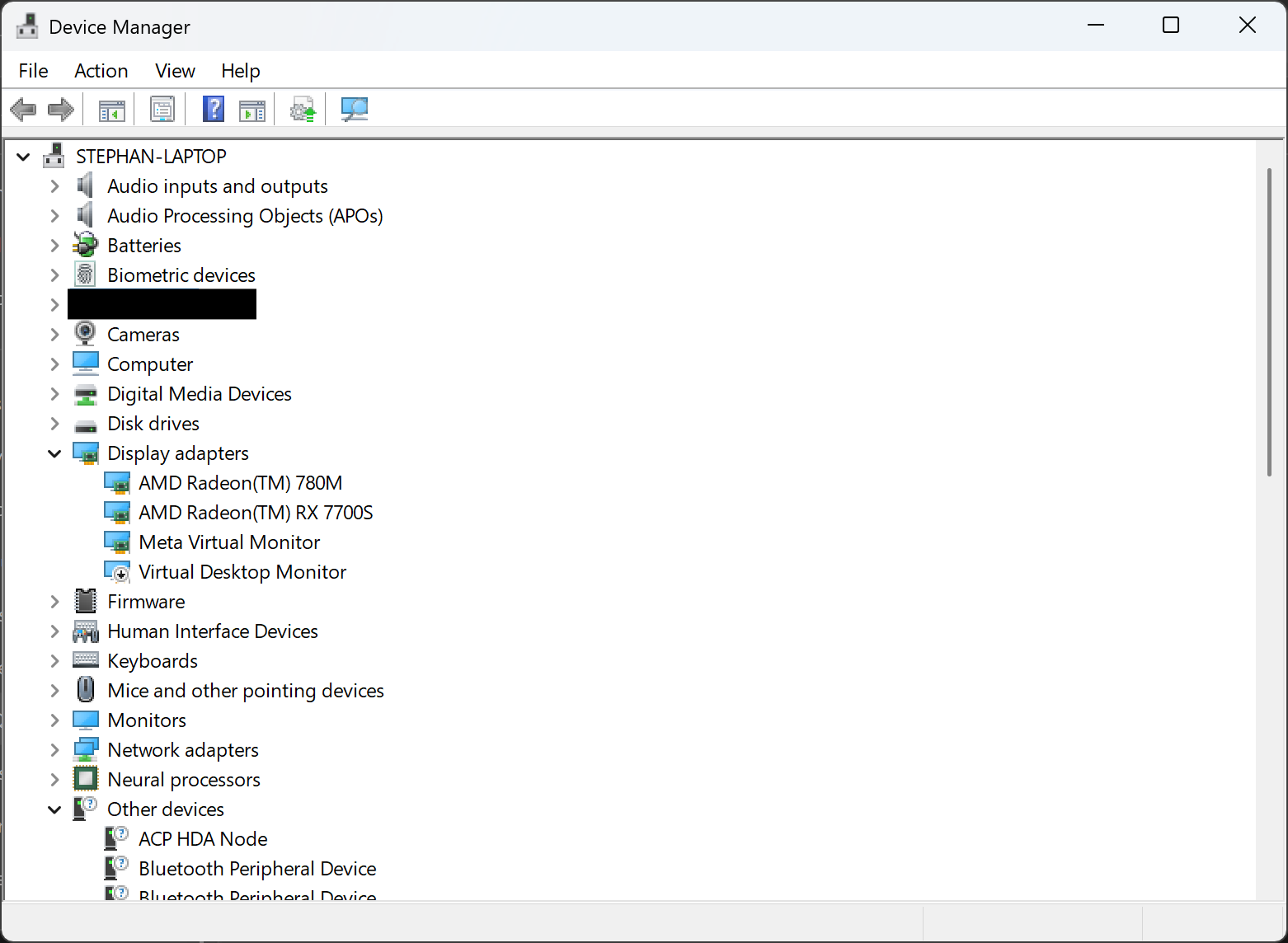
- Under view, click (show hidden devices)
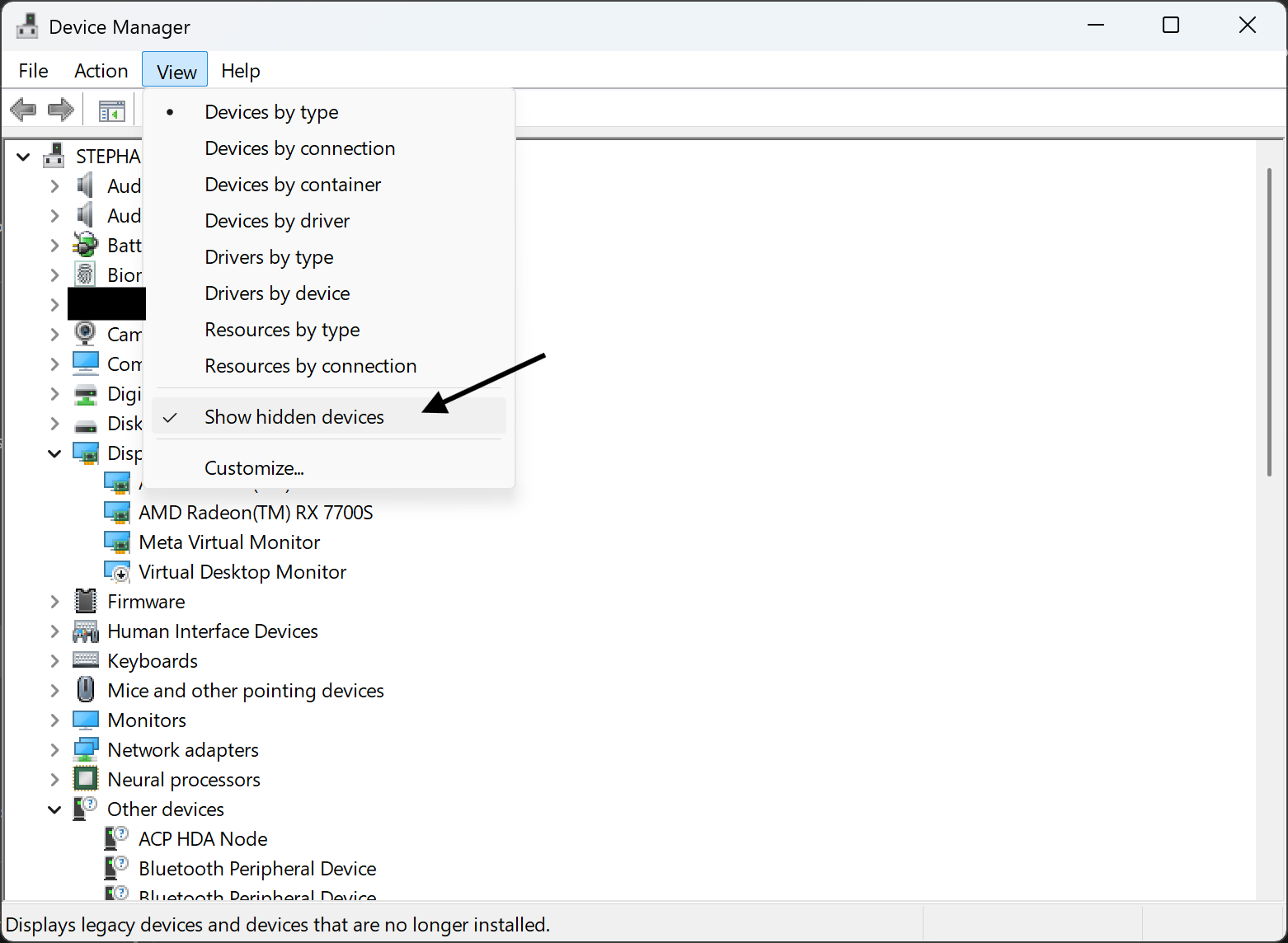
- You should see the Bluetooth icon show up

- Find RZ616 Bluetooth(R). Right click it, then click (Update driver)

- Click (Browser my computer for drivers)

- Click, (Let me pick)

- Select (Generic Bluetooth Adapter) NOT (RZ616 Bluetooth(R)), then click Next.

- When it is done, restart your computer normally and you should have your Bluetooth back.
Again, this a solution that I found to work for myself so I can’t grantee that it will work for other. But I hope this helped 