I individually bought two of the Adata DDR5-5600 32GB ram.
When I only insert either one of the ram on the left-hand side slot, the laptop boots.
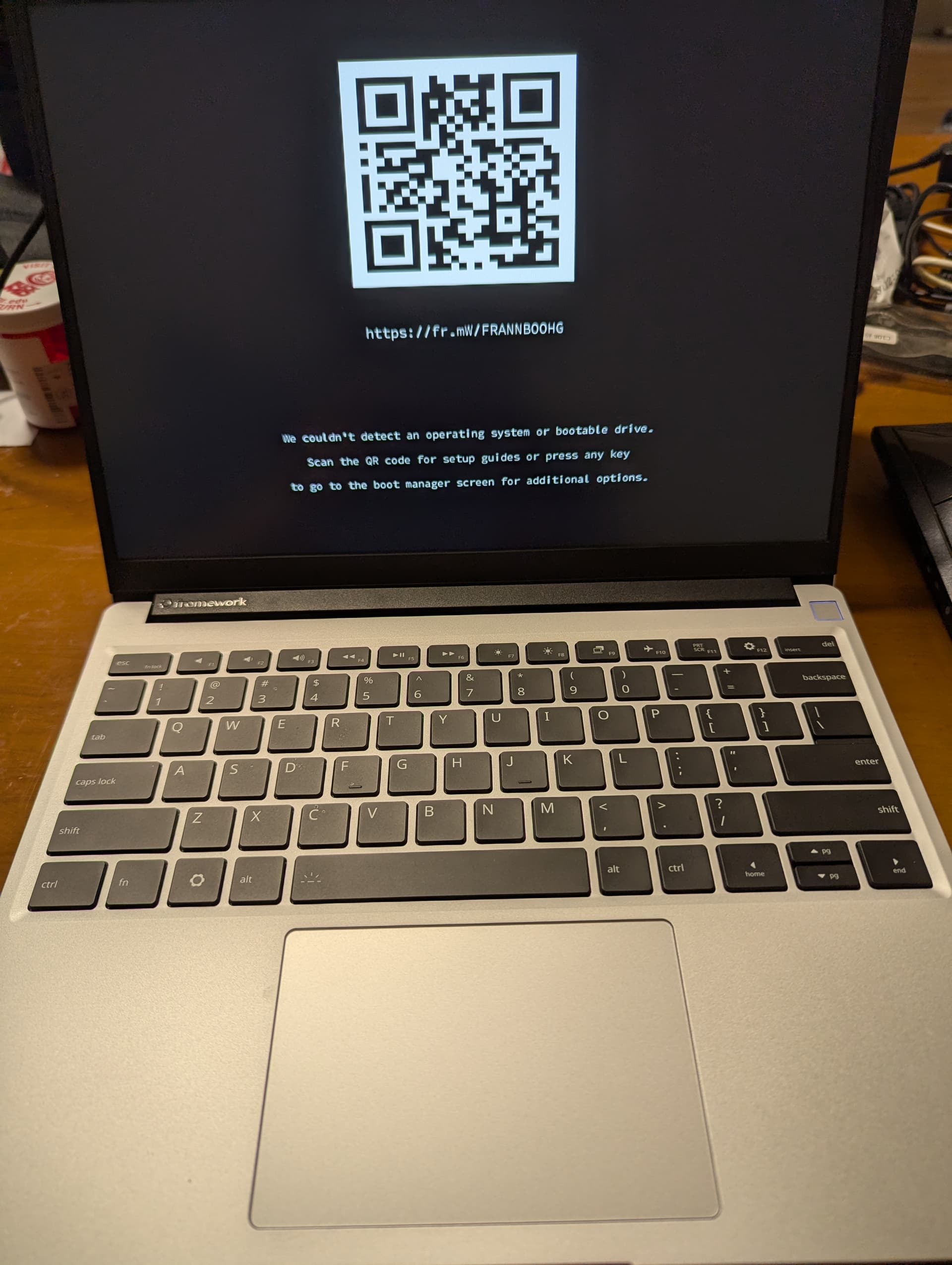
When I only insert either one of the ram on the right-hand side slot, the laptop cannot boot, and the charging light is blinking in orange color, and sometimes turned into white and blue, and quickly turned back to orange.
Same thing happened if I insert both ram on the slots.
Others have had issues with DDR5 5600 memory that is not working correctly with the AI 300 mainboards. Since both sticks were purchased separately they are not necessarily a matched pair.
The board may be just fine it is the memory timings are not the same between modules exactly like a matched pair would be and that is causing the issue. The AMD AI 300 mainboards are much more sensitive to this issue. It is likely an AMD issue not Framework too. Hope that helps.
When I say I individually bought two rams, I mean I didn’t buy from framwork. They are a pair of 32GB ram from Adata. On this page it says “ADATA AD5S560032G-SFW 32GB DDR5-5600 SO-DIMM OK - Limited Validation”. I guess it should be fine if there’s a “OK” there.
That is good enough for me, OK - Limited Validation means they at least tested that model from Adata! Great if you bought it as a kit then; others have tried to combine models and sometimes it works ok, other times it turns out squirrelly.
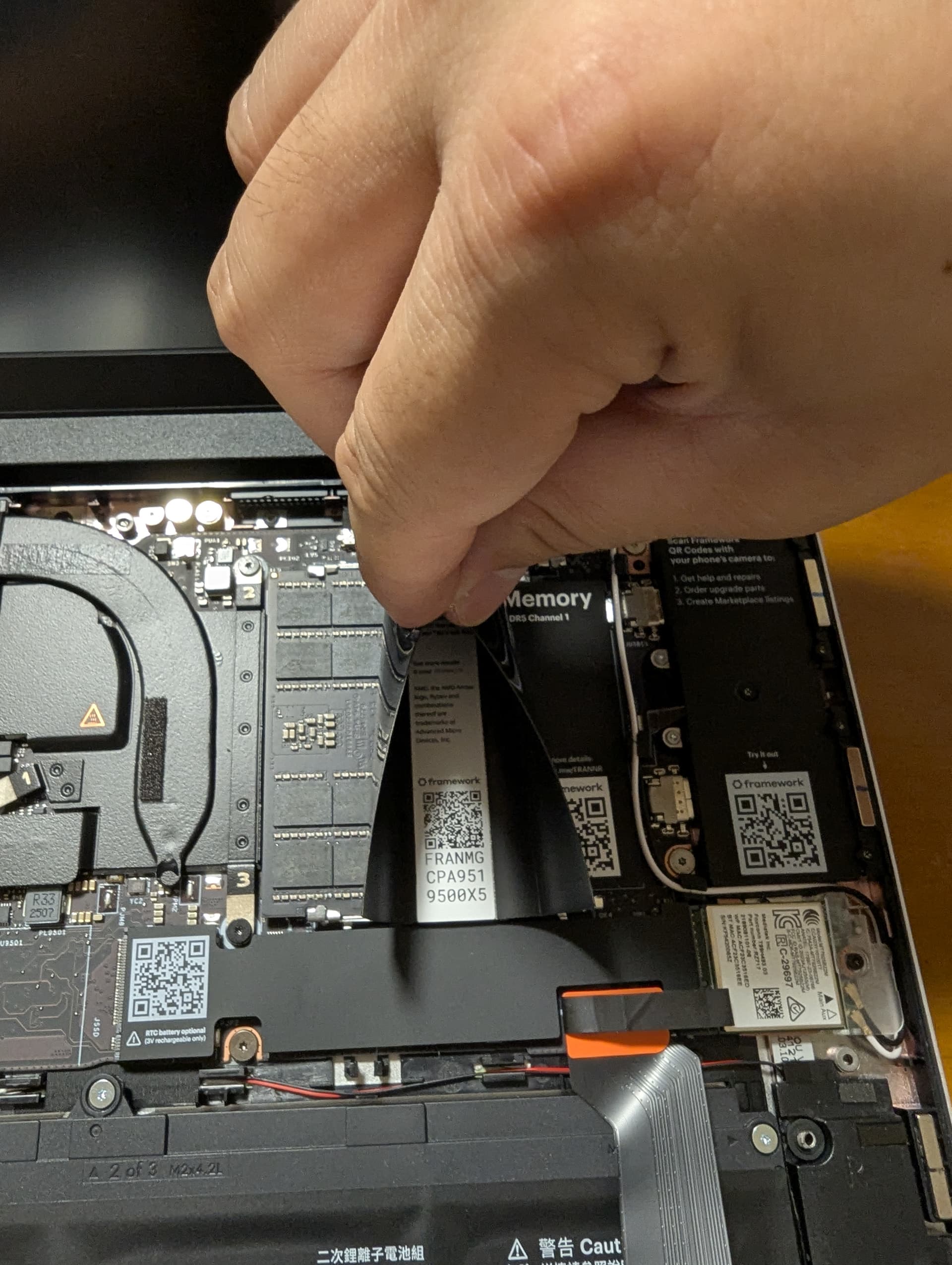
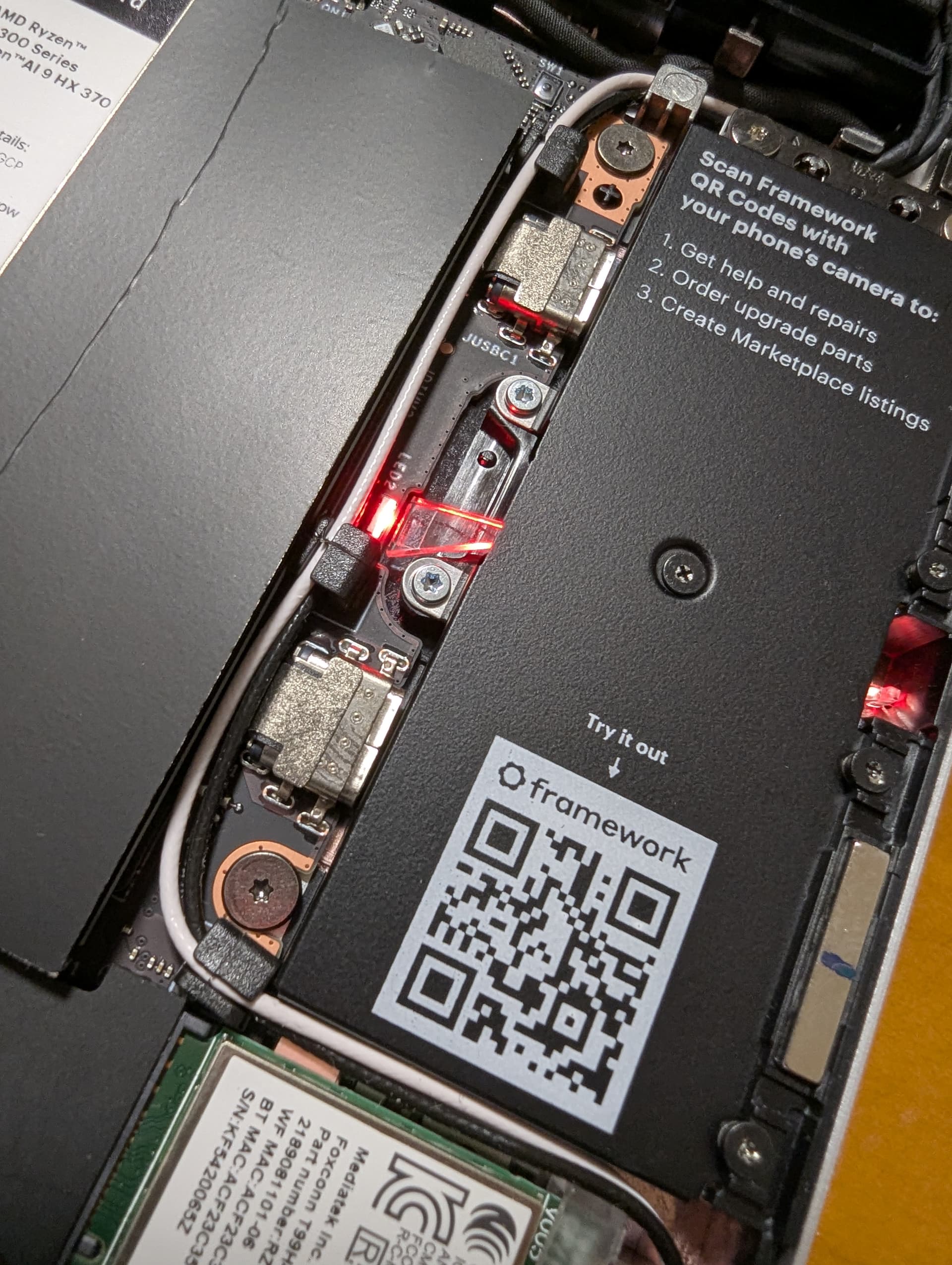
Check the sticker on the slot is suspect. Someone else had an issue where a sticker managed to work its way loose and was partially covering the pins to the slot. Glad you started a ticket with support to see about their take and possibly getting the board replaced. This is still a really new series of mainboards and manufacturing mistakes can still happen. Let us know how it turns out. Congrats on the AI AMD model; they are all really fast and efficient.
Maybe, if you post a picture of the slots without ram installed, and then with ram installed, someone here might see something wrong and help that way.
I just bought a FW 13 AI AMD model, and have this exact problem. I am using a Crucial 48GB kit (that has been reported on this community to work), and as soon as the RHS Slot 1 is used the machine won’t boot but any other combination works. So it doesn’t seem like it’s a Crucial/RAM specific problem but a FW board problem.
Hard to know. I am also asking about the problem and will likely have to file an RMA for them to send another board.
Btw, I am using the new laptop with just 1 stick (on slot 0) – only 24GB but works fine. Though I don’t like it when knowing my brand new laptop has a defected board.
I do not even bother to install any hard drive on it. I find it intolerable that they already charge a premium for repairability, yet the board is defected out of the box.
I don’t quite understand what they are doing. They said they want to send me a motherboard and then in the newest reply they said they have " escalated your ticket for return processing. One of our staff will be back with you soon with additional instructions. For more information about the Framework Return Policy, please clickhere."
I find it confusing that on the one hand they are asking my address to send me a new board (and it has to be AMD ones, cannot change to Intel ones), and on the other hand they have “escalated” to return?
I had the exact same issue with my Framework 16 - they replaced the main board with a ‘refurbished’ version which solve the memory issue but the ‘refurbished’ main board was bent and the fans are VERY loud. Rather disappointing for a $3000+ laptop.
I bought it in April with 64gb of memory - never noticed that it was only registering 32 until I decided to upgrade to 96 (48x2) - and it would only show 48. I think it should have been well under warranty for a new motherboard but I guess they don’t care about their loyal customers (have 4 other framework laptops. Guess there won’t be any more.