I am describing this solved issue because I have not seen it mentioned elsewhere, so I thought it could be useful to others in the future.
I was having trouble getting the channel 1 RAM slot on my Framework 13 AI 300 motherboard to recognize its RAM. I swapped the RAM sticks between RAM slots, re-seated the RAM several times, updated the BIOS, nothing worked.
Then, I noticed that the instructional sticker (the one which labels channel 0 vs channel 1 underneath the RAM slot covers) on the RAM slot was not square. It seemed to have come loose: the white outline (red arrow) is probably were the sticker edges were meant to be, and the sticker (green arrow) had come loose and had traveled very slightly towards the RAM slot contacts.
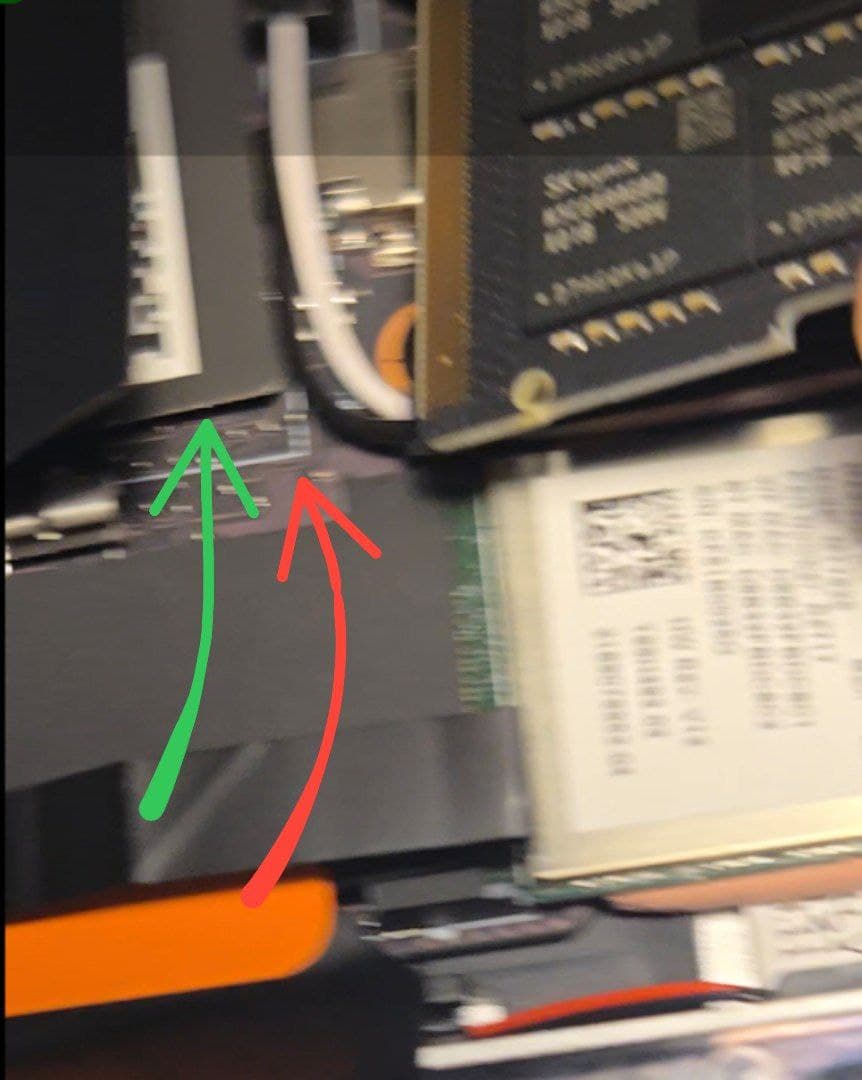
(NB on my motherboard channel 1 is on the right and channel 0 is on the left.)
Removing the sticker entirely fixed the issue entirely. The channel 1 slot could now recognize its RAM. I believe the position of the loosened sticker had blocked contact between the RAM and the RAM slot. If you are facing a similar problem and you are sure the RAM sticks are not the issue, it is worth checking that the stickers are not blocking the contacts.