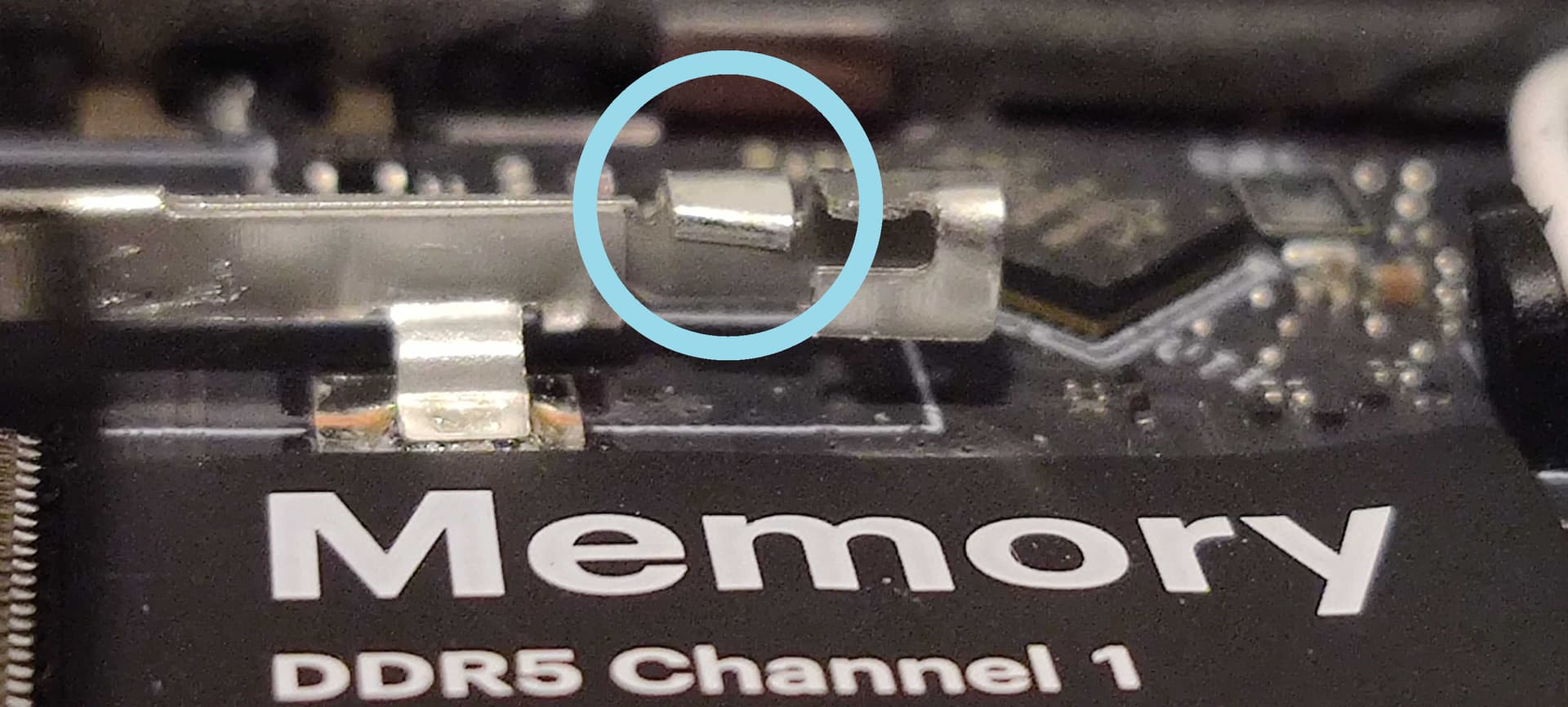
I was trying to install memory on my Framework 13 AMD AI 300 Series, but it looks like the Channel 0’s memory clips aren’t bent enough to let the RAM in.
Here’s one of Channel 1’s clips. It’s bent, allowing them to go over the RAM when it is inserted.
Someone else had a similar issue with their AMD AI 300 laptop’s clip not seating right. Just as a public service announcement; one side of the memory looks like is facing up and other slot is facing DOWN that is the normal way memory is installed in most computers. Check the notch to see which way to orient them.
Also, someone else reported an issue where the sticker (like in your 2nd picture above that says Memory Channel 0) had come loose and was literally blocking some of the contacts in the DIMM slot.
I’d not mess with the mainboard and contact support instead. QC issues do surface from time to time (I’m currently in the process of replacing heatsink+fan on my HX 370, provided by support, to address misaligned heat sink fins out of the box).
It’s a pretty minor issue (I was able to get the clips to behave by lifting them until they fit over the RAM), but I’ll let them know anyway. Thanks and good luck with your issue!
Glad to hear you got the clips to behave. They are made with spring steel so they are tough but flexible at the same time. Fortunately once the memory is in and working it is pretty much a nonissue until you need to update the memory or replace one.