Two weeks ago, after some automatic windows update (and also AMD GPU update? I saw something weird in the logs…) I’ve started getting bluescreens (blackscreens now). Usually 5-20 minutes after starting the F16, but not on idle. I did some Opera GX browsing or try to analyze dump files with WhoCrushed - then cursor stutters, everything freezes and bam - BDOS. The text is usually “Critical error Happened” and error code is like ‘EH’?
What I did try so far:
Tried to restore system with Restore Point before the update. Didn’t end well - I was prompted to pass BitLocker code but the keyboard didn’t work on that screen no matter what I did.
Full Windows format to the newest version. Bios update to 3.07, all newest drivers from bundle.
Deleted AMD GPU drivers with DDD and installed the newest GPU and chipset drivers from AMD directly.
Blown and cleaned the GPU connectors with alcohol.
No luck so far. I’ve written to the support, but maybe you will be quicker/better, who knows. I’m not sure if it’s not hardware issue, though I didn’t change/hit anything recently.
F16 details:
Framework 16 AMD 7940HS with AMD Radeon RX 7700S
32 GB of RAM, Lexar SSD NM790 2TB
Windows 11 PRO 25H2, compilation 26200.6899
Fresh wipe and install of Windows and it is still happening kinda points toward hardware.
Did you run a MemTest overnight to see if any errors on that front? How about the SSD? A slow corruption can cause that kind of behavior from Windows installs.
You might try making an Ubuntu Live USB and seeing if it is still panicking and halting the system. Just a couple of thoughts as I read this on my lunch.
Some have reported issues with their 7700 graphics module causing BSOD. Maybe try pulling it from the system and just putting the standard expansion bay (if you have it). Just a few thoughts on my end to maybe figure something else out. Let us know how it goes.
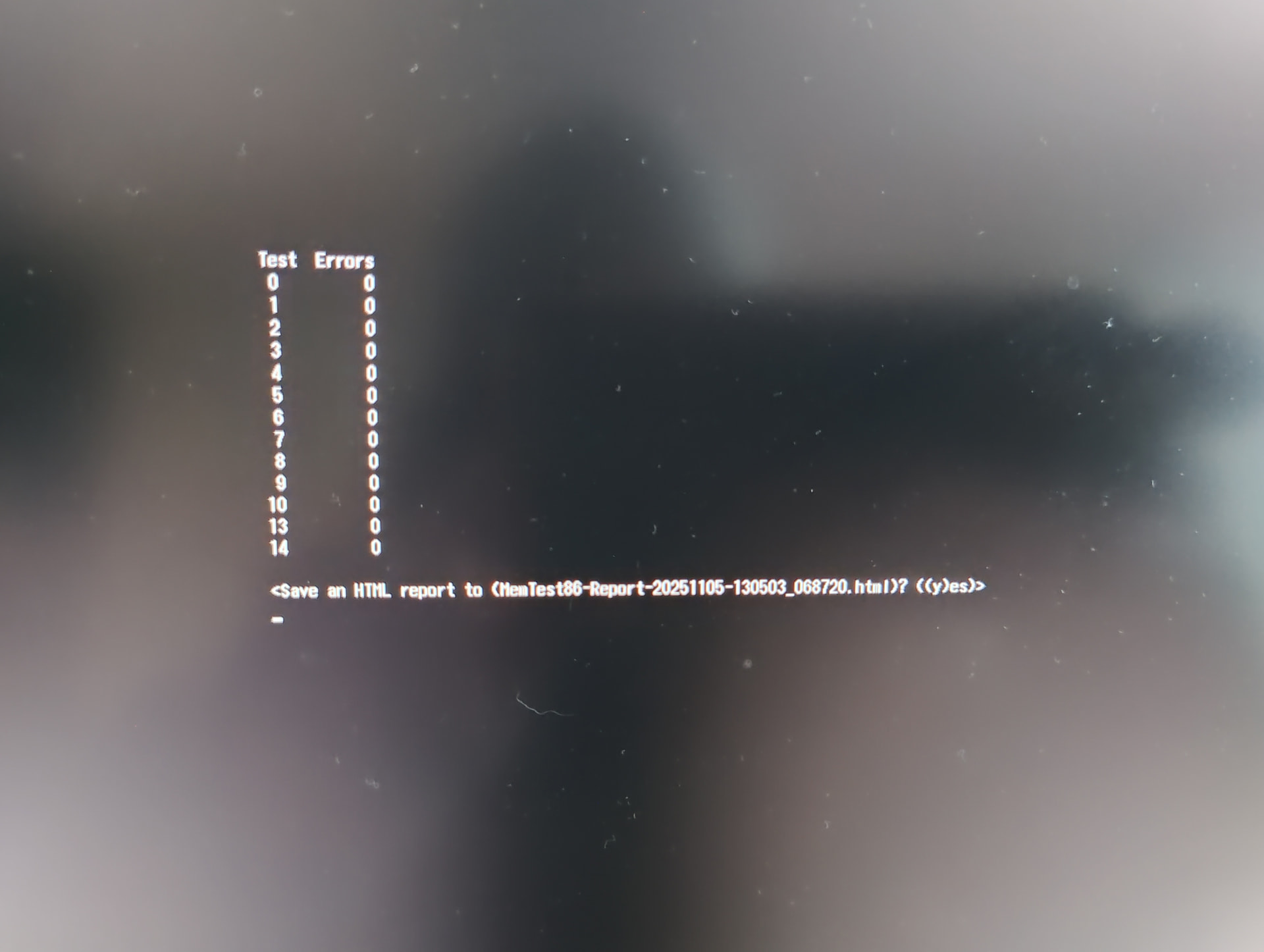
Hi, thanks for answering so quickly. I will try to swap for standard extension bay and see how it goes. Wanted to do memtest but instead of normal result screen, I’ve got just “CPU/state” text after I hit “start”. Any idea why it looks like this?
About the live usb, I did use hirens boot pe, to diagnose other stuff and didn’t get bluescreen’d once. However, I couldn’t connect to the internet and didn’t do any GPU heavy task so hard to say if it’s reliable check.
And Cristal said that SSD is fine, but I will do some other scans tomorrow.
If you cannot get Memtest working there is a memory test built into Windows. It is under Windows Tools and called Windows Memory Diagnostic. It boots into a standalone routine that does the memory testing then boots back to Windows.
I decided it might help someone if I come back and write what actually went wrong with this damn thing XD
So, I tried almost everything Windows user can do (with Framework Support team) and nothing really helped. At some point, they decided that the best course of action would be to replace the mainboard which we did, but the error persisted.
I did have SSD and RAM bought elsewhere, still in warranty period:
Kingston Fury Kingston DDR5 32GB 5600 CL 40 DualKit KF556S40IBK232
SSD Lexar NM790 2TB M.2 PCIe NVMe
Both returned to their stores to be replaced or repaired under EU 2yr warranty with simple note: “the laptop they are in is not working, here are the bsod codes, etc.” This components are at least 2 time more expensive now (thanks AI), so I was little afraid that they would prefer to just give me money, but fortunately I didn’t have any issues.
Anyway, both were declared broken with no hope for repair and I received new copies XD.
Since then, no BSOD happened and I’m very happy.
The final thoughts:
When the first googling of BSOD errors states that “usually its either RAM or storage dead” you should believe it and replace them firstly; because otherwise you will go into spiral of doing weird stuff for couple of MONTHS. Alternatively, just buy both SSD and RAM from Framework as well. Also, Framework Support Team were very patient with me and deserve all the kisses.
tl; dr: Either one or both SSD and RAM was faulty and was replaced. No issues since then.
As you said, either the ssd or the ram could have caused the problem.
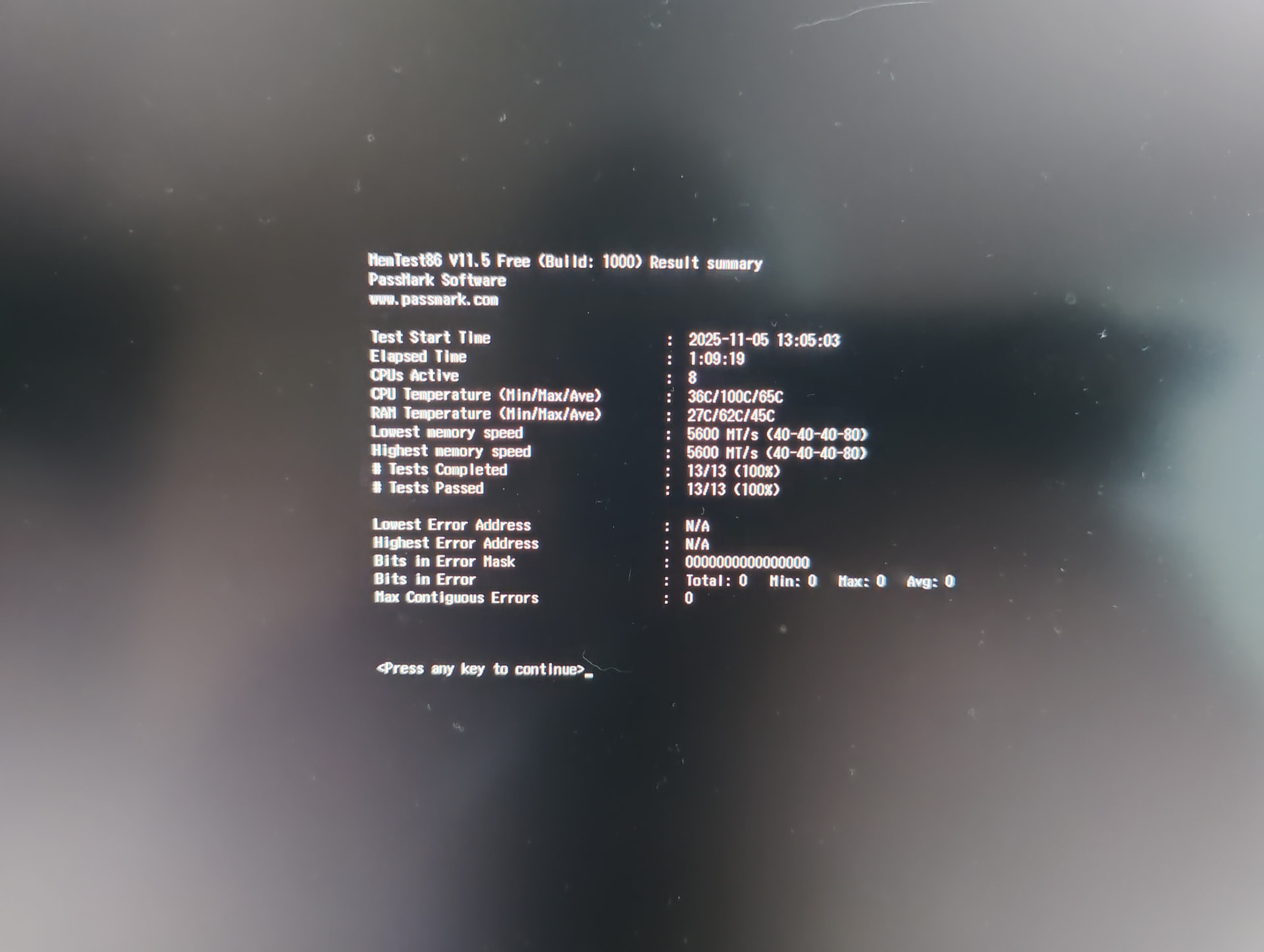
There have been cases of bad ram, but memtest says the ram is ok. Proven by swapping out the ram. We need a better memtest to catch these. Maybe have memtest do a suspend/resume cycle as one of the ram tests. I.e. does the ram contents survive a suspend cycle.
We have also seen some older ssd firmware causing problems. So maybe the replacement ssd had newer firmware on it.