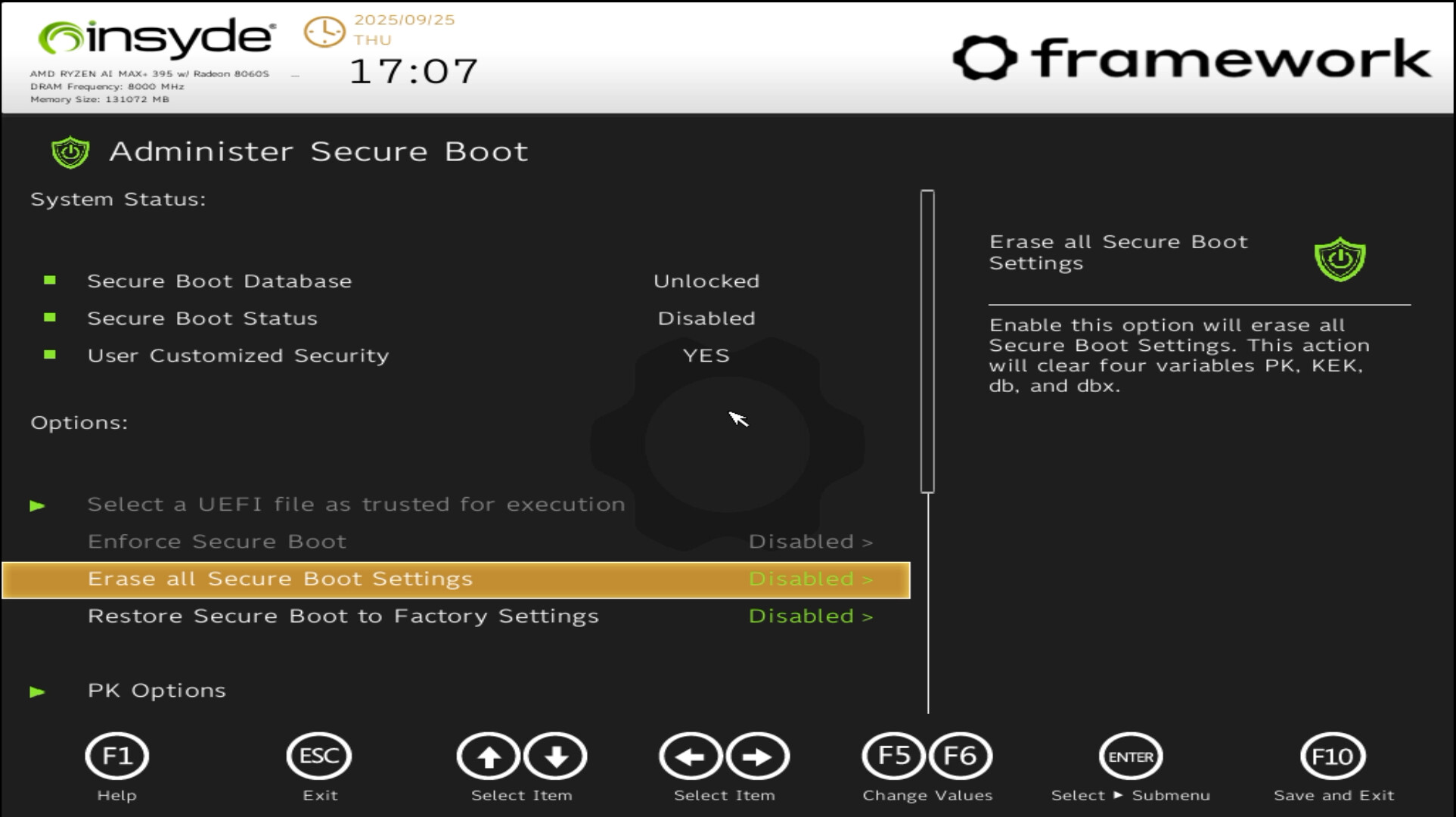
strange, i did an install with a ventoy and secure boot on just yesterday. I just had to enroll the mok key from the stick
Can you make the ventoy stick again from scratch (and check that it has GPT partition layout) and you can also check the secure boot setting for ventoy
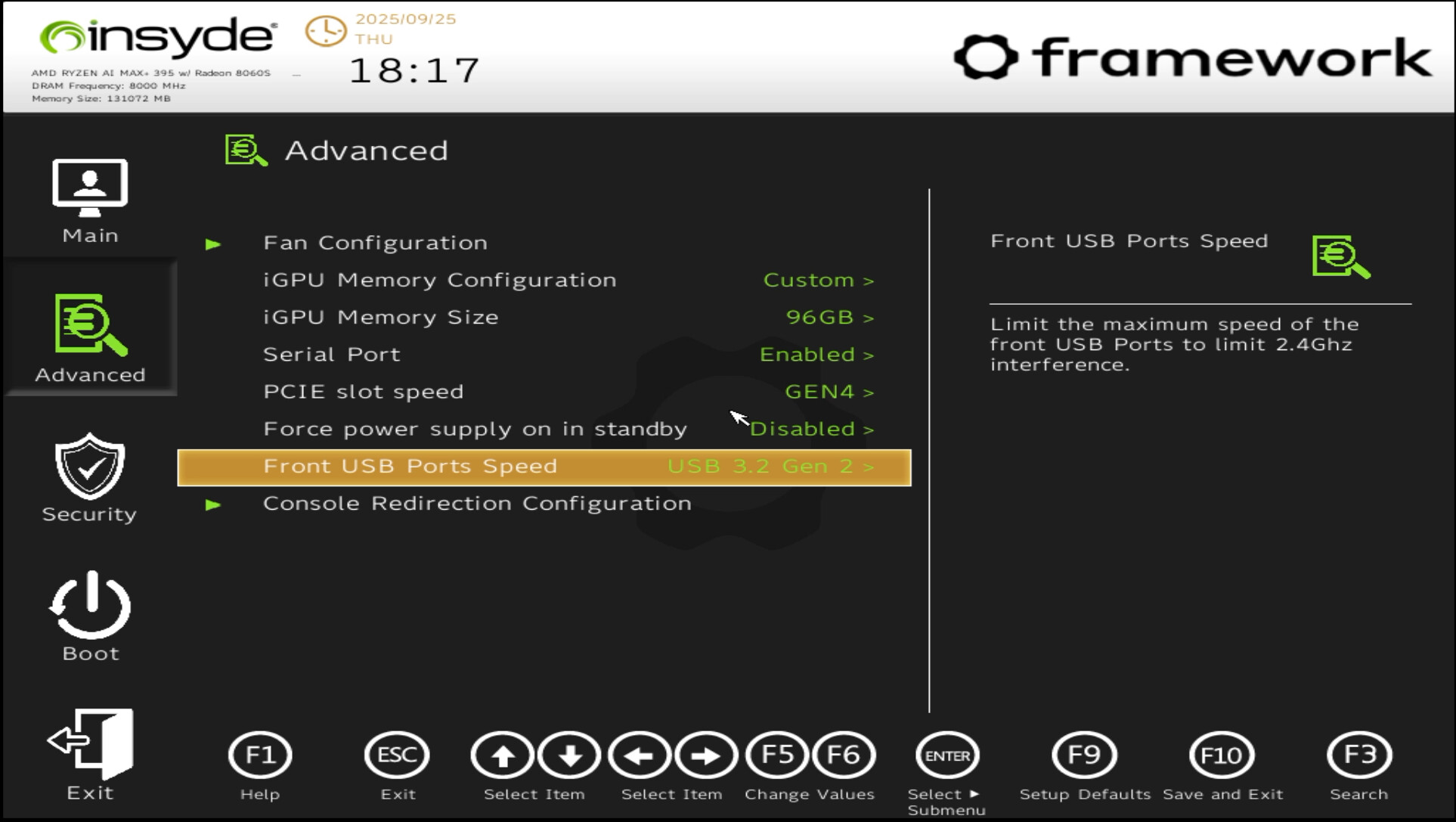
I found the root cause. If I switch the front panel usb to USB 3.2 Gen 2. It will not boot from the usb correctly. I switch back to USB 3.2 Gen 1, and It works.
This is strange because it says Limit max speed to prevent 2.4g interference. I know USB 3 can interference Wifi 2.4G or bluetooth, but it makes normal usb device cannot work correctly.
Finally, it works, but I don’t know why this option makes the problem.