Hello all,
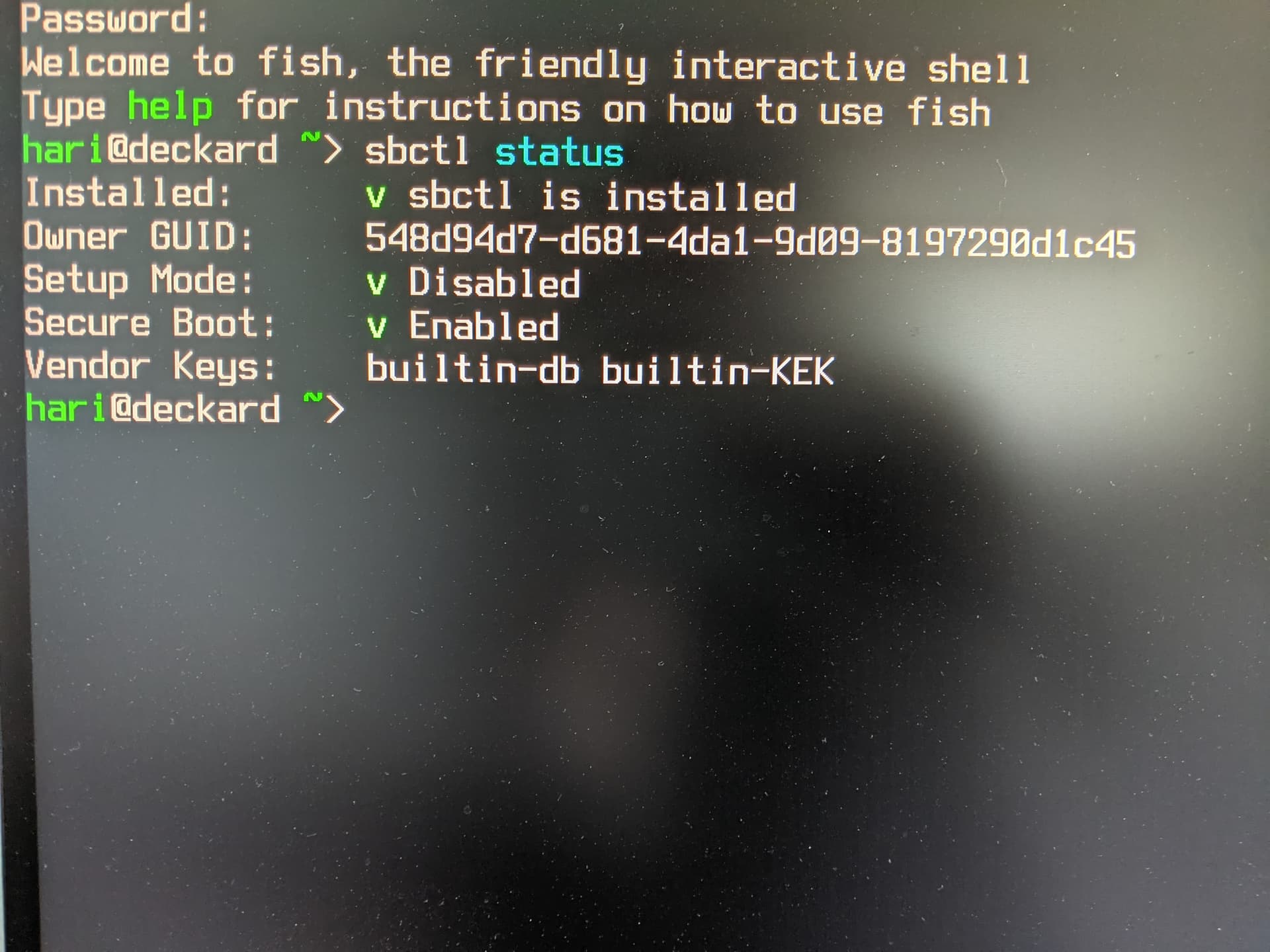
I am having an issue where my UEFI is not detected by the OS after clearing the secure boot variables.
System Information:
- i7-1185G7 standalone mainboard
- Arch Linux (Zen kernel 6.16.5)
I was able to perform the BIOS update to 3.22, which the system confirmed after it completed. After doing so, I attempted to clear the secure boot variables to put it into setup mode for user key enrollment, and upon booting into my OS, efibootmgr, bootctl, and sbctl all reported that the system wasn’t booted using a UEFI and I couldn’t interact with the firmware to change the boot entries, enroll keys, or even reboot into the firmware directly.
I checked efivar as well, and compared it to my FW16, and there are significantly fewer entries, and some notable ones, such as the LoaderFirmwareInfo were entirely missing.
I tried using the clearvars version of the BIOS update files and attempt to re-update the BIOS, but it seems to check the current version before proceeding, and as a result, doesn’t proceed but skips directly to the green, “complete” screen.
I have reached out to customer support, but I haven’t gotten a way from them to either write the default values to the correct EFI variables (which I suspect is the underlying issue) or forcibly reinstall the BIOS to restore the settings.
Additionally, the mainboard reset procedure (disconnecting all batteries/power for a couple minutes, then connecting external power) doesn’t work for my system. I do not get the blinking red LED, and the BIOS is not reset.
As part of the troubleshooting process, I also attempted similar steps with a Live USB running Ubuntu 22.04, and I got the same errors with efibootmgr, bootctl, and sbctl, and efivar showed the same variables (missing ones were still missing).
Also, the OS still boots fine even though I installed the UKI to a non-default location (\EFI\Linux\arch-linux-zen.efi rather than \EFI\BOOT\BOOTX64.EFI), so something interesting is happening.
I really want to try and fix this board rather than replace it, so if there is a way to attempt either reinstalling the BIOS or fixing the broken entries in the NVRAM, I would like to give that a shot.
Thanks!