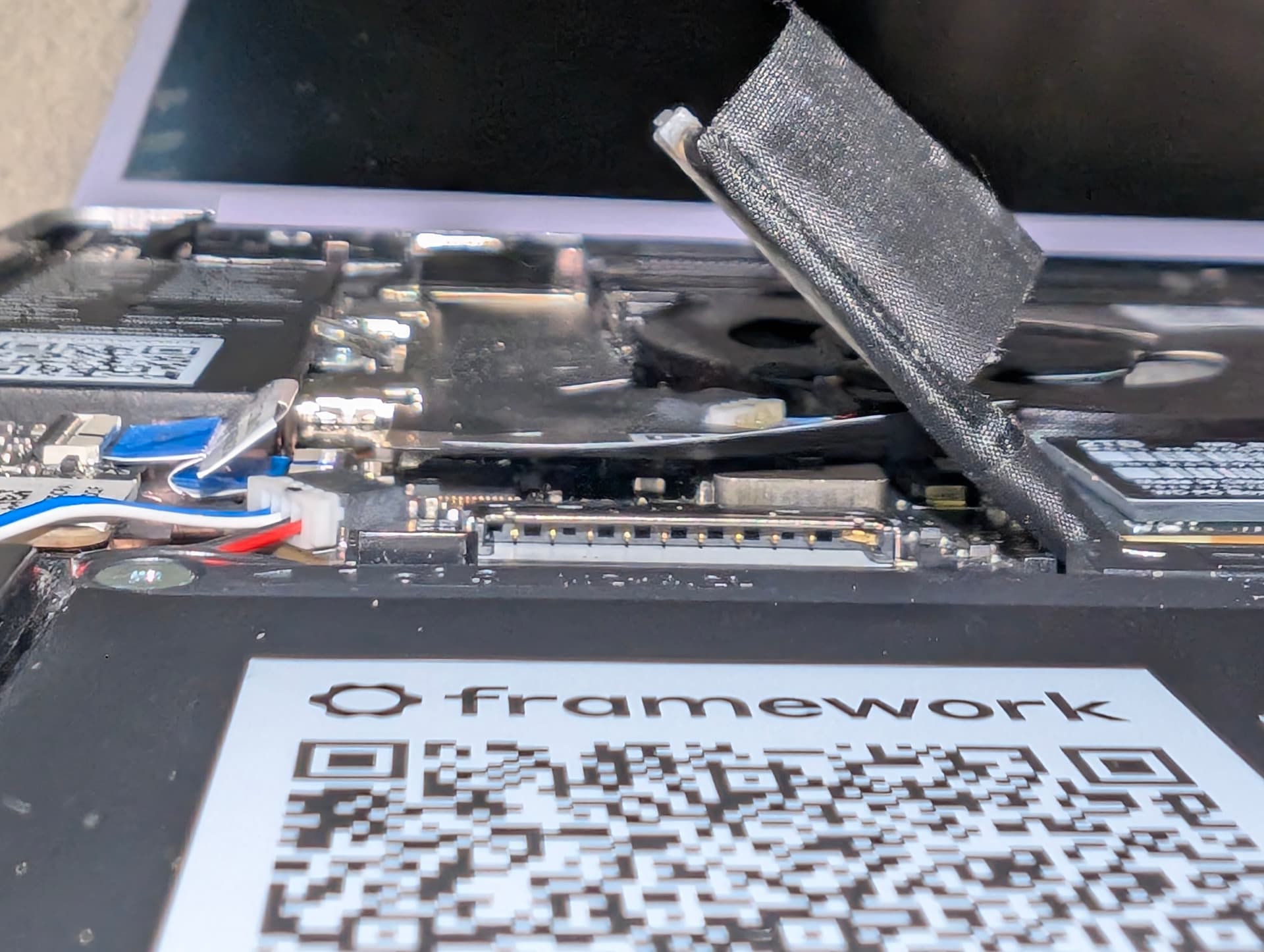
After a year and a half of usage, I finally had my first issue with this laptop: it would turn off, freeze or reboot, if I moved the laptop from one place to another.
I, of course, contacted Support last Sunday, and they replied today, instructing me to take everything apart and reassemble the whole laptop. Fine, I said, as I am no stranger to meddling with computer parts; so I dove in.
I don’t know how to state it, but I’ve been daily driving this laptop for a year straight. Now, I don’t think I can bend a pin that much by just unplugging the connector very carefully - so, what gives?
Also, I hope support covers this since they instructed me to take the laptop apart in the first place.
Sorry to see and hear of this happening. It likely did happen during assembly, mistakes happen. Just look at the number of people who could not get the m.2 SSD unscrewed or it broke off when trying to remove it for the first time.
This is very fixable if done carefully. Get a pair of tweezers or a very narrow flat bladed screwdriver; something you can get good dexterity with. (Framework tool may not be a good fit for this)
Carefully wedge the tip between the pin and the side of the connector and gently bend the pin just a little then stop.
Take a breath. (I sometimes hold my breath unconsciously when doing something delicate)
Then bend the pin a little more.
Move back a little and inspect how straight the pin is compared to the others. Adjust in little increments until straight.
While already inside, check other connectors and look for anything loose that should not be in there, especially if it is conductive! Through no fault of your own, something might have worked its way loose just over time or was not seated fully from the factory. Framework laptops being able to have parts repaired and replaced is such a blessing compared to almost all the other laptops out there.