I have an Intel 13th gen fw 13 running the latest Windows 11 and Kubuntu 22.04. A couple of days ago, the fingerprint reader stopped showing up in Windows, where I had previously registered my fingerprint with Windows Hello. I have tried rebooting, reinstalling drivers, updating BIOS, and reinstalling Windows, but nothing could get it to show up. Device manager claims the device is not plugged in, and running lsusb in the Linux distro didn’t return anything related to the fingerprint reader. The laptop is about 2.5 years old, so it doesn’t seem likely that it would suddenly break from normal use. The power button and LED part are working properly. Is there anything else I can try to fix it, or is it time to replace the fingerprint sensor?
Have you checked to make sure the keyboard cover is probably connected to the mainboard via the breakout connector? Also make sure the flat cable from the power button is properly inserted at both ends of the cable to rule out any connection based issues.
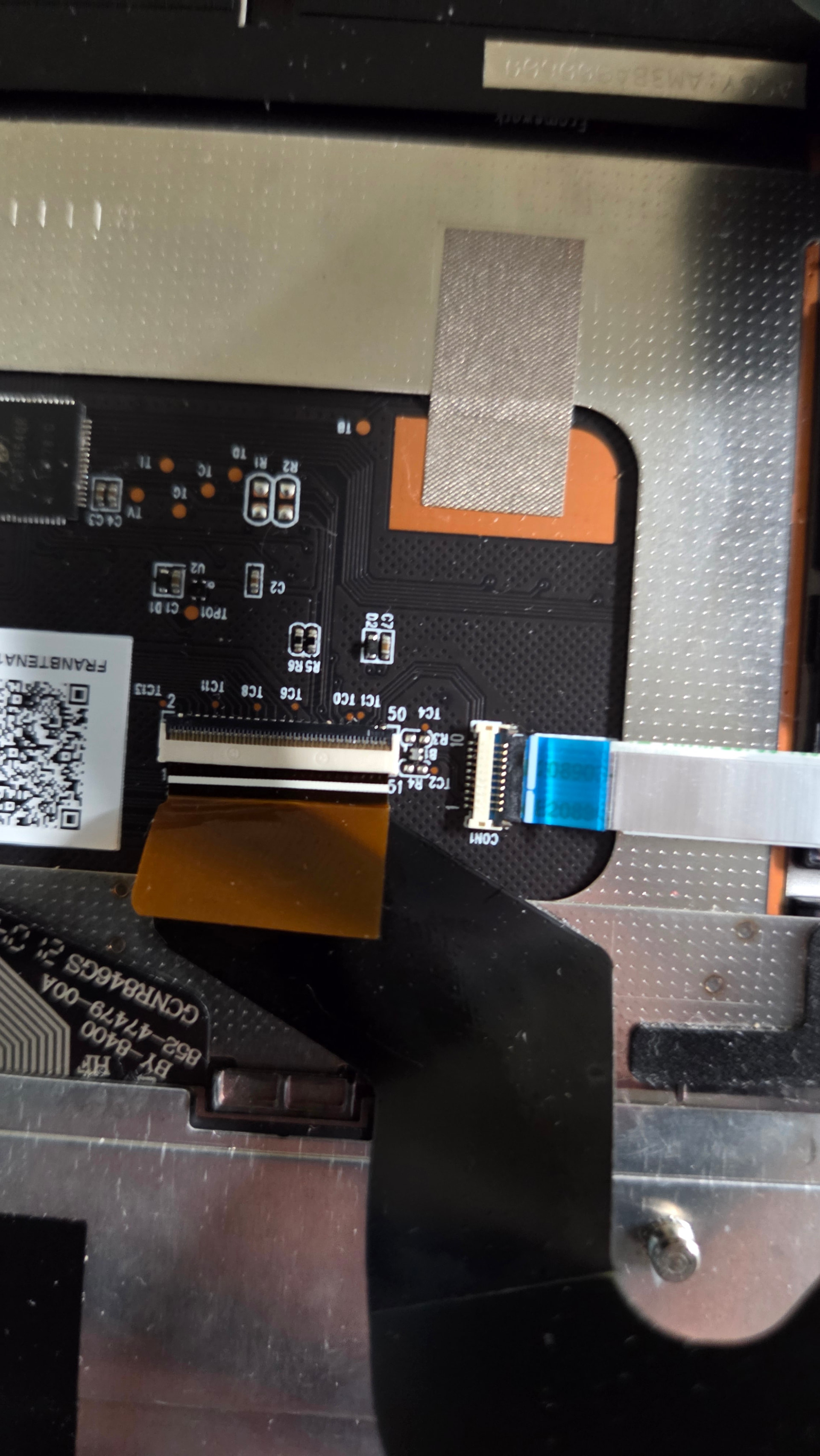
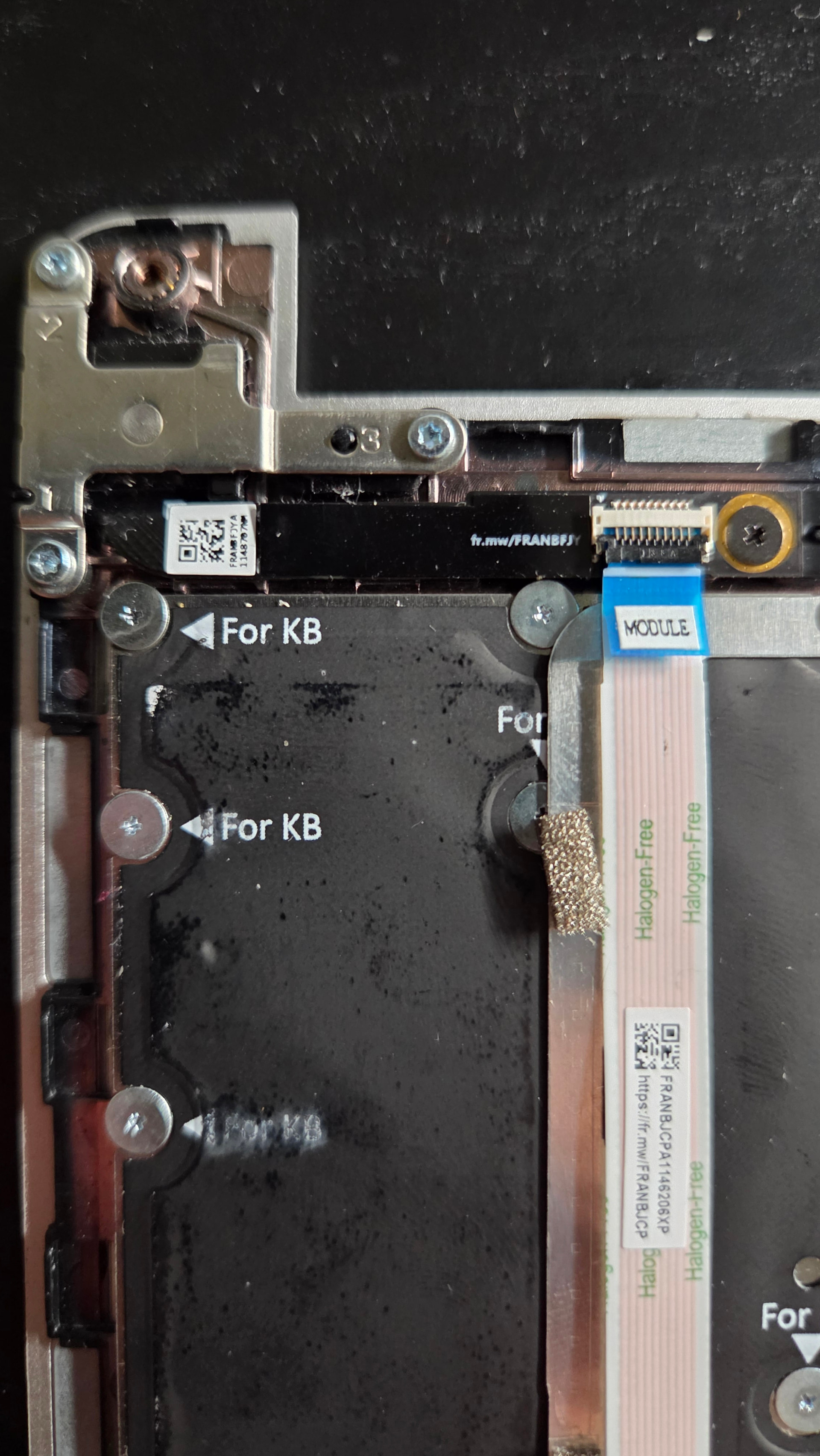
Apparently, the r and i keys work, but none of the other keys. I tried reseating everything again but it still didn’t fix it.
Another update: The keyboard/trackpad is back, I just had to push the cable more into the slot. Fingerprint sensor still doesn’t show up though.