I managed to fix my FW12 top right corner bleed YAY!
There was some discussion around typical bleed issues but this guy seems to have the same problem I did, which is a very strong bleed in the top right corner.
Here’s the before:
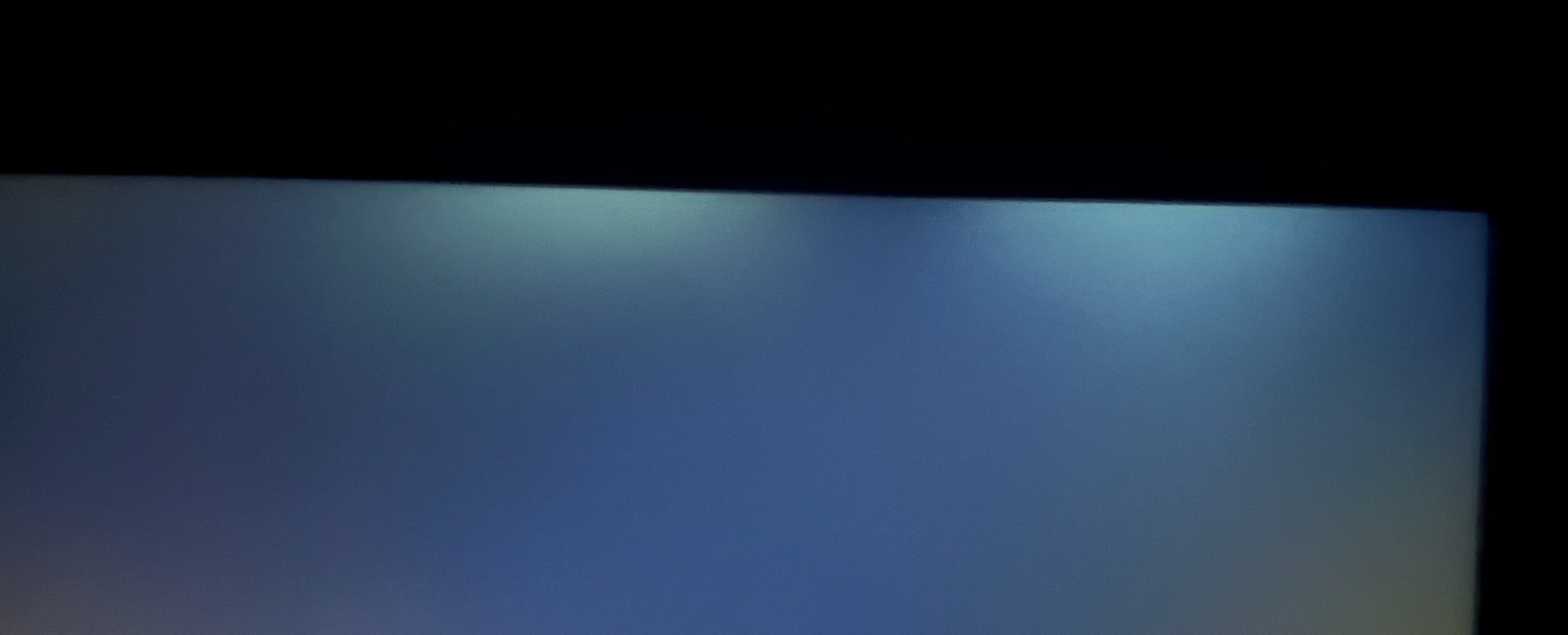
After removing the panel, this is what’s right under the “valley” (point between bright spots marked with screwdriver):

I could reproduce the bleed pattern on a removed panel by pushing UP from UNDER the panel, right where this screw was. So I tightened this screw to its limit, and the bleed was gone:
(insert image of a nice looking panel with no bleed because new users can only post 2 images)
The bleed is gone completely, the entire panel looks good now.
I believe some FW12 units come with this screw under-tightened which makes it poke at the panel, causing bleed. I hope the next 2in1 is a bit more solid …
