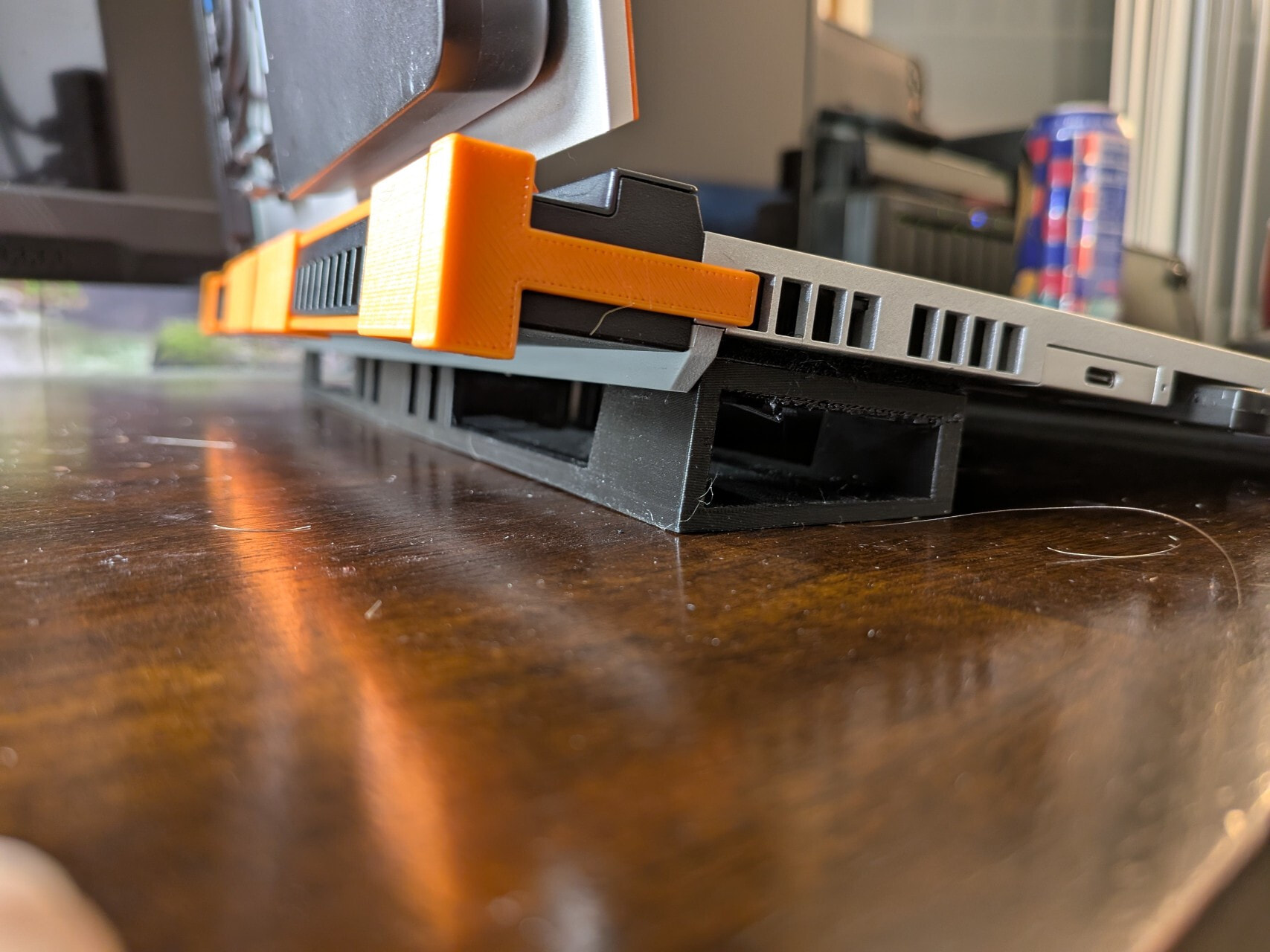
I have already contacted support, and they are aware of the issue. Nevertheless, I am posting here as well, and I would appreciate it if others could chime in to say whether they are affected by this problem—especially those with a dedicated GPU (RX 7700S & RTX 5070).
In principle, every device is affected; while units without a discrete graphics card are less impacted, those with one are affected much more severely. So, what exactly is the issue?
I have recently been looking closely at the cooling system of the Framework 16.
Here is what happens with my device: The bottom panel gets extremely hot, particularly when gaming with the dedicated graphics card. At times, it becomes too hot to touch.
This hotspot first appears on the left side (when looking at the device from above).
This is the area where the motherboard’s voltage regulators are located and where power is distributed to the system.
After 15–20 minutes, the heat spreads across almost the entire bottom panel.
I have never experienced this kind of behavior with a laptop before.
What is the problem, and what is causing it?
As soon as the CPU and GPU are under heavy load and the system draws an average of 180–200 watts of power, the voltage regulators generate significant heat. A small portion is absorbed by the heatsink’s metal plate (which, in my opinion, is far too small and thin).

The remaining waste heat dissipates into the PCB. Hot air then accumulates between the underside of the PCB and the bottom of the chassis, with nowhere to escape. Consequently, the bottom panel heats up to temperatures like these:

These temperatures were reached after running FurMark and Cinebench R23 simultaneously for about 15 minutes. I attached the temperature sensor to the underside of the chassis, right where the hotspot forms.

I have used many laptops in my life, but I have never encountered such high temperatures on the bottom of the chassis as I have with the Framework 16.
The problem here is that the hot air has absolutely no way to escape the chassis. There are no ventilation slots, nor can the fans extract the air. This creates a heat buildup that has a detrimental effect.
The fans are installed in such a way that they only exhaust air from the ends of the motherboard heatsink’s heat pipe; the backs and rear sections of the fans are blocked off. This is partly due to the design and has a detrimental effect.
To improve this situation, two things need to be done:
1: An attempt should be made to develop a more robust or improved heatsink capable of absorbing more heat—particularly from the voltage regulators—for instance, by using a thicker metal plate or heat pipes that route directly over the voltage regulators. I do not understand Framework’s approach here at all, given that in virtually all other laptops, the entire power delivery system is actively cooled by the heatsink.
2: The bottom panel needs to be designed with ventilation slots to allow hot air to escape the chassis, thereby at least slightly lowering temperatures. There is a case available that allows the motherboard to be used externally.
This is what its underside looks like:

The bottom panel of the Framework 16 should be designed the same way.
Framework therefore needs to take action to address these issues.