I have a Framework 13 AMD AI 300 Series, configured as follows:
Both back ports have USB-C cards.
In the front I have HDMI (left) and USB-A (right).
I never had any issue with it until today, when I realized that I couldn’t charge the laptop from the left port, but right worked. I think part (or all) of the issue is that yesterday I borrowed a charger from a friend, and it was a Dell 130W charger…
So I feared the worst (the port being fried or something), but after poking a bit at it, I can’t quite explain the behavior I’m seeing… I removed all my expansion cards, and plugged my Framework charger in the front left port (the one under the one that didn’t work).
It worked (which I thought confirmed the theory of that port being busted). But after that, plugging it back in the left port worked, somehow? I tried to:
So now I can charge on either port, but USB-A and HDMI don’t work. Also USB-C seems to work just fine (at least my Yubikey works alright on either port).
After trying to use HDMI (unsuccessfully) I can’t use the back left port anymore. sudo framework_tool –pd-reset 1 claims [ERROR] Failed to communicate with EC. Reason: I2C write was not successful: “I2C Transfer not acknowledged”.
I’m a bit confused about what might be going on, but it’s clear that something is wrong. Does anybody have any other ideas to troubleshoot or fix?
After trying to hard-reset the EC by holding the power button down for 20s, now none of the back ports charge the laptop. PD1 seems to be in some sort of reset loop:
[324.055700 PD1 Reset Complete]
[324.058400 CYPD 1 is in bootloader 0x0094]
[324.061700 CYPD bootloader reason 0x8000]
[324.090600 CYPD 1 is in bootloader 0x0094]
[324.093700 CYPD bootloader reason 0x8000]
[324.122400 cypd_read_reg8 failed: ctrl=0x1, reg=0x00]
[324.126600 cypd_read_reg8 failed: ctrl=0x1, reg=0x00]
[324.132200 PD1 Reset Complete]
[324.155700 Controller 1  App1 version B:3.7.0.197 , AP:0.0.E]
[324.160200 Controller 1  App2 version B:3.7.0.197 , AP:0.0.E]
[324.172300 cypd_update_power_status:1=0xe]
[324.251600 cypd_wait_for_ack timeout on interrupt]
[324.255000 cypd_setup timeout on interrupt]
[324.293400 CYPD 1 Ready!]
[326.487800 PD1 Reset Complete]
[326.490500 CYPD 1 is in bootloader 0x0094]
[326.493700 CYPD bootloader reason 0x8000]
[326.522700 CYPD 1 is in bootloader 0x0094]
[326.525900 CYPD bootloader reason 0x8000]
[326.554600 cypd_read_reg8 failed: ctrl=0x1, reg=0x00]
[326.558800 cypd_read_reg8 failed: ctrl=0x1, reg=0x00]
[326.564400 PD1 Reset Complete]
[326.587900 Controller 1  App1 version B:3.7.0.197 , AP:0.0.E]
[326.592300 Controller 1  App2 version B:3.7.0.197 , AP:0.0.E]
[326.604600 cypd_update_power_status:1=0xe]
[326.683600 cypd_wait_for_ack timeout on interrupt]
[326.687000 cypd_setup timeout on interrupt]
[326.725400 CYPD 1 Ready!]
[328.919800 PD1 Reset Complete]
[328.922600 CYPD 1 is in bootloader 0x0094]
[328.925700 CYPD bootloader reason 0x8000]
[328.954700 CYPD 1 is in bootl..]
If I unplug the HDMI port while framework_tool –console follow is running I get [ERROR] Err: UnknownResponseCode(255)… I guess I can try to re-flash the BIOS to at least get charging working?
Didn’t have to re-flash, just soft power-off and I could charge again from the right side… But left side doesn’t work, and PD1 is still in some reset loop…
Yeah I did try to re-flash the BIOS with sudo fwupdmgr reinstall 3fcf7d72a67e2a66a14eb28eac286cc8c3ace55c. The install worked, but it’s still intermittently in that reset mode.
I can get PD1 to charge if stars align and I disable and enable the PD port using framework_tool at the right time, but the HDMI expansion doesn’t work at all (it overheats, too, even when the laptop is off).
I did reach out to support with the charger model, thanks! It is this one according to my friend.
That is one expensive charger. Well according to it’s specsheet it definitely has some weird modes but just offering those should not confuse the pd controller hard enough to corrupt itself.
Another day goes by and I still wish for an open source pd controller XD.
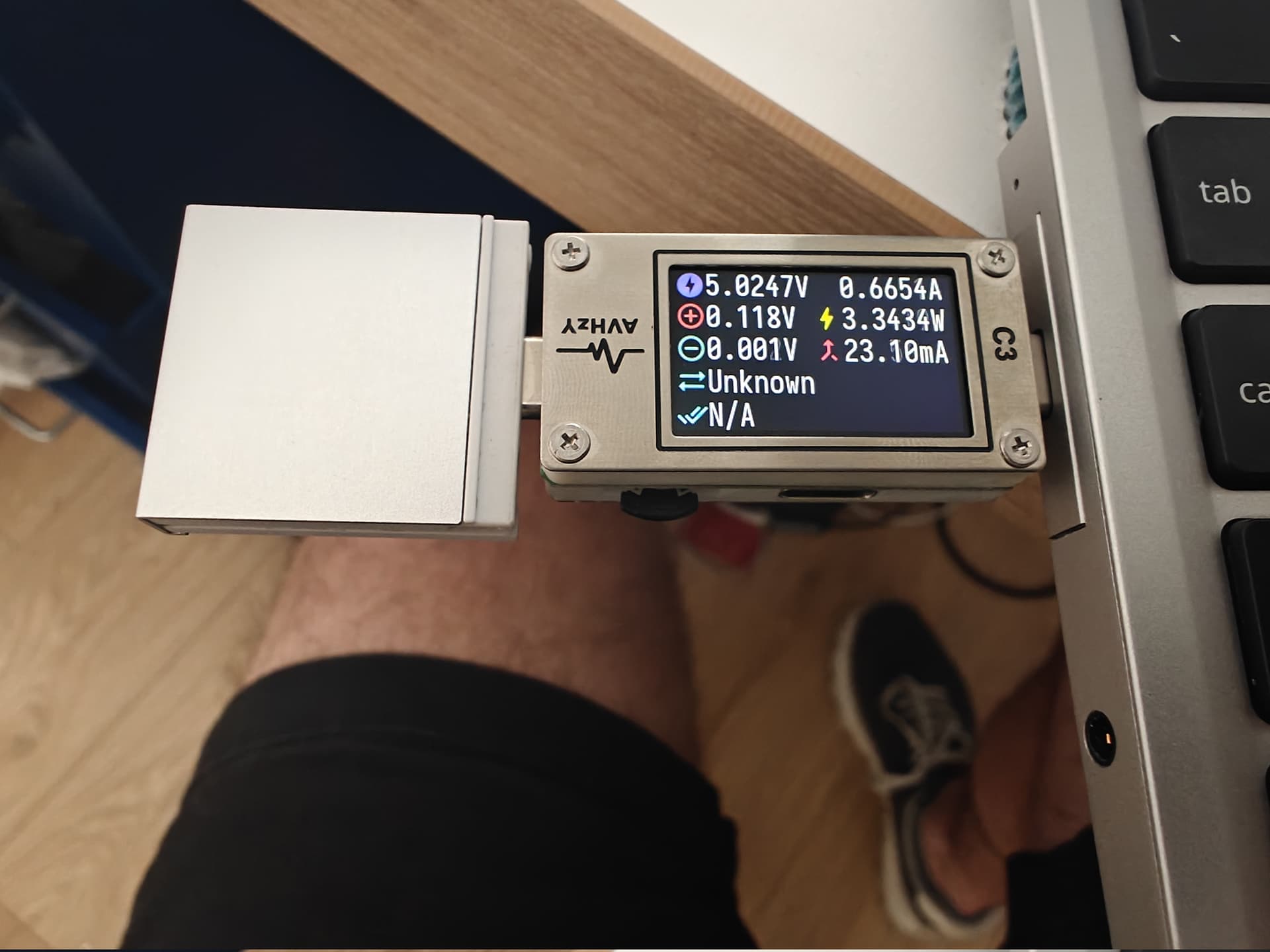
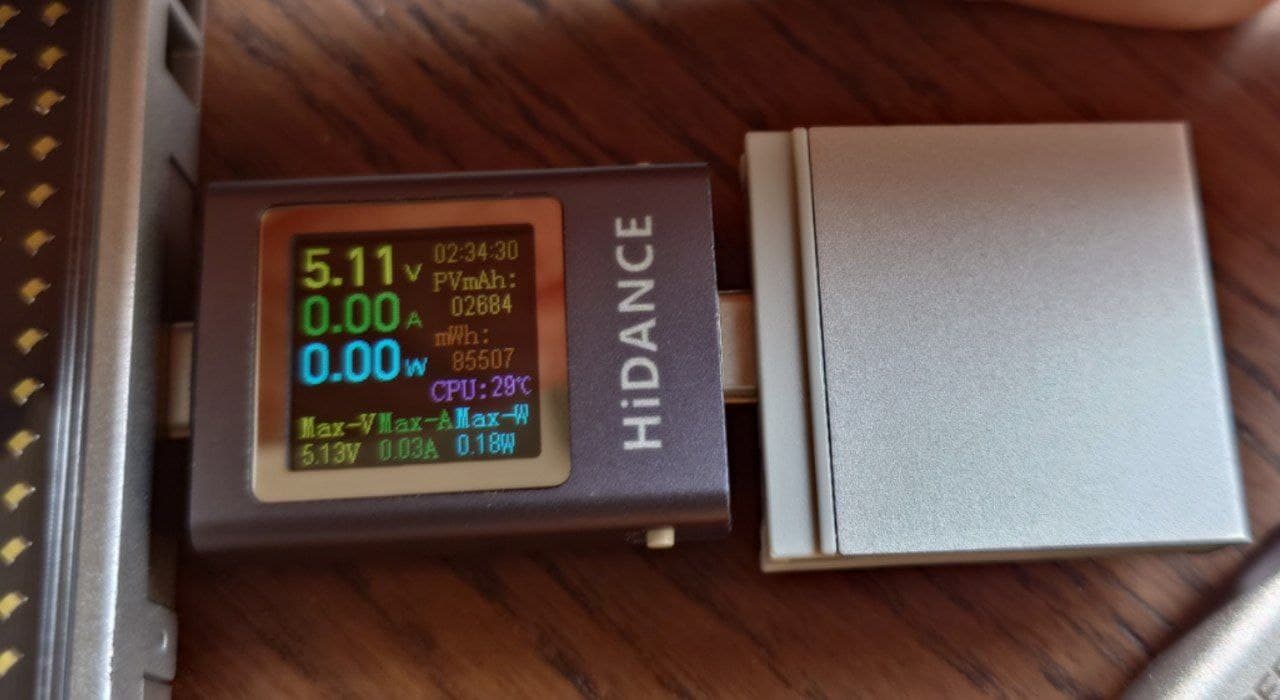
Ah, great idea… I do! I need to unfortunately plug it through the USB-C expansion rather than directly because it doesn’t fit. Here’s the result tho, it seems to draw power continuously:
It draws power on the “good side” (right) too. When it does, charging doesn’t work.
I have a displayport card that wasn’t connected, and it doesn’t seem to show the issue (doesn’t draw power when disconnected), but it still doesn’t seem to work alright, when it’s plugged in the logs show:
So maybe something broke in the HDMI expansion? That’d certainly be less annoying than the PD controller being toast… I’ll try to re-flash with it disconnected (and the DP card connected perhaps?) or so, and see if things improve…
USB works on the right side. On the left it works if I don’t have HDMI nor DisplayPort in port 2… With HDMI the overheat and such happens. With DisplayPort it gets stuck in a loop:
So as long as the pd controller doesn’t really have to do anything it works.
Is that the same for the top and bottom part as they share a pd controller but have different muxes?
It’s pulling a bit over 100ma, overheat may be a bit overly dramatic. It certainly should not do that but that’s probably cause it isn’t in a valid state.
This is probably a case for an rma, getting reckt by a genuine dell charger can’t really be intended behaviour.
To be clear what gets hot is the expansion card itself, not the laptop. The expansion card itself I can’t hold with my hand if I leave it there for a bit, but maybe I have soft hands
Yeah, I’ll wait for an answer to my support ticket. Thanks a lot for all the help, if only, I’ve learned a ton about how Frameworks work
I wonder if the pd controller is in some kind of deafault mode so very basic stuff like just usb works but more involved stuff where it would have to talk to the mux or power mux that are device specific fail. It’s however also possible something is physically damaged.
Definitely something for framework to look into.
With the ec being open source the pd controller being a black box almost sucks more since we can see so much more but not all the way XD.
Yeah I got that.
Dumping half a w into a tiny expansion card continuously probably does get pretty toasty but humans also have extremely narrow temperature perception.
In the 3d printing hobby people complaining about “hot” stepper motors is also a common thing but a finger really is not suitable to tell, 70C is perfectly fine but 90C may be a problem (depending on what insulation is used), you aren’t telling the difference between those with your finger XD.