Solved: My laptop is a brick Model 13....can't get any Linux to load

Which Linux distro are you using?

I tried Ubuntu and Fedora 43

Which release version?
(if rolling release without a release version, skip this question)

(If rolling release, last date updated?)

Which kernel are you using?

No idea

Which BIOS version are you using?

Whatever they sent a couple months ago. .

Which Framework Laptop 13 model are you using? (AMD Ryzen™ AI 300 Series, AMD Ryzen™ 7040 Series, Intel® Core™ Ultra Series 1, 13th Gen Intel® Core™ , 12th Gen Intel® Core™, 11th Gen Intel® Core™)AMD Ryzen™ AI 300 Series at least I know this one,

I have been running Ubuntu since I bought the laptop 13 a couple months ago. It was running ok. It would freeze up every now and then but I could wait a few seconds and it came back. The screen always would flash entirely gray from time to time. I opened a help ticket. That was a total waste of time so I decided to live with it. Now onto the recent problem.

I downloaded KDE to just have some variation in my look and feel. Of course, then it wouldn’t boot. So I read how to delete it from the prompt. Then nothing would boot at all. I tried reloading Ubuntu from a usb and when it got to the keyboard questions I realized the keyboard would not work. No way to type. So after hours of trying, I decided to order a new hard drive and start over. It came in today and guess what, yeah, keyboard wont work. So then I read where Framework recommends Fedora. I have never used it. I am barely linux knowledgeable. So I tried to use the boot maker in Ubuntu on my old laptop. Nope, didnt work. Wouldn’t see the iso….so I went to a really old windows computer and used rufus to make the Fedora usb drive. Went back to the framework and nope, it wont boot it. The letter are so small on the screen that I would need a magnifying glass to see it let alone understand it.

So I have no idea where to go from here. I am old and disabled and needed a new laptop,. I really regret this one. Is there anyone that can support this ? Do I sell it ? Just throw it away ?

There is no tech support to call and I live in a rural area with no linux people close.

Any idea is welcome……I am at a complete loss.

Oh yeah, one last thing, every time I reboot I have to love the usb slide in to a different port for the laptop to see the usb drive……no idea why.
Yeah that does sound frustrating. Unfortunately the small text thing is an annoying quirk of the menu that allows you to choose which operating system to launch (the GRUB menu) when on high resolution screens. It can be fixed but to do so requires interacting with that text.

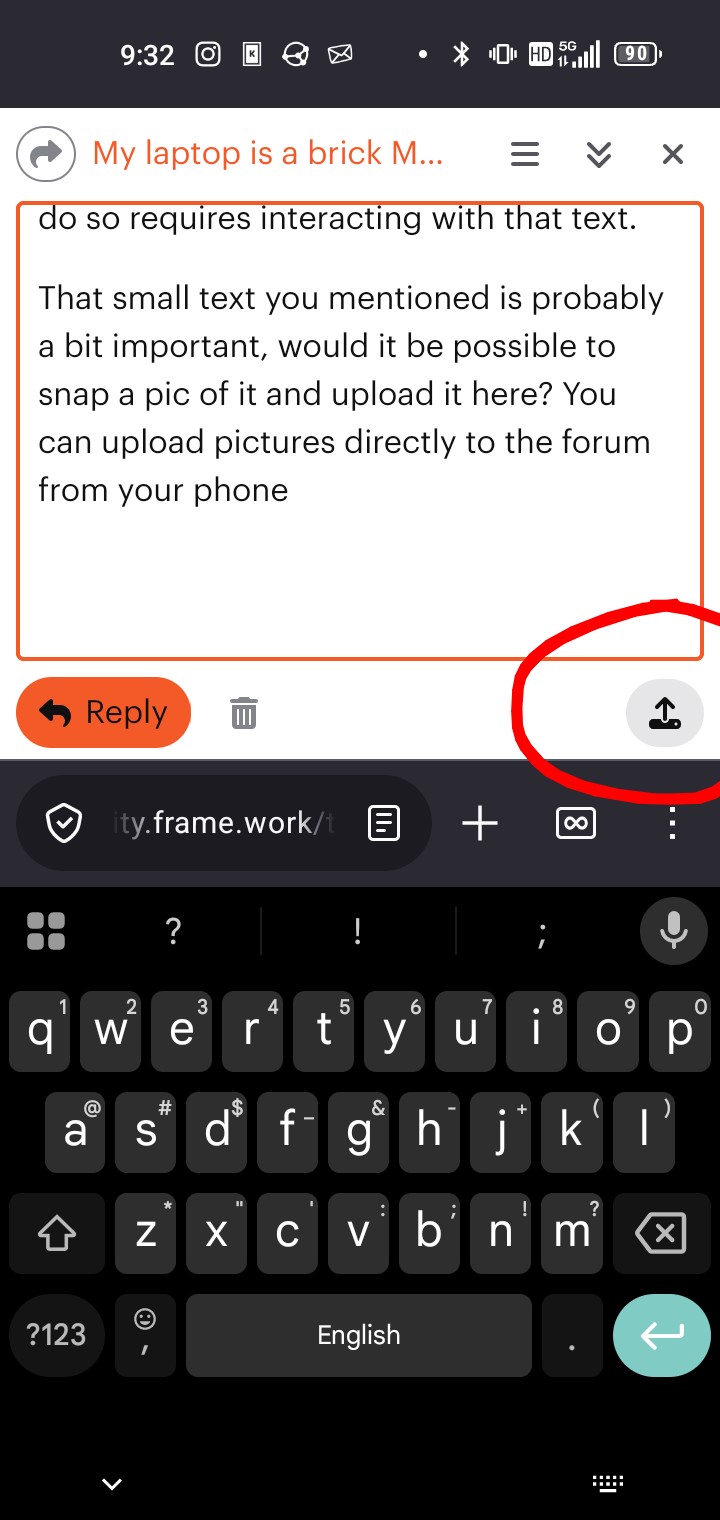
That small text you mentioned is probably a bit important, would it be possible to snap a pic of it and upload it here? You can upload pictures directly to the forum from your phone, I’m doing so now to show you the icon to tap.

To help, someone would need to understand better the current state of your laptop. Snapping some pics as it turns on, especially if it ever stops at a certain screen and doesn’t go any further, would be helpful to understand the current state of the machine.

The good news is, if you’re booting to GRUB, we can easily launch an operating system and check out what’s going on with your machine.

Also, if you have access to an external keyboard, that could be helpful to checking if there’s a hardware issue with your laptop or a software issue in recognizing keyboards. I’ve had issues with hardware modules in my framework machine because a wire got pinched before so it’s possible.

2 Likes

So after I gave up for a while, I went back and downloaded Pop OS. Funny enough it was loaded and running in 10 minutes……and the freezes the screen after just a few mins. The mouse will work but the keyboard is dead and nothing other than the mouse is working. Takes a hard reboot to get it back……I was thinking of trying an older version of Ubuntu….do you think it is worth the effort ?

I might be worth the effort however I would respectfully suggest that impatience is not your friend. Forums can be frustrating support mechanisms, particularly since you never know if anyone if going to respond.

That said, if you ask a question on a forum and hope that readers who are familiar with your problem might offer to share that knowledge and help you out, you should do them the courtesy of addressing their suggestions and answering their questions. No one on this forum is obliged to help you. Those that offer to do so should be treated with respect.

Is understandable if you find that to be an unacceptably tedious way forward and you should feel free to try random things in the hope that you might hit upon a workable combination. However please hold off asking others for help until you have scratched that itch and are willing to tackle the problem methodically, answer the questions people ask of you and accept that many of us will invest our time in researching a proposed solution before replying.

2 Likes

You did disable secureboot right?

Hi,

With Linux, the part of it that has all the device drivers is called the Linux kernel.
It appears one of your main problems is the keyboard, mouse not working.
If you plug in an external usb cabled keyboard and mouse, you should then at least be able to type and eventually fix things.
Once you can type, you can find out which kernel you have by opening a terminal window and typing “uname -a”

I had problems with the keyboard on my FW16 when i first got it, and using an external keyboard helped.

As others have said, following the FW provided install steps from their web site is a good start, and disabling secure boot in the bios when installing Linux.

Yes I did. Thank you.

Thank you. After several different linux versions I finally found 25.10 Ubuntu is up and working and stable.

I, for one, would appreciate some instruction on how to get larger text on the grub menu. I have tried setting the display to a lower resolution using grub options, but that didn’t change things.

I’m currently using Fedora 42 with 6.15.8 kernel for what difference that may make.