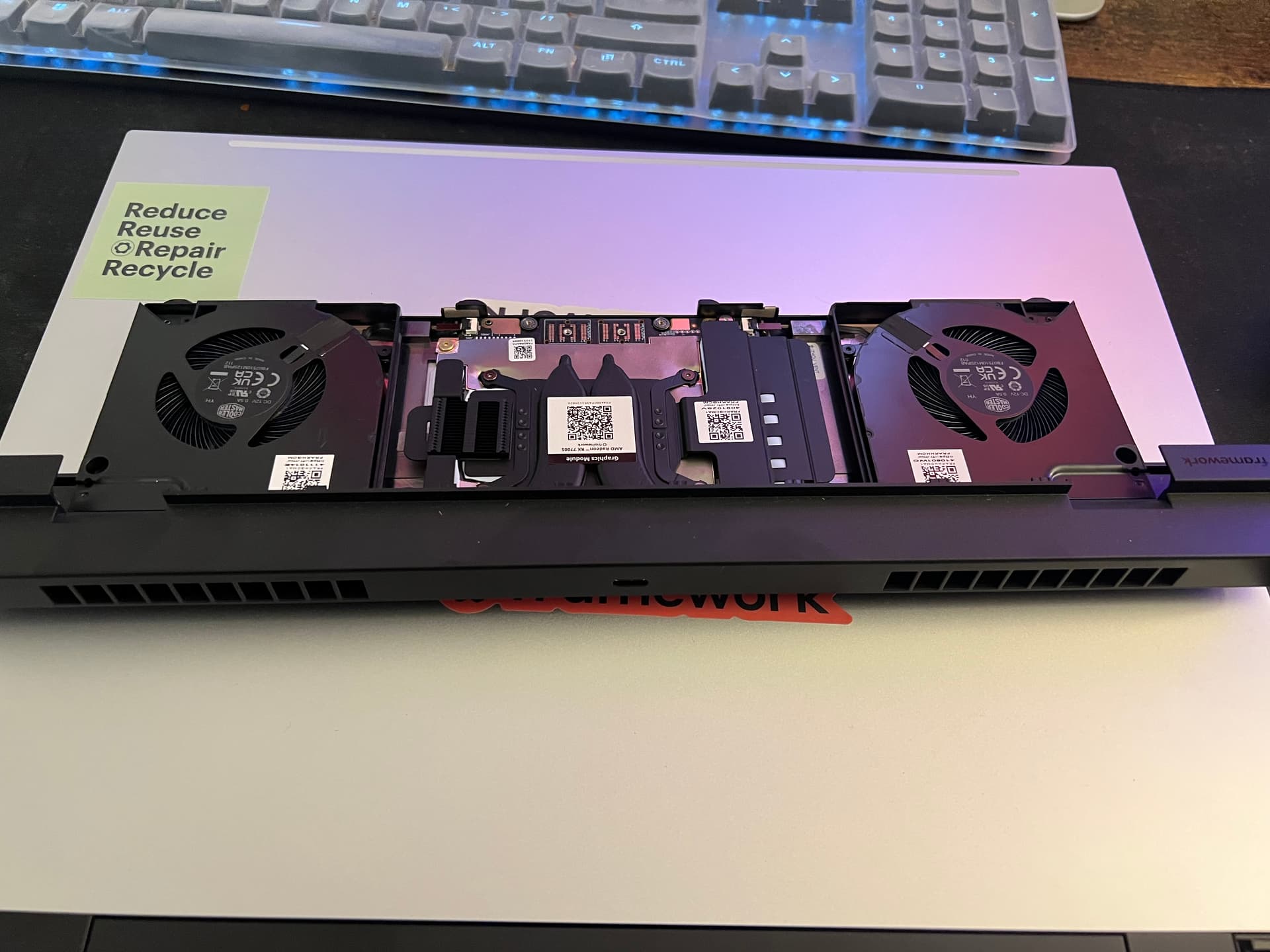
Which release of your OS (Operating System / Windows 10, 11)? 11
Which Framework product Laptop 16, AMD 7040 Series GPU NVIDIA® GeForce RTX™ 5070, AMD
So i assembled my brand new Framework 16 and tried to power it on, but there are no lights and no fans. checked the power strip i attached it to, tried another one, still did not work. removed the battery, waited an hour, still did not work. i am going to think at this point its the power brick but i only just ordered a USB-C tester and it will come in the mail tomorrow. Is there any thing else i can do to isolate the problem? i sent out a request to framework about 2 days ago but have not herd back. how long does customer support usually take to respond to service tickets?
Thanks for reaching Framework Support. We are sorry to know that your laptop is not turning on. For us to address this, we need to gather some relevant information.
Could you please provide a photo or video that demonstrates the issue you are experiencing? If the video file is large, you can upload it to YouTube or Google Drive and then send the link here.
Just to clarify, did the issue occur right out of the box?
If yes, can we have photos of the box to make sure that there are no indications that the box has been tampered with during delivery?
Can we ask you to plug in the charger to the laptop without an expansion card? This will help us determine if any of the expansion modules might be affecting power or functionality.
If available, please connect an external display to your laptop to see if it replicates the issue.
Capture a video of the side LEDs for at least 2 minutes after pressing the power button. Post/Blink codes usually show a minute after pressing the power button.
May we know the troubleshooting steps (software/hardware) that you have tried so far? The reason why we asked is for us to prevent the steps that you’ve already taken.
We look forward to your response. Thank you! | | | |
|----|----|----|----|
how do i plug in the laptop without the expansion card? i dont have anywhere else on the board i can plug it into, unless someone else knows?
Remove the expansion card and plug the charger into the USB-C port in the recess where the expansion card normally goes. I think, they mean it like that.
It plugs into the sides of your laptop. They mean that you should remove one of those and plug the charger into the USB-C port that the card plugs into.
Be sure to try one of the ports numbered 1,2,4,5 from this page as only those can receive charging power.
If you have any other USB-C chargers at all for other laptops in your household which provide 45W or more, try those. Also, check if the small black dot between two expansion cards lights up when you plug in the charger.
i was originally confused as to how to connect the usb-c cable since it is bent at a 90’ angle but i found out i can just flip that side to the brick and use the straight cable for the connection. it looks good now, so it seems like its a expansion bay problem?
I very vaguely remember that the old generation motherboards (7040 series) will only be able to receive power inpit through the GPU module after a BIOS update which is going to be released in the future.