Processor 11th Gen Intel(R) Core™ i7-1165G7 @ 2.80GHz 2.80 GHz
Installed RAM 64.0 GB (63.8 GB usable)
System type 64-bit operating system, x64-based processor
Edition Windows 11 Home
Version 21H2
Installed on 4/28/2022
OS build 22000.652
Experience Windows Feature Experience Pack 1000.22000.652.0
eGPU: NVIDIA GeForce GTX 1060 6GB
Enclosure: HP Omen Accelerator
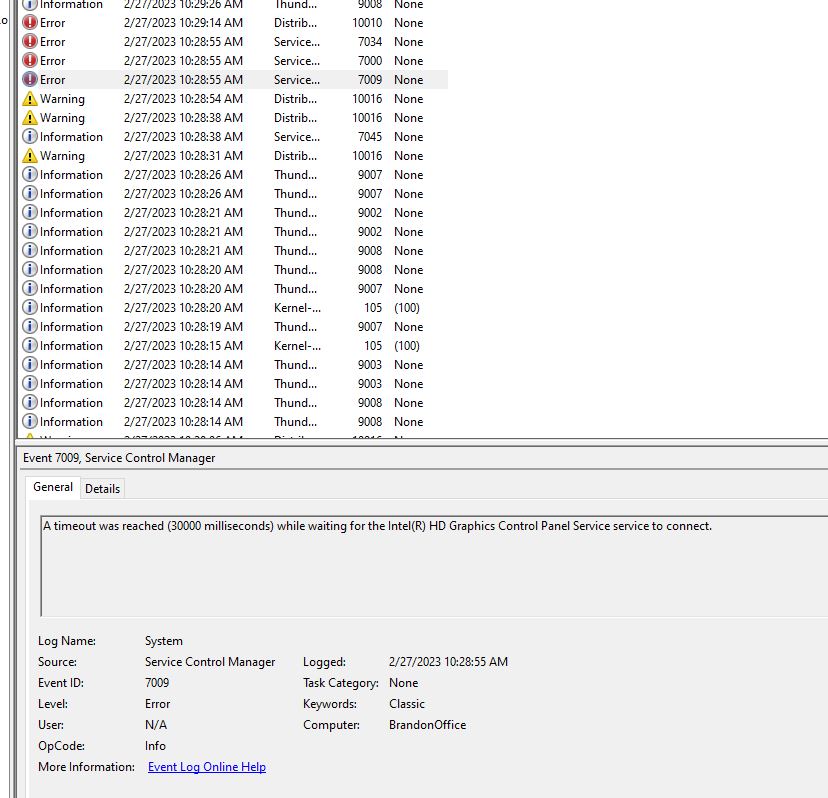
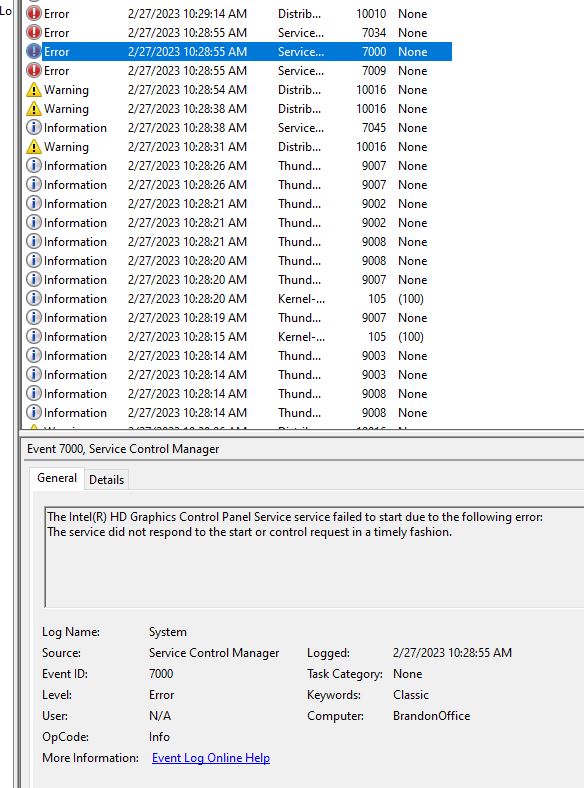
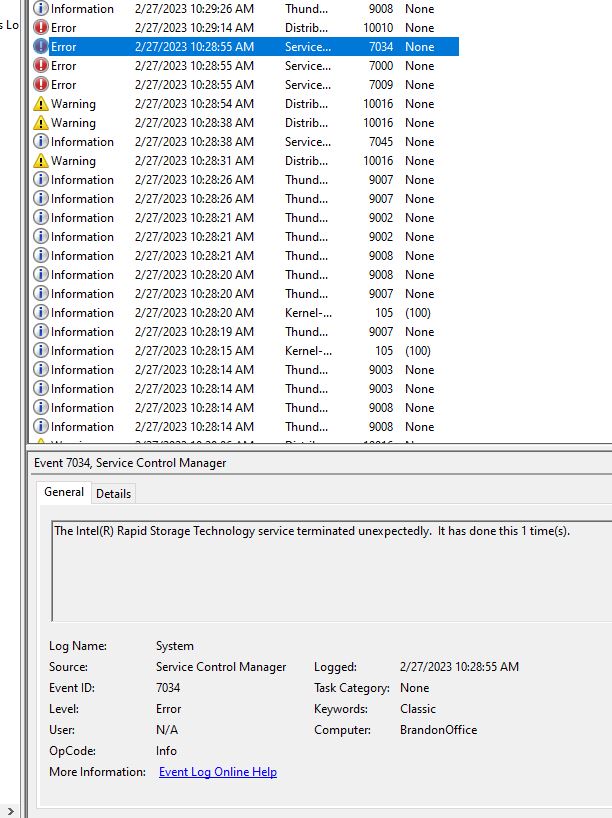
While my laptop is plugged in to the eGPU, which is connected to an acer KA272 monitor (1920 x 1080@75 Hz), it seems to freeze every 2-5 hours. The only way I can stop the freeze is to hold down the power button for 10 seconds until it shuts down.
When not connected the laptop runs fine, but I really want to be able to use my full workstation without fearing for losing my work every few hours. What should I do?
I have also noticed that the boot order changes, triggering the bitlocker security key if I try to turn it on while plugged in to the eGPU. Could be related?
I have almost the same setup for my framework (just less memory than you) and the same video card… the only difference is I am using a different eGPU enclosure and I don’t have any issues at all… does the Omen require some kind of software or driver to be installed?.. maybe a reinstall of that or video card drivers?.. or maybe even a different TB port on the laptop for the dock? As for the bitlocker theory, I don’t think that has anything to do with it since I had my bitlocker triggered as well when turning on with the eGPU plugged in and I still never had it freeze on me.
Some enclosures are fiddly. My Akitio’s have been solid, my coworker’s Razer’s are incredibly temperamental. I would also check your Thunderbolt cable as well as the eGPU’s power supply.
Did you find any resolution on this? I’ve started having the same issue (I think) and I also have an 11G with external GTX 1080 (in a Razer enclosure). It started happening to me a few months ago, infrequently at first but now it’s happening a several times a week.
I just experienced the same thing on my business laptop with 10th gen i5 and windows 10. Seems like it is not laptop specific issue. Intel drivers? or Razer box firmware issue?
Since posting that I’ve updated my nVidia drivers, Framework driver pack, and Framework BIOS. I haven’t been able to find drivers or firmware for the Razer enclosure. I also changed the power saving setting that several people have reported helps, but have still gotten a crash.
I’m currently confirming that I have no issues when the eGPU is disconnected. It’s been about two days with no crashes so far, so that’s looking good. My planned next steps are to try using a different Thunderbolt port, and I’ll try a new cable if that doesn’t seem to fix it.
For completeness, my setup:
Framework (batch 6) with Core i7-1165G7, 2x16GB RAM, WD Black SN850 (1TB) NVMe
Razer Core X with GTX 1080, connected with a Cable Matters 6.6ft Thunderbolt 4 certified cable
That particular issue was supposed to be fixed…but it’s (I’m) not clear how complete / compatible that fix is in combination with various cables available on the market.
Since this appears to not be an isolated issue, I have done some testing at home. Here is some things I have tried but still am getting the freezing:
Turning off the monitor
Decrypting and removing bitlocker from the hard drive
Disk cleanup
Bought a new TB3 cable
Reinstalling the graphics drivers
It’s worth noting that while the screen usually just freezes, I do occasionally get a blue screen that gives me the stop code: VIDEO_SHEDULER_INTERNAL_ERROR
Given the recent TB4 certification, is there reason to believe upgrading to the 12th gen laptop will fix these problems?
I am also getting these freezes once or twice a day at work. i5 11th gen connected to Razer eGPU with RTX2070. Connected to the eGPU is ethernet and dongles for mouse and keyboard. Displayport and HDMI plugged into the 2070 for 2 Dell monitors.
Updated the Intel graphics driver to the latest version after the second freeze yesterday. Have had my monitors cut out for 5-10 seconds twice today, but no freezes.
i have a razor egpu and have same issues, some days more tempermental than others.
never done it to me while actively using GPU like playing games. but desktop work, like using illustrator ( which does use gpu ) yesterday it locked up 3 different times just as i had redrawn my work twice, so even that theoretically was using GPU and still locked, the only thing that lessens it wwhen it starts being like this for me is to update intel drivers which does work for a short time but only lessens the occurances