Which Framework Laptop 16 model are you using? AMD Ryzen™ 7040 Series
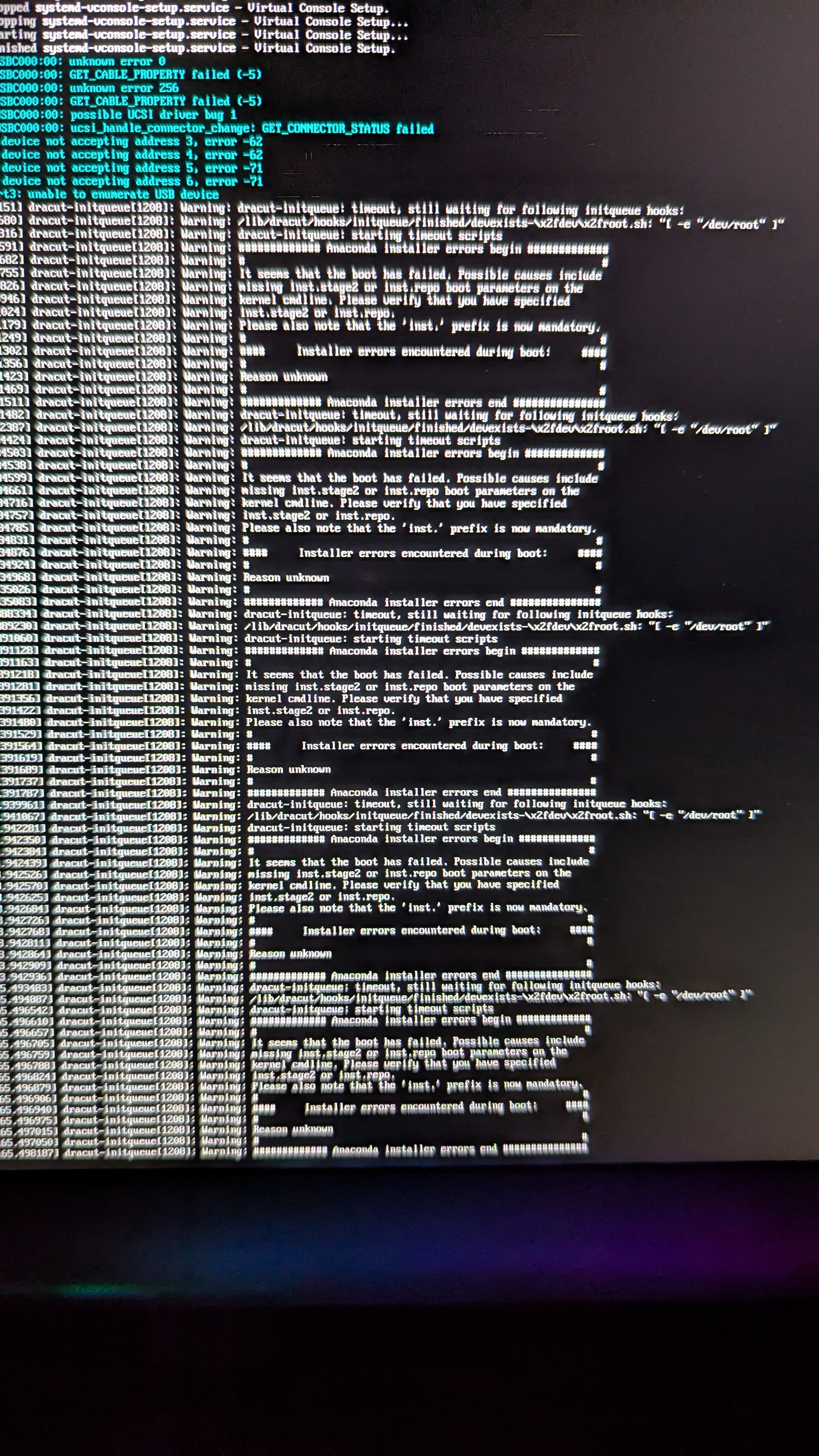
I’m trying to install bazzite and can’t even get the installer to start. I’m getting USB errors that I don’t understand. I’ve tried moving my expansion cards around and flipping the switches on the webcam/mic. I have the numpad installed. I’d try putting the keyboard center but I don’t have the blanks and it doesn’t work without those. I’ve also tried no expansion cards except the usb-a with the installer. Not sure what else to try
Which ports are you using? I’d recommend using ports 1 or 4 for the most reliability.
Also make sure you’re using the x86_64 version, we recently had a member try to install an ARM distro. I also assume the flashdrive itself is ok and that you’ve tested a 2nd one. They die all the time at any point.
I tried a new usb (it’s a ventoy drive and I just put the bazzite image on the images partition) and I get this error in post and the laptop turns itself off. Going to try burning it directly to yet another flash drive. Tried this drive in both ports 1 and 4