OS: Windows11 25H2 (and tested with Live Boot Mint)
FW16, AMD Ryzen™ 7040 Series
I recently discovered, that the inbuilt speakers of my FW stopped working.
External sources (screen via HDMI, headset, BT speaker) work normally.
I went through several loops of uninstalling the Windows drivers, restarting, and reinstalling the driver bundle, but no luck.
Windows itself sees the speakers, and considers them working. When trying to play a test sounds, there is the proper animation, indicating that it assumes a tone has been produced.
After running out of options under Windows, I booted into Mint from USB, making sure to flip the Audio Compatibility toggle to Linux in the BIOS. But no luck either.
My biggest issue is, that I cannot pinpoint when it stopped working, as I mainly use my headphones or external speakers, so I’m not sure if it still worked after I needed to open it up to replace the Liquid Metal.
Is there anything else I can try before opening a ticket? The only thing I could think of would be to reseat the speaker connector.
What you already mentioned would be my first recommendation. Reseating your speaker connections to see if that solves the issue since you did open your laptop previously for the LM. Something may have accidentally gotten disconnected.
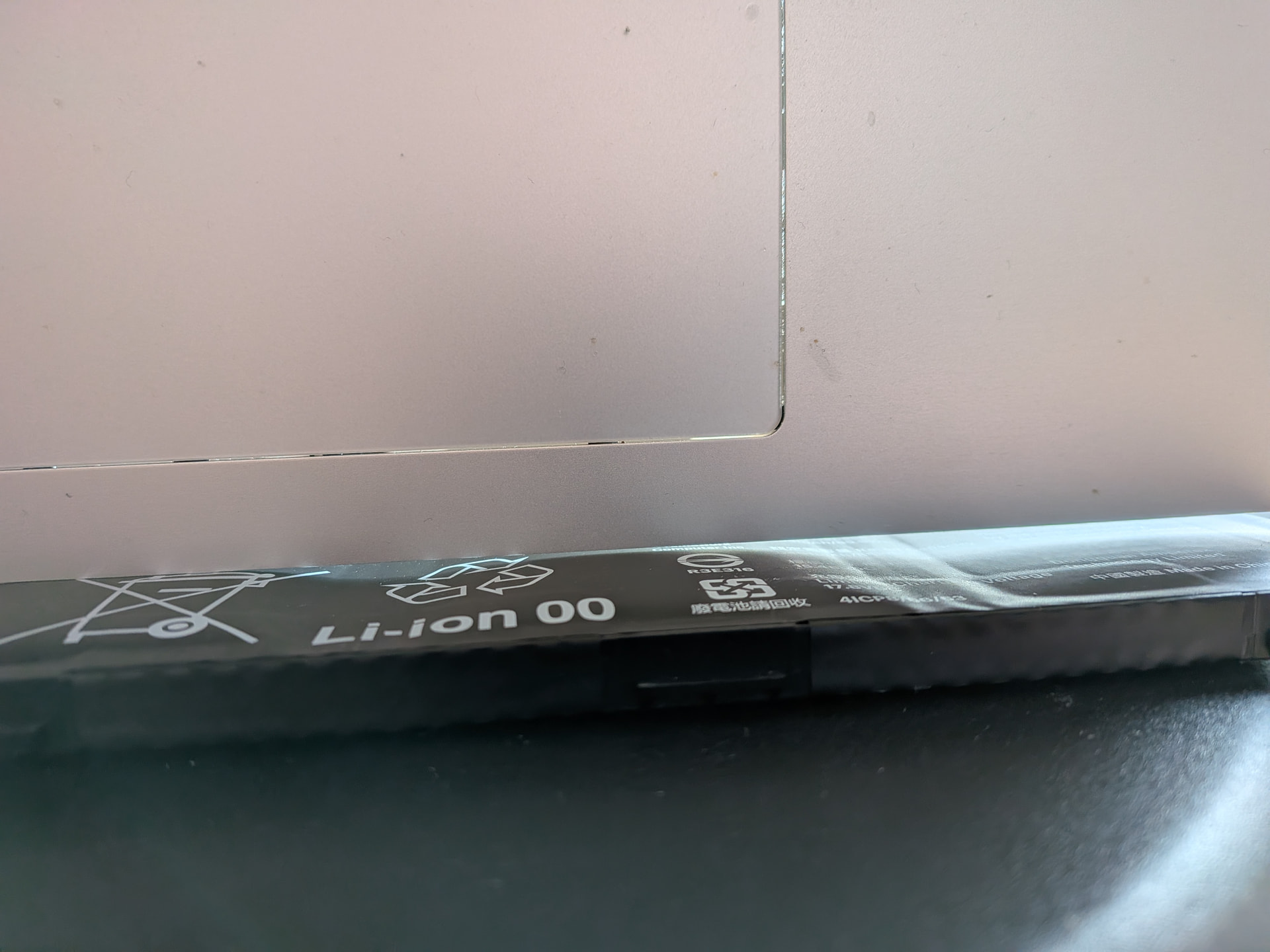
Spicy pillow that battery definitely looks like it has seen better days. As for the residue, is that possibly from the battery? I’m hoping it isn’t in worse shape than we realize. If not that, likely from packing the laptop in and out of a bag or something and it’s just needing cleaned out?
As a reminder, if the laptop lives plugged in for the majority of its life limit the charging to 80% in the BIOS.
The newer BIOS versions have some code to recognize it has been plugged in over a number of days, however this counter is reset when it is unplugged and used for 30 minutes (say to take it from a desk to a couch or bedroom) Turning off this feature and limiting it to 80% will give the battery a better chance of surviving long term without issues.
I doubt it’s from the battery, as it doesn’t show any signs of leaking.
I tried cleaning it with isopropanol without much luck. It gets darker while moist, but it only got marginally better with gentle rubbing of a cotton swab.
I’ll report back as soon as I have my replacement battery.
Audio was fixed after reseating the connector, and it looks like the deposit is normal, because it also shows up in the guide ( Speaker Kit - Framework Guides ) to some degree.
Warranty case for the battery is being processed, so everything is fine again.


 that battery definitely looks like it has seen better days. As for the residue, is that possibly from the battery? I’m hoping it isn’t in worse shape than we realize. If not that, likely from packing the laptop in and out of a bag or something and it’s just needing cleaned out?