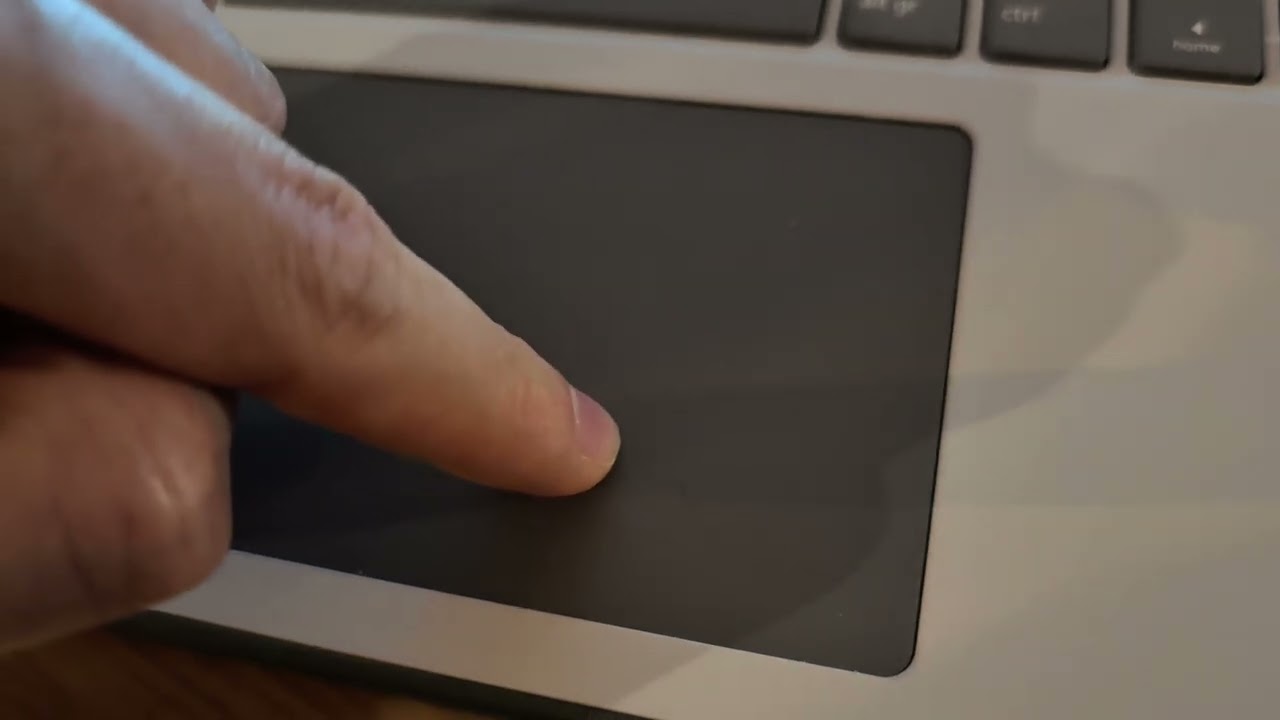
I’ve noticed a touchpad issue today: when pressing down in bottom-right area, it registers a sort of “double click”, and I can also feel and hear the tochpad dipping down twice. If you crank up your volume, you can hear it in the video attached below. It ONLY happens in the bottom-right (around 2/3 to the right), other areas seem unaffected.
Any idea how to fix this? Should I contact support? Thanks!
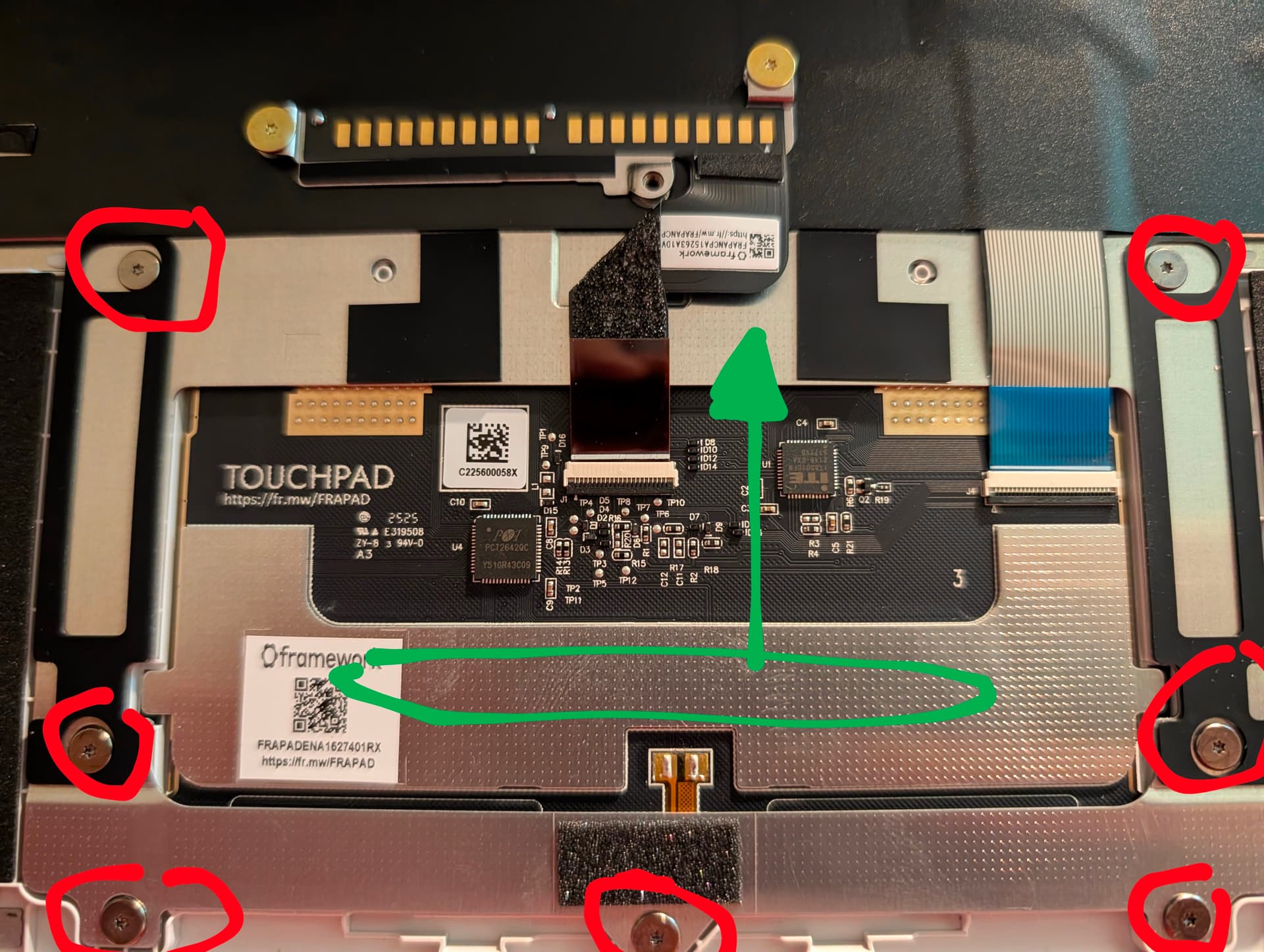
Somebody mentioned a similar problem in another thread a couple of days ago. They took the touchpad out and there was a spring steel piece they played with to fix the problem.
I also had this on my Framework 13 (AMD 7840U), but on the left side. After a long back and forth, Framework sent me a new input cover.
But now a few months after replacing the input cover, the same issue reappeared again unfortunately, this time on the right side as in your video. Very annoying.
@Jacob_Seifert for what it’s worth, here are some suggested fixed:
I took out the keyboard cover, loosened the seven screws as shown in the photo, then applied a slight shearing pressure and force on the touchpad to push it upwards, then tightened the screws again. essentially, this repositioned the touchpad slightly towards the top and widened a submillimeter gap between the touchpad and chassis on the bottom part of the touchpad.