If you haven’t seen the recent Q&A stream with the Framework CEO @nrp about the recent FW16 updates, you might find it here:
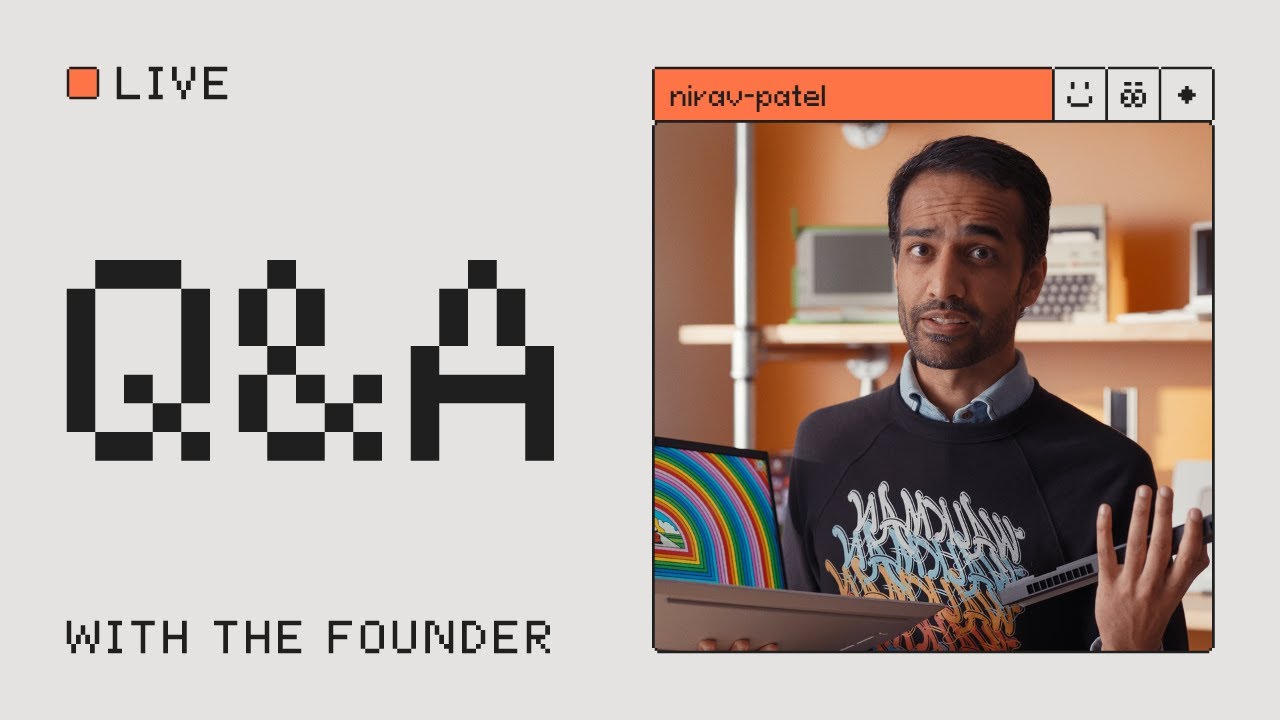
So I thought about making a condensed transcript of the questions and answers to make it more accessible and reference-able:
Q: Does the 5070 have only 8GB of VRAM? Why not more?
A: So we have a good question here. Why does the 5070 have only 8 gigs of VRAM? Why not more? So I’m actually going to grab a graphics module so we can look at it and that’ll make it a bit clearer. Actually this is this is the uh first generation the RX 7700S but actually the geometry and layout here is pretty simple. And the key thing is that when we lay out modules like this this placement here the core around the GPU itself the memory and the voltage regulation is all very clearly defined by the graphics vendor whether that’s AMD or Nvidia. And so in this package space here that we have in terms of layout, in terms of the thermal solution that we’ve built, there is kind of a sweet spot for which GPUs we can actually bring in. And so for this generation of Nvidia graphics, the 5070 was the best one that we could fit in here. It is really kind of aimed at that 100 watt TDP, which we’re able to deliver in the graphics module. Dimensionally, it did just barely fit. And the 5070 specifically uses four packages of GDDDR7 that are laid out very very specifically around the GPU. There’s really only space for four. If we wanted to go to a different part in that Nvidia GPU stack like the Ti or the 5080 or 5090 that actually requires more memory packages which physically wouldn’t fit here. There is a world where we could do top side and bottom side of the board. It would mean that we’d actually have to grow the thickness of the graphics module. Technically, that’s possible. Ergonomically, it would be pretty challenging and that this would really start to not make sense from a form factor perspective, the actual Z-stack there. And so basically as we looked at all that we decided that the 5070 really was the sweet spot for the Framework laptop 16 and the 5070 itself in the laptop configuration is limited to 8 gigs of VRAM. So four packages that are 2 GB each in a world where in the future we can find a way to get higher capacity in there or like come up with a way to lay out some way differently to be able to deliver in these dimensions a higher capacity. We would love to do that, but this generation 5070 8GB is it.
Q: What is the compatibility matrix for the new modules/improvements announced? Is everything backwards compatible with previous shipped FW16?
A: Is everything backwards compatible with the previously shipped framework Laptop 16? The answer is yes, actually. So, the new graphics module you can pick up for an existing framework Laptop 16. We actually have it available for pre-order now and before we actually start shipping the module pre-orders by themselves, we are going to release a BIOS update and driver bundle update for the original Framework laptop 16 where we’ll actually add that compatibility for the new graphics module. The top cover, you can swap in the webcam. You can swap in the new mainboard. Obviously, you can upgrade the main board in a Framework Laptop, any Framework Laptop. Uh, the only one that is a little bit trickier is the display. So we’ve got G-Sync support on the new version of the display. It is actually basically the same display as our first generation display, the second generation version, except that it has baked in like low-level firmware within the panel that supports G-Sync. We actually have tried
to find a way to update the firmware on the original panel. We weren’t able to do that. And so to get G-Sync support with the new 5070 module in an original Framework laptop 16, you would actually also need to pick up the new panel, the new second gen version of the display. If you are happy with just, uh, regular free sync or uh what is it? VESA VRR support that is still present in the original display.
Q: Is the 240 watt charger necessary for any of the new hardware combinations?
A: You actually can use the original 180 watt adapter with the RTX 5070. The TDP is still 100 watts on both of these. With the 180 watt, if you’re under full system load and you’ve got things plugged in, it is still likely going to draw down the battery if you’re playing like a super intense game. However, if you switch to 240 watt with the original Framework Laptop 16 with the new graphics module, then you can basically run at full system load and like have, you know, USB devices plugged in without drawing down the battery. And so basically the 240 watt is not necessary, but it is still helpful if you want to be able to fully load up the system without the battery draining.
Q: Is the charger also compatible with super fast charging for the Framework 12?
A: It would be absolute overkill for the 12. So, actually both the 12 and the 13 support up to 100 watts in terms of the actual USB PD controllers and the charge circuitry on the main board itself, it only supports up to 100. Which is actually really enough for the the power levels that are there. So, basically, if you plug in either of these things, it’ll still only get up to 100 watts. And so if you’re like charging a battery and running at full system load, you can probably utilize the 100 watts, but you couldn’t really use more even if we did support that from an interface perspective.
Q: What are the improvements in the second gen display for the FW16?
A: It looks identical to the first gen because electrically and mechanically it is actually identical. The only difference is that it is certified for G-Sync and certifying it for G-Sync required new firmware that’s on the actual panel itself. So in the like the display controller IC that’s in this in this area here on the bottom of the panel. There is baked in firmware that actually we don’t have control over. The display vendor has control over and that is updated for G-Sync support. But otherwise the specs are the same. So 165 hertz 500 nit what else is important 100% DCIP3 color space 16 inch and resolution is 2560 by 1600.
Q: Is the AMD GPU option new compared to the original?
A: There are two differences or no three differences on the newest version of the Radeon RX7700S GPU option versus the original that we shipped in Framework Laptop 16. The differences are actually the fan blade geometry, the thermal paste and some of the geometry on this shell itself. And so on the new Framework Laptop 16, we introduced new fans for the graphics module with reoptimized geometry on the fan blade. So actually the blade count is slightly higher. The fan IC is new to reduce noise. We’ve switched to Honeywell phase change thermal interface material and we slightly adjusted the geometry of the shell itself to change the airflow pattern. And so those changes now we’ve also brought into the AMD graphics module. And so in our marketplace, you can see now that there’s a second gen RX7700S and a first gen. And so those are the three differences, but otherwise the actual PCB itself is the same. So that the physical GPU is the same, memory configuration is the same, but the other parts of improving the thermal solution are now there in the new version.
Q: What was the main challenge with making the Nvidia GPU module?
A: The main thing actually is that we are the only company doing modularity on this thing. Um, but actually it’s not it’s not so much the modularity on the new generation that’s a challenge. So basically pairing an RTX 5700 with AMD Ryzen AI 300 series, that combination exists in a lot of laptops. And so going from that in other laptops to our version that’s modular was relatively straightforward compared to the other challenge of making sure that the RTX 5700 is backwards compatible with Ryzen 7040 series. As far as we know, we’re actually the only laptop maker shipping that combination. So, the Ryzen 7040 plus RTX 5070, I think we’re the only laptop with that. And then actually also the other way around, the Ryzen AI 300 series processor with Radeon RX7700S graphics. We are also the only laptop maker shipping that. And so, we basically have three entire combinations here of CPU and GPU. And we’re the only company shipping two of those. And so that’s where a lot of the complexity came in with our team, with our team at Compal that we work with, our manufacturing partner, and then also, of course, the teams at AMD and Nvidia. So, a lot of very deep engineering, but we’ve got an awesome team. They did great work getting this thing up and running.
Q: How is Linux support with this model especially with Nvidia?
A: I know there’s a perception in the in the broader world that Nvidia support on Linux is dicey. Actually in practice we found that it it seems to actually be pretty solid. You can you know load up uh well actually let me rewind a bit. So we’re going to of course have guides that we publish around our recommended Linux distros. So officially recommended and supported and also community supported. And so those combinations that we publish guides for those are ones where we can confidently say like yeah it works out of the box it’s super smooth have any of the setup steps that are necessary to like make sure that it’s super smooth. So in general actually it is going to out of the box work with the distros that we recommend with Nvidia or with AMD. We also know that there is there are still people who prefer the AMD drivers. AMD obviously has invested a ton in the maturity of the open-source Linux graphics driver stack that they have and that is why we’re offering both options, actually, that and also for price reasons of course the 7700S the price point is a lot lower than the 5070. So basically you can choose between do you want higher performance and you know you have to check if it’ll work with the Linux distro or Linux setup you have or potentially slightly mature more mature Linux drivers along with lower price point. Um but a bit of a step down in performance on the older generation.
Q: Does the USB-C on the new GPU module support VRLINK/Virtual Link?
A: Well, actually, let me think. Does it support it? No, actually, it doesn’t support it. So, it does support uh charge input. It supports display output. It supports USB 2 output. If I’m not mistaken, virtual link requires being able to swap out the USB 2 lanes to enable USB 3. This like very specialized protocol that we do not support.
Q: How much VRAM can be allocated or how much RAM can be allocated as VRAM for the Ryzen AI 9 HX 370?
A: So for the integrated graphics side, how much can you allocate as VRAM? And this is another one we’re going to have to fact check, but I believe the answer is up to two thirds you can you can configure in the BIOS settings. In Windows, of course, there is actually Windows and Linux the system can dynamically allocate RAM and VRAM um on Windows at least. Actually, maybe I have to double check the Linux side of it. And it’ll dynamically allocate up to half of what is normally the system memory to be uh graphics memory in addition to whatever you set as the dedicated graphics memory in BIOS. In Linux as well actually you can set kernel parameters to adjust the allocation to VRAM and you can adjust it actually to be even higher than 2/3 but or 3/4ers but in general you probably wouldn’t want to go higher than 3/4. So basically if you’ve got 96 gigabytes of DDR5 which you can can load into a Framework Laptop 16 with those two SO-DIMMS you can allocate whatever the math is. Who’s good at math? 3/4 of 96. All right, we’re not going to break out the calculators. Whoever’s good at math, 70, 74 something like that. Okay, anyway, you can allocate up to that.
Q: Can we replace the fan in the older graphics module?
A: Yes. So in the framework marketplace, we are going to make the second gen fans available and it is just dropping compatible. So you can take the new fan, pick it up on the framework marketplace, drop it into the original graphics module. Technically, if you wanted to, you could also repaste the 7700S to get the Honeywell phase change thermal interface material. You could also, if you want to go all the way, even pick up the new shell, the second gen version of the shell to get the new geometry in there. And so you actually can convert the original first gen AMD graphics module to the second gen if you replace all those parts.
Q: Would you be able to talk more about memory speeds?
A: We have two slots of DDR5 just like on Ryzen 7040 series. And this runs at the same speed. So, it is DDR5 5600. And we have support for up to six or 96 GB. So 2x48 GB sticks, that’s what is available for pre-order right now. We are actually also testing 64 gig modules and if the validation process goes well, then we’ll also add that to the list of compatible modules. Those will also be at 5600 speed. And that is the fastest DDR5 that’s available or compatible with the Ryzen AI 300 series.


