You don’t seem very technical so forgive me for asking, are you sure you weren’t installing from the network?
ps. no, I will not follow your link. it’s bad practice to follow user controlled link, and I bealive you are more then capable of describing the issue.
I took another read of your description of the problem. I have one important question freeze as in stops working and requiring a rest, or freeze as in a short pause and a recovery? (a stutter if you will)
Nope I was installing a program whose setup.exe was already downloaded. I’ve pasted the link in plain text so you can check that it’s a legitimate Google photos domain but that’s fine if you’re uncomfortable.
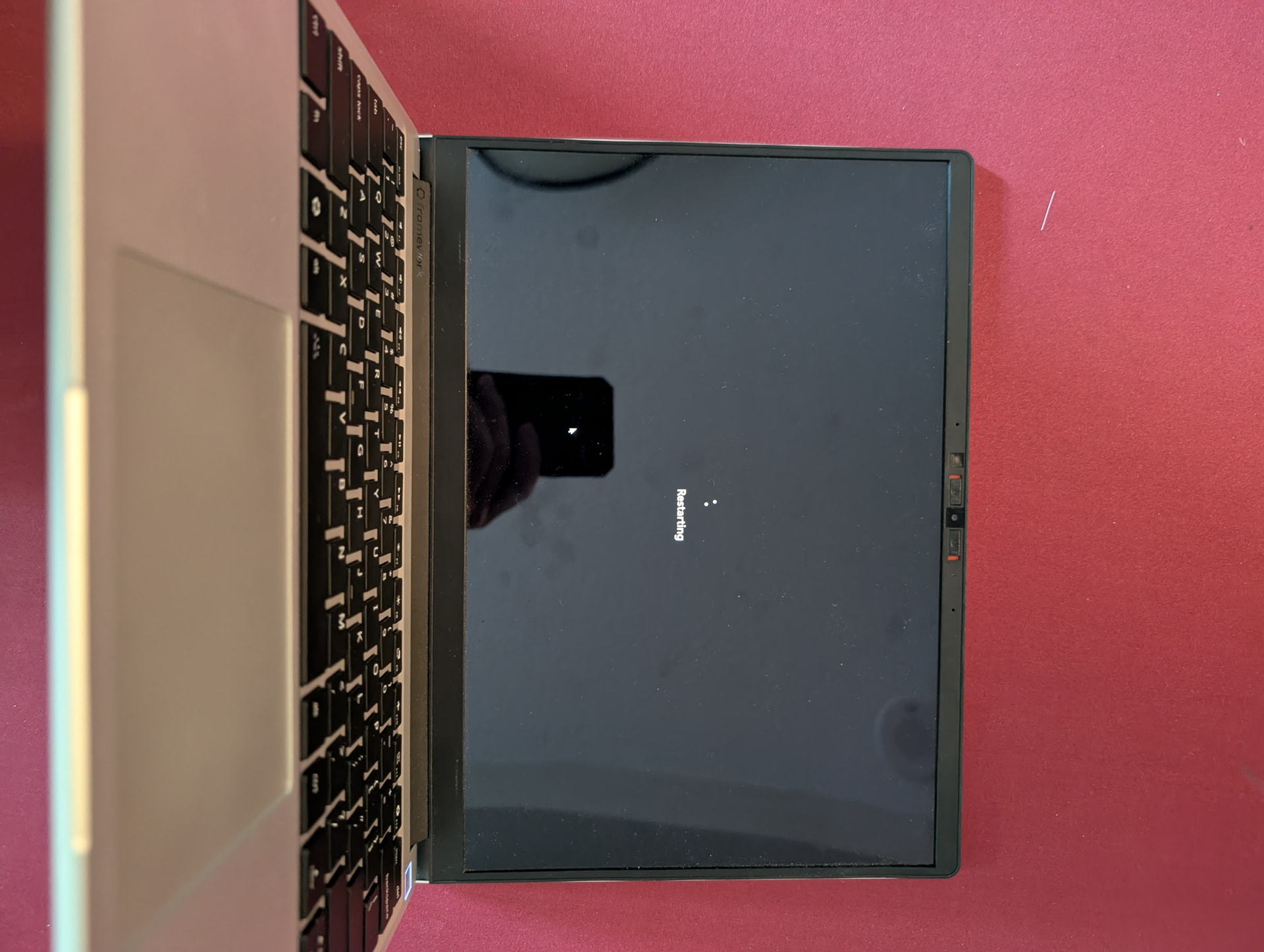
The freeze basically requires me to shut down the computer by holding down the power button until it turns off.
I work as a programmer during my day job so you can be more technical in your questions.
I ran both the long generic test and the long self test using WD tools but both tests turned up nothing. I was using claude code before I posted to try to figure things out as well. I updated my SSD firmware and tried going through windows logs but the firmware update didn’t help and there weren’t any logs around the time of freeze.
A few things to consider on the hardware end of things:
The first gen chassis is not very stiff. There have been scattered reports over the years of the NVMEs becoming “Loose” causing a similar pattern of random disconnects and hard freezing.
The fans on the 11th gen systems are starting to fail (a few hits here and there), if the CPU slams into a thermal limit it will kill the OS. In your video, I do not hear the fan.
Were it me, the steps I would take are the following:
Boot into a live Linux environment (Something based on kernel 6.8 or newer), pull the SMART status (With something like “disks”) of the drive from there to see if the drive is really on it’s last legs.
If the drive is not, try thrashing on the system (Videos in multiple tabs can do this pretty well) in that environment, and start listening for the fan to ramp up. You ‘should’ be able to monitor temps in that environment with a basic tool like “sensors”, or one that is based off it like “glances”. If it freezes in the Linux environment, we can rule out the SSD or OS installation issue.
based on how the system is responding in the Linux live environment, change the approach.
If the issue is Fan/temp based, open the computer, verify the fan spins visually, if it does not; buy a new one and replace it. If the fan ‘does’ still spin, prepare to re-paste the CPU with new thermal compound or a TPM sheet.
If the issue is SSD SMART status based, backup what you can from the drive (I’d pull it and back it up in an enclosure to reduce the load of an OS loading), procure a new one and install fresh, restoring your files. If the SMART status checks out, I’d make sure it is fully seated, and the fastener is holding it in the right spot.
If the issue is not reproducible in the Linux Live environment at all, and the SSD checks out it is ‘probably’ windows then. Time to back it up, and re-install fresh. Start with the Framework driver bundle, and go from there with updates and then your software.
This is based off your notes of a clean memtest, latest BIOS, and a return to the defaults. Because you are using windows 11, there is a non-0 chance that the SSD is encrypted by BitLocker (Because MS knows best), and that will make some of this troubleshooting more difficult, and backing up a PITA if the OS cannot be accessed; I hope you have your key backed up somewhere ‘not’ your MS account.
I actually replaced my chassis a couple of months ago cause my old one got a dent so I’m not sure if that is an issue but I’ve tried reseating my SSD just in case.
The fans don’t seem to turn on when the laptop is frozen but they do blast normally. I’ve loaded up 10 youtube videos in parallel in the live ubuntu and things are chugging along. I repasted the CPU with ptm a while ago.
The SMART status is healthy.
I’ll leave the linux test running for a couple more hours and then I’ll try reinstalling windows.
I reinstalled windows a couple of weeks ago and I haven’t encountered the freeze issue since. No idea what happened but I’ll update again if I have another issue.